Google Ads Click Fraud: How To Spot It And What To Do
It is real, it is less common than people think, and Google already refunds a lot of it. Here is how to tell the difference between fraud and a bad week.
Google Ads click fraud is what most people suspect the first time spend jumps and enquiries do not. Sometimes they are right. More often the cause is duller: broad match, Search Partners, or a competitor who launched a campaign and pushed up the auction.
This guide covers how to tell the two apart, what Google already credits back automatically, and the handful of things you can actually control.
Quick Version
Google already filters a good deal of this. Clicks its systems judge invalid are stripped out before you are billed, so the money is usually already back before you notice.
- Add the invalid clicks column to your campaign reports. That is Google telling you what it already caught
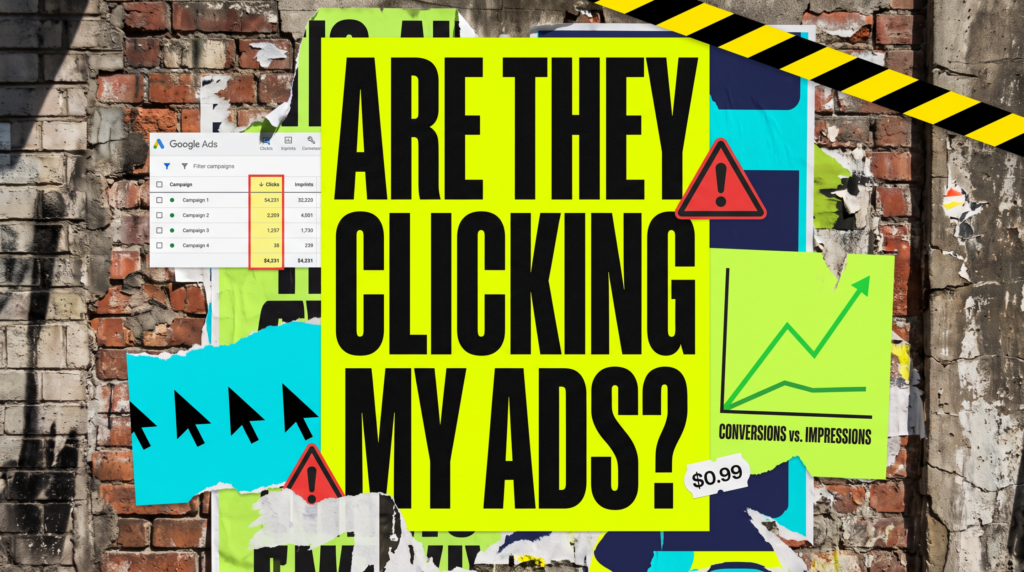
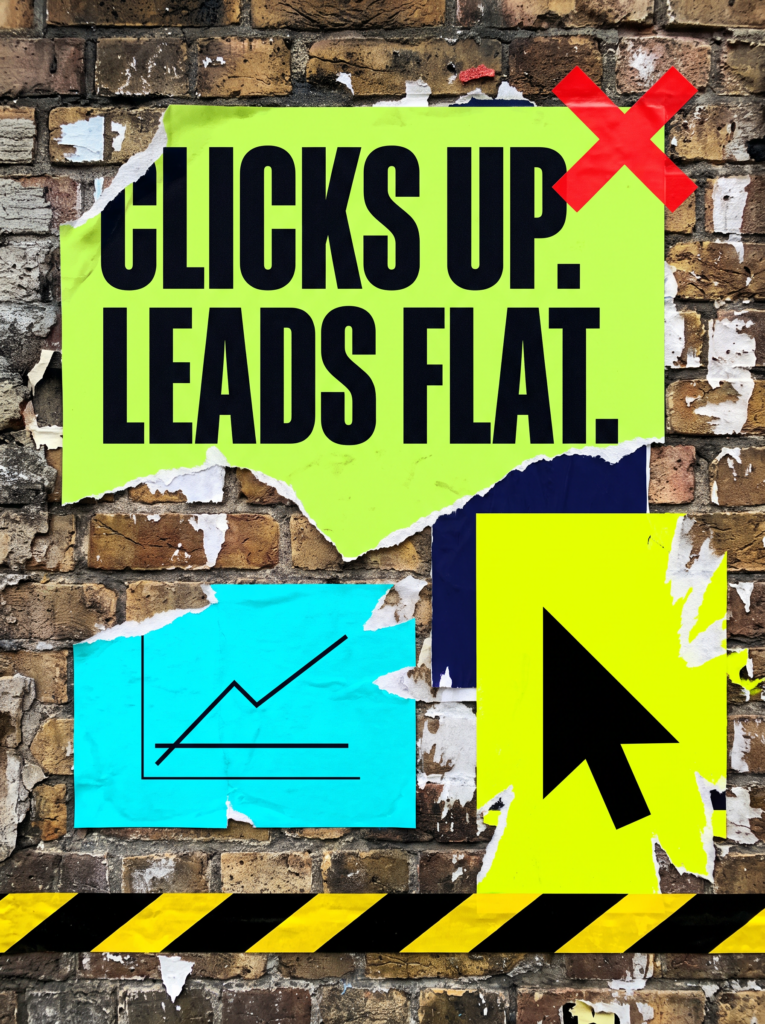
- Compare clicks against impressions. A jump in clicks with flat impressions is the shape worth investigating
- Check whether the spike lines up with a competitor launching, a price change, or a seasonal peak
- Rule out the boring causes first: broad match, Search Partners, and the Display Network
- Local trades get hit hardest. Plumbing, roofing, legal and dental are the usual suspects
Manual clicking from a real phone on a normal mobile network is the hardest kind to detect and the hardest to prove. It is also rarer than the forums suggest, because it costs the person doing it their own time for very little return. Someone would have to sit there tapping your ad repeatedly, on a business day, to move your spend by a few pounds.
That does happen in small, bitter local markets. It is just not the default explanation, and treating it as one usually means the real leak goes unfixed for another month.
Not Sure where to start?
Most accounts we look at that suspect click fraud are actually losing money somewhere much more ordinary, and the fix is cheaper than any detection tool.

Our full guide to Google Ads click fraud
Google Ads click fraud is worth investigating properly rather than guessing at, because the remedies for real fraud and for a badly set up account are completely different, and one of them is free.
1. Rule out the ordinary causes first
Almost every click spike we get sent has a dull explanation. Broad match quietly widening your reach, Search Partners serving on sites you have never heard of, or a Display campaign you forgot was running.
Check those three before anything else. They account for the large majority of unexplained spend, and they are all fixable in a couple of minutes.
Broad match is the usual culprit. It is designed to widen your reach, and it does exactly that, which is fine if you are watching the search terms report and brutal if you are not. Search Partners is the second: your ads appear on sites outside Google, often with much worse intent, and it is on by default.
Also check whether you or your staff have been clicking your own ads to see how they look. It is the single most common source of self-inflicted waste, and it costs you the full price every time.
2. What Google already catches and credits
Google runs automated filtering on every click and strips out the ones it judges invalid before they reach your bill. Repeated clicks from one source, known bot signatures and obvious patterns are removed automatically.
Add the invalid clicks and invalid click rate columns to your campaign view. That is Google showing its working, and most people have never looked at it.
If your invalid click rate sits at a few percent, that is normal and already handled. If it is much higher, that is worth a closer look, though it also means the system is doing its job.
3. Where to look in your own reports
Segment by day and hour first. Real demand has a shape: it follows working hours, weekdays and your usual seasonality. Fraudulent clicking rarely bothers to imitate that shape.
Then look at geography. Clicks from outside your service area, or clustered in one spot at odd hours, are the pattern worth documenting.
Device matters too. A run of desktop clicks in the middle of the night from a town you do not serve is a very different story from steady mobile traffic across your actual patch during working hours.
If your analytics shows a pile of sessions with no scrolling, no time on page and a bounce straight back, that is your corroboration. One signal on its own proves nothing; three pointing the same way is a case.
4. What you can actually block
You can exclude IP addresses at campaign level, and Google lets you list a limited number. It works against a fixed office connection and does nothing at all against a mobile network, which is what most manual clicking comes from.
More useful in practice: switch Search Partners off, make sure the Display Network is not quietly enabled on a Search campaign, tighten your locations to your real service area, and move off broad match until you know what you are buying.
Those four changes fix more wasted spend than any IP block will.
5. When to escalate and when to let it go
If you have a documented pattern, Google has an invalid click report form and will investigate. Give them dates, times, the pattern you found and what you have already ruled out. Vague complaints go nowhere.
Be realistic about the outcome. Google will not usually tell you what it found or who was responsible. What you get is a credit if it agrees, and nothing much if it does not, so treat the report as worth ten minutes rather than a campaign.
Third party click fraud tools do work, but they cost money every month and mostly automate the IP blocking you can do yourself. Rule out the free fixes first, and only pay for a tool if you spend heavily in a genuinely competitive local trade.
Common Mistakes
If you are still convinced Google Ads click fraud is draining your budget after a fortnight of looking, one of these is usually what is really happening.
- Assuming a low conversion rate proves fraud, when the landing page is the actual problem
- Clicking your own ads to check how they look, which costs you full price every time
- Pausing the campaign altogether, which hands the auction straight to the competitor
- Buying a detection tool before ruling out broad match, Search Partners and Display
- Blocking a large block of IP addresses on a hunch and cutting off real customers
DIY lane vs done for you lane
DIY lane:
Add the invalid clicks column to your campaign view. Segment by day, hour and location. Turn off Search Partners, check Display is not enabled, and tighten your match types. Give it a fortnight before you conclude anything.
Done for you lane:
We look at the click pattern, the search terms and the landing page together, so you find out whether it is fraud or something cheaper to fix before you spend money on a tool.
Related Guides on the wall
If you are working out whether Google Ads click fraud is really your problem, these guides cover the causes that turn out to be far more common.
Google Ads Click Fraud FAQs

Look for clicks that do not behave like customers: repeated hits from one location, activity at odd hours, no scrolling and an instant bounce. One signal proves nothing. Three pointing the same way is worth reporting.
It strips them out before you are billed rather than refunding afterwards, so the money is usually already back. Add the invalid clicks column to see what it has caught.
You can exclude a limited number of IPs at campaign level. It works against a fixed office connection and does nothing against a mobile network, which is where most manual clicking comes from.
It breaches Google terms and can amount to fraud, but pursuing it privately is slow and expensive. Reporting the pattern to Google is the practical route.
Only if you spend heavily in a competitive local trade and you have already turned off Search Partners, checked Display, tightened locations and moved off broad match. Those four are free and fix more.
Like this guide?
Tell Google you want more like it. One click, no sign-up, and FlyPost guides start showing up more often in your search results.
Add FlyPost as a preferred sourceTakes you to Google, then straight back here.