



Why Is Google Ads Spending My Budget So Fast? Stop Wasted Spend Before It Burns Through Your Money

If you’re asking why is google ads spending my budget so fast, you’re probably watching clicks come in, budget disappear, and results fail to keep up.
That is the painful bit. Google Ads can spend very efficiently when the setup is right, but it can also burn through money quickly when targeting, keywords, bidding or tracking are loose.
This does not always mean Google Ads is “bad.” It usually means the account has too many open doors and not enough control.
The quick version
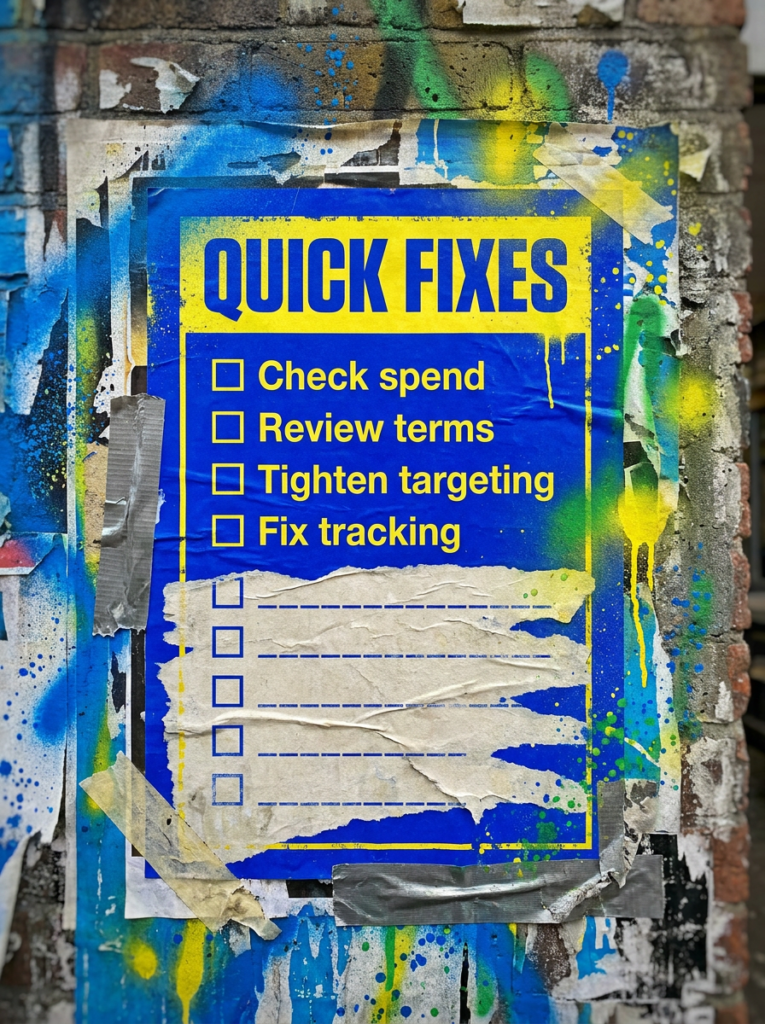
If you only have 20 minutes, start here. These are the fastest checks if you’re asking why is google ads spending my budget so fast.
- Check whether your daily budget is being paced normally
- Review search terms for irrelevant clicks
- Tighten broad match and loose targeting
- Check location settings carefully
- Make sure tracking shows which clicks actually matter
If that already feels like a lot, do not worry. Below is the full process in the right order.
Not sure where to start?
The biggest mistake people make when they ask why is google ads spending my budget so fast is assuming the daily budget is the only thing to check.
It is not.
Budget controls matter, but fast spend usually comes from the traffic you allow into the account. Broad match, loose locations, weak exclusions, poor scheduling and bad conversion data can all make a campaign spend quickly without producing enough back.
The better place to start is working out whether your budget is funding useful searches or just paying for noise.

Our full guide: Why Is Google Ads Spending My Budget So Fast
Work through this in order. Skipping steps usually leads to lowering budgets without fixing the real leak.
Step 1: Understand how Google spends your daily budget
- Check your average daily budget
- Compare daily spend against monthly spend
- Look for sudden changes after budget edits
- Review campaign-level spend, not just account spend
- Check whether Google is pacing spend normally
Google says your average daily budget can vary by day, and for most campaigns daily spend can go up to two times your average daily budget while monthly spend stays capped at 30.4 times the average daily budget. That means one expensive day does not always mean something has broken, but repeated poor spend definitely needs attention.
Step 2: Review your search terms
- Look at the actual searches triggering your ads
- Spot irrelevant queries
- Add negative keywords where needed
- Check if broad terms are wasting budget
- Prioritise searches with buying intent
Google’s search terms report shows how ads performed when triggered by actual searches, which makes it one of the first places to check when spend feels out of control.
Step 3: Check match types before blaming the budget
- Review broad match keywords
- Check phrase and exact match coverage
- Look for keywords pulling in loose intent
- Avoid giving Google too much room too early
- Use negatives to guide traffic quality
Broad match can help capture more searches, but it needs strong conversion data, tight exclusions and regular search term reviews. If those pieces are weak, broad match can spend fast and learn very little.
Step 4: Tighten location settings
- Check where your ads actually show
- Review location reports
- Watch for users outside your real service area
- Use presence-based targeting where it makes sense
- Exclude areas that keep wasting spend
Google’s advanced location options can include people in your target area and people who show interest in that area, depending on settings. That can help some campaigns, but it can also waste money for local businesses that only serve specific areas.
Step 5: Check your ad schedule
- Review spend by day and hour
- Cut times that never convert
- Avoid running 24/7 by default
- Match ad schedule to enquiry handling
- Watch evenings and weekends if leads go cold
If your ads run when nobody can answer calls, reply to enquiries or process orders properly, you may pay for traffic that never turns into anything useful.
Step 6: Make sure the landing page is not wasting paid traffic
- Match the page to the search intent
- Keep the offer clear
- Make the CTA obvious
- Remove unnecessary friction
- Check mobile usability
A weak landing page can make good traffic look bad. Before you keep increasing budget, make sure the page gives people a clear reason to act,
Step 7: Check conversion tracking before making big changes
- Test form submissions
- Check phone call tracking
- Review conversion actions
- Remove weak micro-conversions from main reporting
- Make sure optimisation signals are clean
If your conversion tracking is wrong, Google may optimise toward actions that do not actually matter. That can make spend look active while the business gets very little back.
Step 8: Cut waste, then scale carefully
- Pause obvious waste first
- Tighten targeting before adding more budget
- Improve conversion paths
- Test changes in small steps
- Scale what proves it can convert
Fast spend is not always the enemy. Fast wasted spend is. The goal is not to make Google spend less forever. The goal is to make the spend work harder.
Common mistakes
These are the things that usually sit behind why is google ads spending my budget so fast, especially when the account looks busy but the results feel thin.
- Increasing budget before fixing targeting
- Ignoring the search terms report
- Letting broad match run without enough control
- Targeting people outside the real service area
- Running ads at poor times
- Sending traffic to weak pages
- Trusting conversion data without testing it
DIY lane vs done for you lane
DIY lane:
If you want to fix why is google ads spending my budget so fast yourself, start with search terms, location settings, match types, landing pages and conversion tracking.
Done for you lane:
If you want the quicker route, we can help you find where the budget is leaking, tighten the account, and build a cleaner PPC setup that spends with more purpose.
Related Guides on the wall
If you’re trying to fix why is google ads spending my budget so fast, these will help you tighten the parts of the campaign that usually waste money
- Read Negative Keywords for Google Ads if irrelevant searches are eating your budget
- Use Landing Page Checklist if paid traffic is landing on weak pages
- Read Google Ads Enhanced Conversion Guide if your tracking may be feeding Google the wrong signals
Why Is Google Ads Spending My Budget So Fast FAQs

Usually because your targeting, match types, bidding, schedule or tracking allow too much low-quality traffic into the account. Budget settings matter, but traffic quality usually explains the real leak.
Yes, on some days. Google says spend can exceed your average daily budget on individual days for most campaigns, but monthly spend should stay within the monthly spending limit based on that average daily budget.
Not always. If the campaign spends quickly but drives profitable leads or sales, the budget may not be the problem. If it spends quickly with poor results, fix targeting and conversion issues before scaling.
Start with the search terms report, location settings and conversion tracking. Those three usually show whether the campaign is paying for useful traffic or wasting money.

Quick tip
Rather have us handle this instead of DIY-ing it? That is literally the job.



Straight talking marketing that gets results.
No pressure, no jargon. Just a clear look at what’s stopping your site from bringing in more enquiries.
Get my free website reviewLike this guide?
Tell Google you want more like it. One click, no sign-up, and FlyPost guides start showing up more often in your search results.
Add FlyPost as a preferred sourceTakes you to Google, then straight back here.