
Google Ads Not Tracking Conversions? How To Find The Broken Bit
Your ads may be doing better or worse than the dashboard says. Here is how to tell which.
Google Ads not tracking conversions is one of the most expensive problems to leave alone, because Google bids towards whatever conversions you give it. The good news is that it is usually one of five things, and most of them can be checked from inside the Google Ads account.
Quick Version
Before you pause anything, work out whether the problem is what Google Ads counts, whether the data reaches it at all, or whether it simply hasn’t arrived yet.
Check these in order:
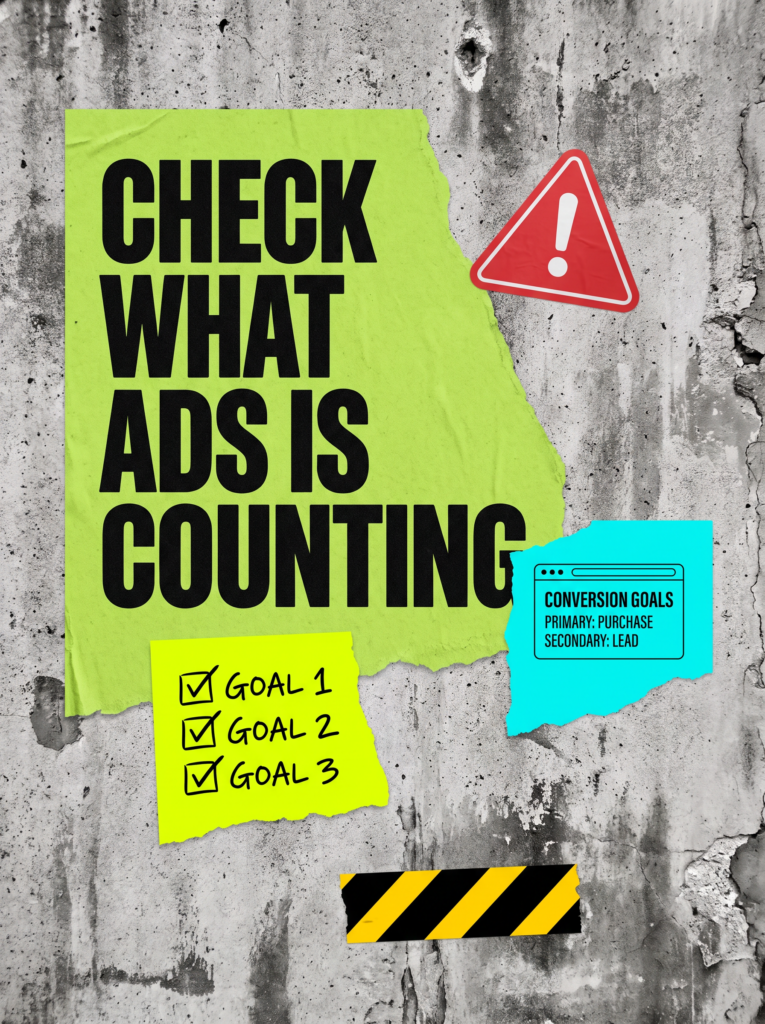
- Goals: is the action you care about set as Primary, so it shows in the Conversions column?
- Status: what does the conversion action say in Goals, and does Tag Assistant see the tag fire?
- Double counting: are the Google Ads tag and a GA4 import both counting the same enquiry?
- Consent: is your cookie banner using consent mode, or switching measurement off for everyone who says no?
- Time: have you allowed for people who click today and enquire next week?
If the form itself isn’t sending anything, that is a website problem rather than an ads problem, and our website enquiry tracking guide covers it properly.
Not Sure where to start?
If the numbers in your account don’t match the enquiries in your inbox and you can’t see why, we can go through the conversion setup with you and show you which bit is broken. It’s part of what our PPC management service looks at first.
The Full Guide: Fixing Conversion Tracking In Google Ads
When someone searches google ads not tracking conversions, they usually assume the tag has fallen off the website. Sometimes it has. More often the tag is fine and the account is counting the wrong thing, counting it twice, or counting it later than you looked.
1. Check What Google Ads Is Actually Counting
Google Ads only includes Primary conversion actions in the Conversions column, and those are the ones it bids towards. Secondary actions are for things you want to watch without spending money chasing them, and Google shows them in All conversions instead.
So if your enquiry form was set as Secondary, or a new action was created and never added to the goals your campaigns use, the conversions are being recorded. They just aren’t in the column you’re looking at.
Go to Goals, open the summary and check:
- Your real enquiry or sale action is marked Primary.
- It belongs to a goal your campaigns actually use, either the account default goals or a campaign specific goal.
- Nothing trivial, like a page view, is marked Primary and padding the numbers.
Then add the All conversions column to your campaign view. If it shows conversions and Conversions shows none, you’ve found it.
2. Check The Tag Or GA4 Import Is Reaching Google Ads
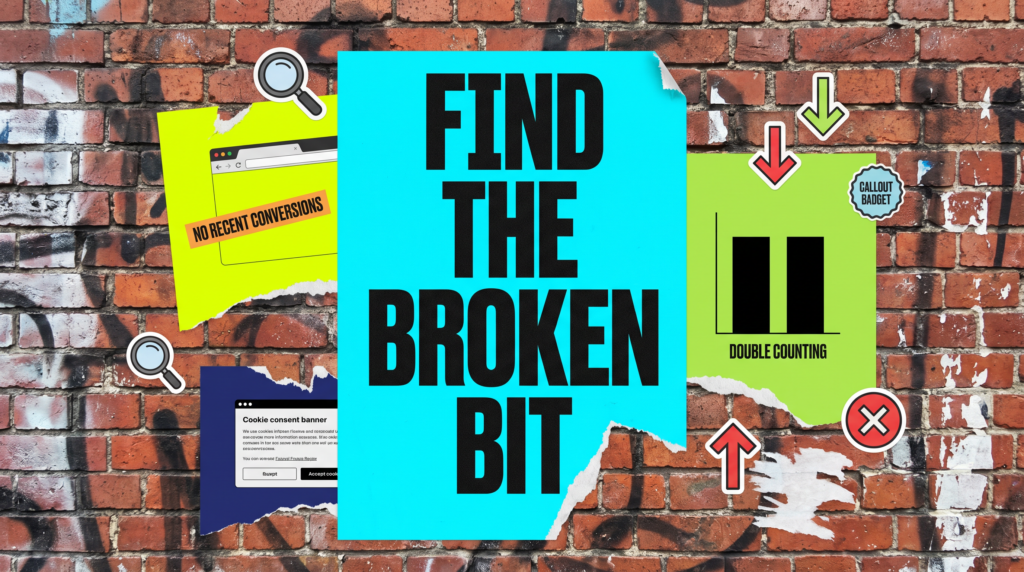
Every conversion action has a status. Google’s Tag Assistant guidance describes verified actions showing as No recent conversions, then changing to Recording once real conversions come through, and treats Tag inactive and Needs attention as the ones to troubleshoot.
If the status looks wrong, Google’s sitewide tagging guidance covers the basics. The Google tag needs to be on every page, auto-tagging needs to be on so the click ID (the GCLID) is added to your landing page URLs, and redirects must not strip that click ID off on the way in.
A few things that quietly break this:
- A website rebuild or theme change that dropped the tag from the header.
- A redirect from an old URL to a new one that loses the click ID.
- Auto-tagging switched off, often by someone tidying up settings.
- The conversion label in the tag not matching the one in Google Ads.
If you import conversions from GA4 instead, Google says the accounts must be linked, auto-tagging must be on, and imported data can take up to 24 hours to appear. Checking at 9am for yesterday afternoon’s enquiry isn’t a fair test.
If the real problem is that the form or thank you page never fires anything, that’s a website job. Our website enquiry tracking guide walks through testing every form, and the enhanced conversions guide covers the next step once the basics work.
3. Check For Double Counting And The Wrong Conversion Action
The opposite problem does just as much damage. If a Google Ads tag and a GA4 import are both set up for the same enquiry and both are Primary, one lead can show up as two. Google then bids towards a cost per lead that doesn’t exist.
Counting settings matter too. Google recommends counting every conversion for purchases and one per click for leads, because only one unique lead per ad click is likely to add value. If your enquiry action is set to count every conversion, someone who submits your form twice counts twice.
Check:
- Only one Primary action per real type of enquiry or sale.
- Leads set to count One, sales set to count Every.
- No old actions from a previous agency or setup still marked Primary.
Google notes that changing the counting option only affects future conversions, so your history won’t tidy itself up. Make a note of the date you changed it.
4. Check Your Cookie Banner Isn’t Switching Measurement Off
Google’s consent mode changes what its tags do when someone declines cookies. With advanced consent mode, tags still send cookieless pings without storing cookies, and Google uses those to model conversions. With basic consent mode, nothing reaches Google from people who decline, not even the fact that they declined.
So a banner set up badly, or one that blocks Google’s tags entirely, can make a chunk of your real enquiries invisible. Google also says modelling only works once your tags meet a data collection threshold, so a small account may not get much help from it.
Ask whoever set up your banner whether it uses consent mode, and which version. If nobody knows, that’s your answer.
5. Give It Time Before You Decide It’s Broken
Conversions don’t always happen on the day of the click. Google explains that recent days can look weaker because some people who clicked haven’t converted yet, while the spend is already fully reported. Conversions can be reported up to 90 days after the click, depending on your conversion window.
You can see how long your customers take with the Days to conversion segment. Google suggests using a date range that ended at least 30 days ago so the data is complete. If your typical lead takes a week, last Tuesday’s numbers aren’t finished yet.
Common Mistakes
If you’ve searched google ads not tracking conversions more than once this week, one of these is usually the reason.
- Changing bids, budgets or campaigns while the conversion numbers are wrong. Google bids towards your Primary conversions, so bad data means it is optimising towards the wrong thing.
- Pausing a campaign because Conversions shows zero, without checking All conversions first.
- Judging yesterday’s results before conversion delay and import delay have caught up.
- Adding a second tag “to make sure”, and then counting every lead twice.
- Leaving an old agency’s conversion actions marked Primary.
- Rebuilding the contact form because it must be the website, and never opening the Goals page.
DIY lane vs done for you lane
DIY lane:
Open Goals, check which actions are Primary, add the All conversions column and run Tag Assistant on your site. Then look at the counting settings and ask about your cookie banner.
Done for you lane:
We check the goals, the tag, the GA4 link, the counting settings and consent mode, fix what’s broken, and tell you which numbers to trust while the data catches up. You get an account you can make decisions from again.
Related Guides on the wall
If you’re sorting out google ads not tracking conversions, these guides will help you fix the setup around it too.
Google Ads Not Tracking Conversions FAQs

Start in Goals. Check your enquiry action is set to Primary and included in the goals your campaigns use, then add the All conversions column. If conversions show there but not in Conversions, it’s a goal setting rather than a broken tag.
Look at the conversion action’s status in Goals, then use Tag Assistant from your Google Ads account to browse your site and confirm the tag fires. Google says actions verified in a debug session show up in the account after about 30 minutes.
It depends on how they’re tracked and how long your customers take to decide. Imported GA4 conversions can take up to 24 hours to appear, and Google can report conversions up to 90 days after the click, depending on your conversion window.
You can, but you’re guessing. Google bids towards the Primary conversions you give it, so without them conversion focused bidding has nothing real to aim at, and you can’t tell a good campaign from an expensive one.
It can. With basic consent mode, no data reaches Google from people who decline. With advanced consent mode, tags send cookieless pings that Google uses to model conversions, as long as your tags meet its data threshold.
The tracking is rarely as broken as it looks. Find the bit that is, fix it, and then let the numbers settle before you judge the campaign.
Like this guide?
Tell Google you want more like it. One click, no sign-up, and FlyPost guides start showing up more often in your search results.
Add FlyPost as a preferred sourceTakes you to Google, then straight back here.