


Website Enquiry Tracking: Stop Guessing Where Leads Come From

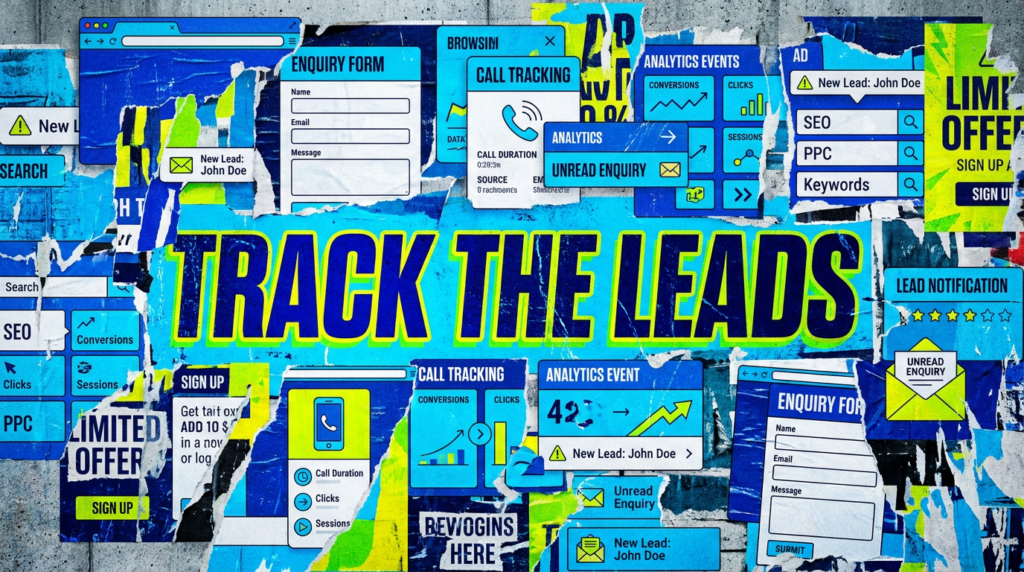
If your website is getting enquiries but your reports cannot show where they came from, you have a tracking problem, not just a marketing problem.
Website enquiry tracking tells you whether your website is actually generating leads, where those leads came from, and which marketing channels deserve credit.
Without it, you are guessing.
That is dangerous because bad tracking leads to bad decisions. You pause the campaign that was working and then keep spending on the one that was not. It’s easy to blame SEO when the form broke. You blame PPC because nobody tracked the calls.. You think the website is dead when the data is just missing.
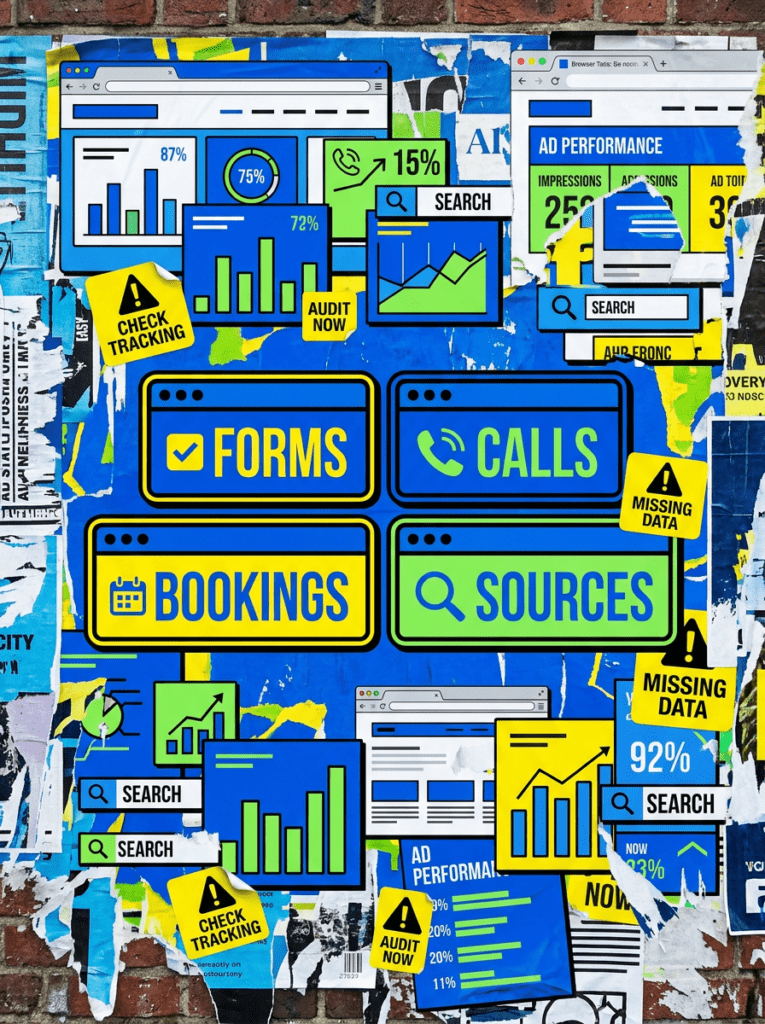
For small businesses, this matters. If you rely on forms, calls, bookings, quote requests or consultation enquiries, you need to know what is being measured and what is falling through the cracks.
You can check the basics yourself. If you want the tracking checked properly across SEO, PPC and your website, we can help.
The quick version
If you only have 20 minutes, Check whether your site actually tracks the main actions that create leads.
- Test every important form on desktop and mobile
- Check whether analytics records successful form submissions.
- Track phone number clicks if calls matter to the business
- Check whether analytics records completed bookings.
- Make sure your reports link enquiries back to SEO, PPC, social or other sources.
- Compare analytics data against your inbox, CRM or call records
- Review lead quality, not just enquiry volume
If that already sounds like a lot, do not worry. Below is the proper check order.
Not sure where to start?
Start with the actions that make money. Not page views or scroll depth and not whether someone clicked a random icon in the footer and accidentally made a report look exciting. Start with enquiries. For most small businesses, useful lead tracking means measuring:
- Contact form submissions
- Quote requests
- Phone calls
- Booking completions
- Consultation requests
- Email clicks
- Live chat or WhatsApp messages
- Other actions that create real sales conversations
If those are not tracked properly, your marketing report is built on jelly.

Our full website enquiry tracking checklist
Work through this in order. The aim is not to track everything. The aim is to track the actions that actually help the business grow.
Step 1: Decide what counts as an enquiry
Before touching analytics, define what matters.
Businesses use Google Analytics key events to measure important actions that matter. For a lead generation site, that usually means forms, calls, bookings or other meaningful enquiry actions.
Checklist:
- Contact form submission
- Quote request
- Booking confirmation
- Consultation request
- Phone call click
- Email click
- Live chat message
- WhatsApp message
- Download or sign-up if it creates a real sales follow-up
If it does not create a useful sales conversation, do not pretend it is a lead.
Step 2: Test every important form
Forms are the obvious place to start, but they are also where tracking often quietly breaks. Do not assume analytics tracks a form just because the form exists.
Checklist:
- Submit the main contact form
- Submit each service page form
- Test forms on mobile
- Test forms on desktop
- Confirm the enquiry email arrives
- Check the success message or thank you page
- Check whether analytics records the event
- Check whether spam filters are blocking real enquiries
Analytics being installed does not mean form tracking works.
Step 3: Check whether the tracking fires after success
This is where a lot of setups go wrong.
Some websites track the button click, not the successful form submission. That means someone can click send, hit an error, and still be counted as a lead.
Not ideal. Unless you enjoy fake confidence.
Checklist:
- Tracking fires only after successful submission
- Failed submissions are not counted
- Do not treat button clicks as completed enquiries.
- The event only fires once
- The event name is clear
- The page URL is captured
- Different forms can be identified
A click is not always a lead. Track the result, not the wishful thinking.
Step 4: Check thank you pages
Thank you pages can support conversion tracking, but only when the setup is clean..
A bad thank you page setup can inflate conversions and make weak campaigns look better than they are.
Checklist:
- Thank you page only loads after a form submission
- It is not linked in the menu
- It is not indexed in Google
- Users cannot easily visit it directly
- The form redirects correctly
- The thank you page triggers the right event
- Duplicate visits are not inflating results
Fake conversions are worse than missing conversions because they make bad decisions look data-driven.
Step 5: Track phone calls properly
For many small businesses, phone calls are the best leads.
Trades, clinics, consultants, venues, local services and appointment-led businesses often get serious enquiries over the phone. If nobody tracks those calls, your marketing reports miss a major part of the picture.
Checklist:
- Header phone number clicks are tracked
- Mobile tap-to-call clicks are tracked
- Analytics tracks phone clicks on the contact page.
- Landing page phone clicks are tracked
- You review Google Ads call actions separately.
- Call quality is checked where possible
- Calls are compared against real business records
If calls matter and you do not track them, your reports are guessing with a spreadsheet.
Step 6: Check booking systems
Booking systems can be awkward because they often sit outside the main website.
Someone might start on your site, click through to a booking tool, complete the booking there, and never trigger your normal website enquiry tracking.
Checklist:
- Booking button clicks are tracked
- Analytics tracks booking starts where possible.
- Booking completions are tracked
- Confirmation pages or screens are reviewed
- External booking tools are checked
- The booking setup preserves source data where possible.
- You compare completed bookings with analytics.
If bookings are where the money is, bookings need to be measured.
Step 7: Check email clicks, chat and WhatsApp
Not every lead comes through a neat contact form.
Some visitors click an email address, open live chat or use WhatsApp. Those actions can be valuable, but they are often missed.
Checklist:
- Analytics tracks email clicks.
- Chat opens are tracked
- Analytics tracks chat messages where possible.
- WhatsApp clicks are tracked
- You review enquiry quality.
- Duplicate tracking is avoided
- Do not treat these actions as equal unless they create equal value.
Track these actions, but do not pretend a casual email click is the same as a completed quote form.
Step 8: Check where leads came from
Tracking the enquiry is only half the job.
You also need to know whether it came from organic search, Google Ads, social, referral traffic, direct traffic or something else.
Checklist:
- Organic search leads are visible
- Paid search leads are visible
- Paid social leads are visible
- Organic social leads are visible
- Referral leads are visible
- Direct traffic is not swallowing everything
- Campaign links use proper UTM tracking
- Source and medium data looks believable
If all your leads are showing as direct, referral or unknown, your attribution is probably having a small breakdown.
Step 9: Compare tracking data against reality
This is the step most people skip.
Your analytics should roughly match what the business is actually seeing. It does not need to be perfect, but it should not be wildly different.
Checklist:
- Compare tracked forms against inbox enquiries
- Compare tracked calls against call records
- Compare bookings against booking system data
- Check whether spam is included
- Check whether the reports include internal tests.
- Check whether duplicate submissions are counted
- Review whether leads are useful or poor quality
If analytics says 40 leads and the business only saw 8, do not celebrate. Investigate.
Step 10: Re-test after website changes
Tracking is not “set and forget.”
Forms change. Plugins update. Themes change. Cookie banners change. Tracking tags get edited. Booking tools update. Someone moves a button and accidentally breaks the main event.
Checklist:
- Re-test after form changes
- Re-test after plugin updates
- Re-test after theme changes
- Re-test after new landing pages
- Re-test after booking tool updates
- Re-test after analytics or tag changes
- Keep a simple log of what was checked
If the website changes, tracking needs checking. Otherwise you find out it broke three months later, usually while wondering why performance looks odd.
At FlyPost, we look at tracking as part of the wider marketing setup. If SEO & AI is bringing traffic but enquiries are not measured, the report will not tell the full story. If your PPC service setup is driving leads but conversions are missing, the campaign may make the wrong decisions.
Good marketing needs good measurement. Not perfect. Just good enough to stop guessing.
Common mistakes
These are the usual reasons enquiry tracking breaks or becomes useless.
- Tracking button clicks instead of successful submissions
- Only tracking the main contact page
- Forgetting phone calls
- Ignoring booking systems
- Treating every enquiry as equal
- Counting spam as leads
- Letting direct traffic swallow campaign data
- Not testing after website changes
- Reporting lead volume but never checking lead quality
DIY lane vs done for you lane
DIY lane:
If you want to DIY this, start by submitting every key form, tapping phone numbers on mobile, completing a test booking and checking whether each action appears in your analytics.
Done for you lane:
If you want the time-saving version, we will check the enquiry journey, review the tracking setup, find where leads are being missed or miscounted, and help make sure your SEO, PPC and website reports are working from cleaner data.
Related Guides on the wall
If you are checking website enquiry tracking, these guides will help you fix the pages and campaigns around those enquiries too.
- Use landing page checklist if traffic is reaching the page but people are not taking the next step.
- Read Google Ads enhanced conversion guide if paid traffic is involved and you need cleaner conversion data.
- Check Google Ads getting clicks but no conversions if your ads are driving visits but not enough leads.
website enquiry tracking FAQs

Website enquiry tracking is the process of measuring lead actions on your website, such as form submissions, phone calls, bookings, quote requests, email clicks and chat messages.
Your analytics setup may not track forms, calls or booking tools as events or key events.
Either can work. Thank you pages are useful if they only load after a real submission. Event tracking can also work well, but it should fire only after the form has submitted successfully.
Yes. For many small businesses, phone calls are some of the most valuable enquiries. If enquiries are missing from your reports, SEO, PPC or social activity can look weak even when it is generating leads.
Yes. If enquiries are missing from your reports, SEO, PPC or social activity can look weak even when it is generating leads. Bad tracking can also make weak campaigns look stronger than they really are.

Quick tip
Rather have us handle this instead of DIY-ing it? That is literally the job.


Straight talking marketing that gets results.
No pressure, no jargon. Just a clear look at what’s stopping your site from bringing in more enquiries.
Get my free website reviewLike this guide?
Tell Google you want more like it. One click, no sign-up, and FlyPost guides start showing up more often in your search results.
Add FlyPost as a preferred sourceTakes you to Google, then straight back here.