
Why Is My Builder Website Not Getting Enquiries?
The six things homeowners check before they ask a builder to quote, and most builder websites answer none of them
If you are searching why is my builder website not getting enquiries, you have probably already done the obvious. The site is up, the vans are sign-written, the gallery has a hundred photos in it and the footer lists every town within an hour of the yard. Yet the extensions and the lofts go to whoever came up first in the map, the lead-generation site keeps selling you the same enquiry it sold three other firms, and the quote requests you do get are people who already had your number.
That is rarely one big problem. It is a short list of things a homeowner checks before they ask a builder to quote, mostly on a phone, mostly in the evening, and most builder websites answer none of them because they were built to look like a website rather than to get the quote request.
Quick Version
A homeowner finds a builder three ways: the map result for ‘builders near me’, a search for the job and the town, and a look at the finished work and the reviews before they fill anything in. Most builder websites win none of them, because the profile is thin, the site is one services page and the gallery has no words in it.
The six things to check, in order:
- You are not in the map box for ‘builders near me’
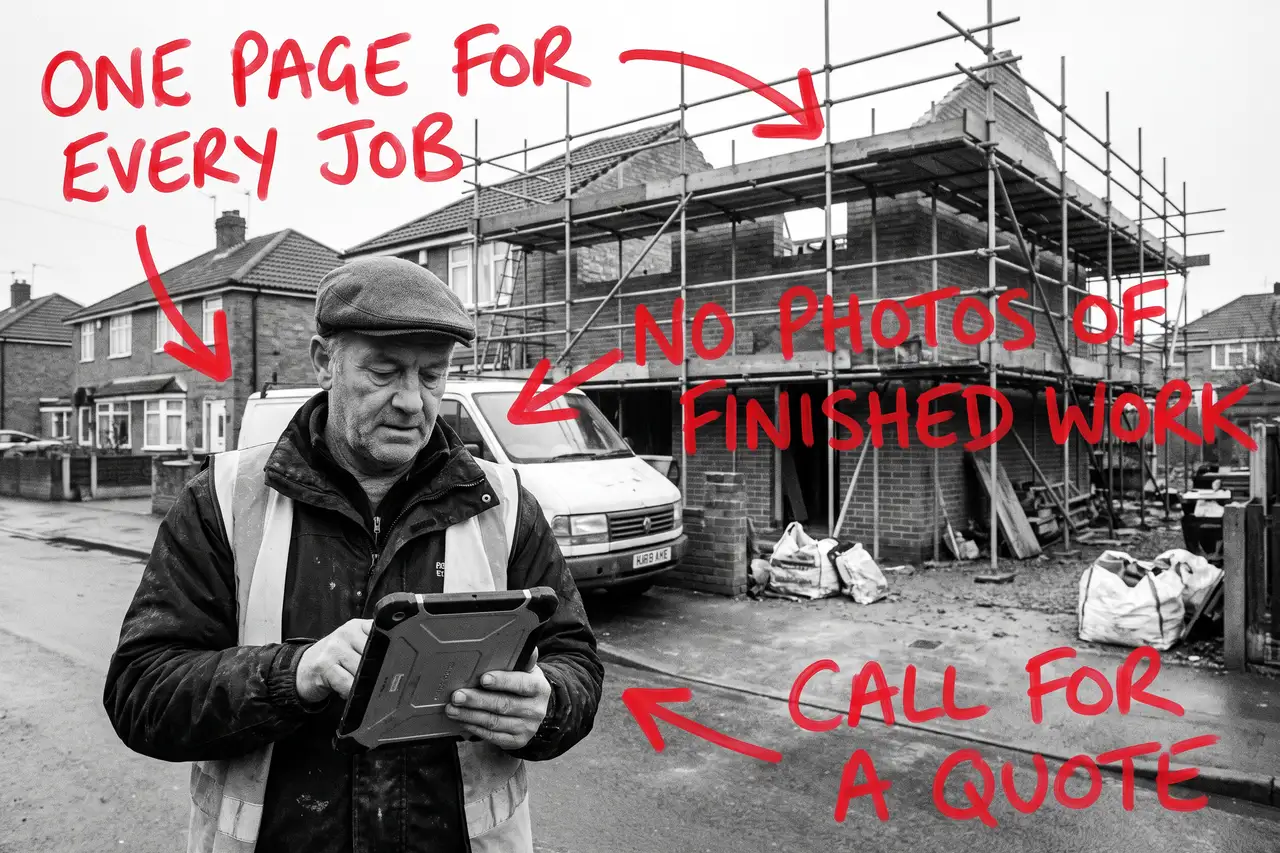
- One services page for every job
- The gallery is fifty photos and no words
- You list ten towns and rank in none of them
- No idea of price anywhere
- You are counting visits, not quote requests by job
Most builders have four of these at once. None of them needs a new website, and most of it can be done in the van at lunchtime with the photos already on your phone.
Not Sure where to start?
All of this is a few quiet evenings if you know how homeowners search for a builder and how to write a job page that ranks, and a year of paying a lead-generation site for your own enquiries if you do not. If you would rather someone wrote the job pages, turned the best work into project pages, fixed the profile, built the town pages and told you plainly which jobs and towns are now bringing quote requests, that is what our SEO & AI service for builders does.
Why Is My Builder Website Not Getting Enquiries? The Full Guide
Work through these in order. The Business Profile comes first because it is where the ‘near me’ searches land, and the job pages come second because they are what turns a search for an extension into a request for a quote.
You are not in the map box for ‘builders near me’
Search ‘builders near me’ from your phone, standing in a customer’s town. The map with three names is what most homeowners see first, and those three came from Google Business Profiles, not websites. If you are not in that box, or you are in it with no photos, three reviews and a category that says ‘contractor’, the enquiry went to someone else before your site was opened.
Open your profile as a customer would. Is the primary category ‘Builder’ or the closest match to what you actually do? Is the service area set to the towns you cover, so Google shows you there rather than only at the yard? Are the photos finished jobs rather than the van? Has every review been answered, including the one from the customer who changed their mind about the kitchen twice?
Then ask for the review at the end of every job, with the link, and ask the customer to mention the job and the town. A review that says ‘rear extension in Marlow, on time and tidy’ does more than ten that say ‘great builder’.
One services page for every job
A homeowner planning an extension searches ‘house extension’ and the town. Someone with a growing family searches ‘loft conversion’ and the town. A landlord searches ‘full house renovation’. Someone whose garage is full of boxes searches ‘garage conversion cost’. Different people, different budgets, different amounts of research done, and most builder websites answer all of them with one page that lists a dozen services in a row under ‘all aspects of building work undertaken’.
Google cannot rank a list against a page that explains the job properly, and the homeowner reading a list cannot tell whether you do lofts every month or have done two.
Write a page for each job you want more of. What it involves, what usually affects the price, how long it takes, what you handle and what the homeowner needs to arrange (drawings, building control, a party wall agreement), and what happens after they ask for a quote. Start with the two or three jobs that pay for the year, not the full list.
The gallery is fifty photos and no words
A homeowner about to spend a serious sum wants to see a job like theirs, finished, with a sentence about what it was. A grid of uncaptioned phone photos does not do that, and Google cannot rank an image grid for ‘rear extension’ with the town in it.
Turn the best eight or ten jobs into short project pages. The job, the town, what the brief was, what changed, a before and an after, roughly how long it took. Link each one from the job page it belongs to. Each project page is proof to the next homeowner and a page Google can show them.
You do not need a photographer. You need the photos you already took, chosen properly, with words next to them.
You list ten towns and rank in none of them
A builder lives on town searches, and a footer that lists every town within an hour ranks for none of them. ‘Builders High Wycombe’ and ‘extension builders Beaconsfield’ are different searches by different people, and Google needs a page about each to show you for either.
Pick the towns you genuinely want to work in, usually the ones within a sensible drive of the yard where you have already done a few jobs. Give each its own page: the jobs you have done there, the kind of houses you see (the thirties semis with room for a side return, the newer estates where every extension needs the same drainage conversation), and how a quote works. Do not write the same page ten times with the town swapped. If you cannot say something true about the town, you do not need the page yet.
Set the Business Profile service area to the same towns, so the map and the site agree.
No idea of price anywhere
Nobody expects a fixed price for an extension from a website. They do expect a starting point, and when your site says ‘every job is different, call us’ the homeowner assumes you are the expensive one and rings the site that gave a range.
Put a rough range for the common jobs on the page for each one, with what pushes it up or down: size, whether there is structural work, the finish, whether you are handling the drawings. Say what is usually included and what is not. A range brings in the enquiries whose budget fits and saves you an evening quoting for the ones that were never going to happen.
That page is also what AI tools cite when someone asks what an extension should cost, so it earns its place twice.
You are counting visits, not quote requests by job
A builder’s website can double its visits and produce no more work, usually because the visits are people looking for a handyman, homeowners two counties away, or other builders looking at your photos.
Put a tracked phone number on the site so you know which calls came from it, give the quote form its own short shape (job type, town, rough timing, nothing else), and note where each enquiry came from. In Search Console, look at which searches you appear for and whether they are the job and town searches you want. If your biggest search is your own name, the site is not bringing you anyone new yet.
Once you can see quote requests by job type and town, you know which town page to write next and whether the lead-generation site is still worth paying. Judge the site on that, not on the visit count.
Common Mistakes
If you are still searching why is my builder website not getting enquiries after a couple of months of changes, one of these is usually why.
- Redesigning the website before fixing the Business Profile. The ‘near me’ search lands on the map, and the map does not care how the homepage looks.
- Listing every town you would drive to. A footer list ranks for nothing. Five real town pages beat twenty names.
- Photos with no words. Google cannot rank a gallery, and a homeowner cannot tell which job is the one like theirs.
- Hiding the price completely. Homeowners find a number somewhere, and if it is not yours they assume the worst about you.
- Judging it after a month. The profile can move in weeks. Job and town pages take months to rank, and a homeowner planning an extension takes months to decide. Fix the list, then give it two quarters.
DIY lane vs done for you lane
DIY lane:
Fix the Google Business Profile first: the right category, a service area that matches the towns you cover, photos of finished jobs, every review answered and a review request at the end of every job. Write a page for each of your two or three best jobs with a price range on it, turn the best eight jobs into project pages with words next to the photos, and write a page for each of your five best towns with something true about each.
Then put a tracked number on the site, shorten the quote form, and leave it alone for a couple of months while you watch quote requests by job and town.
Done for you lane:
This is the first two months of our SEO & AI service for builders. Business Profile sorted, job pages written with a price range on them, project pages built from the work you have already done, town pages built for the places you want quotes from, structured data added so Google and the AI tools can read it all, and enquiry tracking by job and town set up.
You get told which jobs and towns are now bringing quote requests, which are not yet, and why. Then we keep going.
Related Guides on the wall
If you are working out why a builder website is not getting enquiries, these three cover the individual fixes in more depth.
- Local SEO Checklist Guide for the Business Profile, the service area and the town pages, in order.
- Why Is My Business Not Showing On Google Maps? for getting into the map box in the first place.
- Why Is My Electrician Website Not Getting Calls? for the same problem in a neighbouring trade, with the job pages and the town pages at the centre of it.
Why Is My Builder Website Not Getting Enquiries FAQs

Usually because it comes up for your own name and not for the job and town searches that bring new work, or because the people who do land on it cannot see finished work, a price range or an easy way to ask for a quote from a phone. Check what you actually rank for in Search Console, then check what a stranger sees on a phone in the first thirty seconds.
Yes. ‘Builders near me’ lands on the map before anyone opens a website, and the map box is built from Business Profiles. A complete profile with the right category, a service area, photos of finished jobs and answered reviews is the single biggest thing most builders can fix in an afternoon.
A range for the common jobs, yes, with what pushes it up or down. Nobody expects a fixed price for an extension from a web page, but a site that says nothing about money reads as the expensive one. A range brings in the homeowners whose budget fits and saves you quoting for the ones that never would.
As many towns as you genuinely want to work in, usually four to eight, each with the jobs you have done there and something true about the place. A list of twenty towns in the footer ranks for none of them. Set the Business Profile service area to match.
The Business Profile can move within weeks once it is fixed and reviews start arriving. Job and town pages usually take a quarter or two to rank, and a homeowner planning an extension can take months to decide. Judge it over six months on quote requests by job and town, and keep whatever else is bringing work running until your own pages carry the load.
A builder website not getting enquiries is nearly always a matter of the profile, the job pages and the proof, in that order. Fix the map result first, give each job its own page with finished work and a range on it, and the rest follows from there.
Like this guide?
Tell Google you want more like it. One click, no sign-up, and FlyPost guides start showing up more often in your search results.
Add FlyPost as a preferred sourceTakes you to Google, then straight back here.