

How Do I Get Clients For My Recruitment Agency?
The six things employers look for before they brief an agency, and most agency websites do not have
If you are searching how to get clients for a recruitment agency, you have probably already done the obvious. The consultants are on the phone all day, the job boards are paid for, the LinkedIn posts go out, and the website was redone not long ago with a vacancy search on the homepage and a big ‘upload your CV’ button. Yet the briefs still come from people who already knew you, the new business is cold calling, and the agency with the sector page ranked above you gets every hiring manager who searched on their phone.
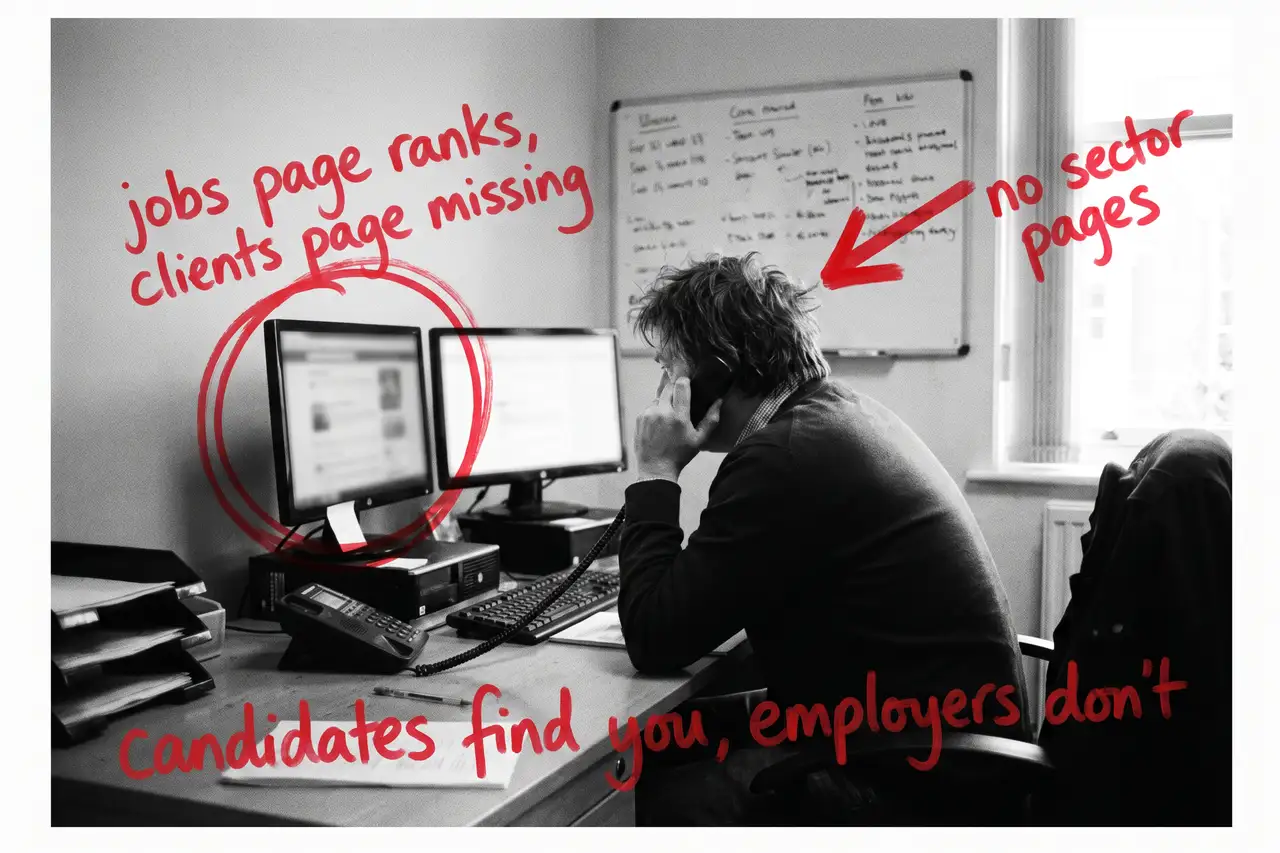
That is rarely one big problem. It is a short list of things an employer looks for before they brief an agency, and most agency websites answer none of them because they were built for candidates rather than for the people who pay the fee.
Quick Version
Employers find an agency three ways: a search for the sector and the area, a comparison search on fees and how agencies work once they have decided to use one, and a check on your name and your consultants once you are on the shortlist. Most agency websites win none of them, because the site is a job board, the sectors are a list and the client side is a contact form.
The six things to check, in order:
- Your website is a job board, and the job boards are better at it
- There are no sector pages, so the employer cannot see themselves
- The site talks to candidates and ignores the client
- Nobody can find how you charge
- Your consultants are a name and a job title
- You are counting visits and CVs, not client briefs
Most agencies have four of these at once. None of them needs a new website, and none needs to come out of the job board budget.
Not Sure where to start?
All of this is a few weeks of somebody’s time if you know how employers search for an agency and how to write a sector page that ranks, and a year of cold calling if you do not. If you would rather someone wrote the sector pages, built the client side, explained the fees, gave the consultants their pages and told you plainly which sectors are now bringing briefs, that is what our SEO & AI service for recruitment agencies does.
How Do I Get Clients For My Recruitment Agency? The Full Guide
Work through these in order. The sector pages come first because they are where the employers you do not already know come from, and the client side comes second because it decides whether those employers brief you or ring the next agency.
Your website is a job board, and the job boards are better at it
A hiring manager types ‘engineering recruitment agency’ and the county. An operations director types ‘temp staff agency’ and the town. A founder types ‘how do I choose a recruitment agency’. Those are the people who pay the fee, and most agency websites answer all of them with a vacancy search, an about page and a list of sectors in the footer.
The vacancies cannot do this job. Every role you advertise already has a better page on the job boards and the aggregators, and yours dies when the role fills, taking whatever Google learned about it. Worse, the expired ones often stay live saying ‘this role has closed’, so the site fills up with dead pages that outnumber the real ones.
Take expired roles down properly, keep job posting structured data on the live ones, and build the permanent pages: the sectors you place in, the types of hire you do and the consultants who do it. Those are what an employer searches for, and they are still there next year.
There are no sector pages, so the employer cannot see themselves
A care home operator, a manufacturing MD, a finance director and a head of IT all want the same thing before they ring: proof you have placed people like the one they need, in a business like theirs, and that you understand what makes their hiring awkward. Shift patterns, compliance checks, a niche skill, a role that has been open for four months.
Give each sector you want more briefs from its own page, written for the employer rather than the candidate. The roles you fill in it, how you find the people who are not on the boards, the compliance points that come with the sector, the consultant who covers it and what a brief looks like from first call to start date. Link the consultant’s page and any live roles in that sector to it.
A ‘sectors we cover’ list of twelve industries does none of this. A sector page with real roles, a real consultant and a paragraph on the thing that makes hiring in that sector hard does all of it.
The site talks to candidates and ignores the client
‘Upload your CV’ is the biggest button on most agency websites, the menu says ‘Jobs’ before it says anything else, and the employer who arrives with a role to fill is left with a contact form and a generic phone number.
Build the client side as its own section. How you take a brief. How you screen and what you check. Whether you do permanent, temp, contract or all three. What happens if the hire does not work out. How you handle right-to-work checks, referencing and, for temps, the payroll and compliance side. How quickly a shortlist usually arrives, phrased as what usually happens rather than a promise.
An employer who has read that briefs you. An employer who found a CV upload button rings the agency that explained itself.
Nobody can find how you charge
Employers search ‘recruitment agency fees UK’ and ‘what percentage do recruitment agencies charge’ before they invite anyone in, and they will find an answer whether or not it is yours. If your site says ‘contact us to discuss’, they assume you are the expensive one and they arrive at the first call negotiating.
Explain the model in plain text. Contingency, retained or a temp margin, what triggers the fee, when it is invoiced, the rebate or replacement terms and what is included. You do not have to publish a percentage if you do not want to. You have to be the site that explained how it works when the others said ‘it depends’.
That page is also what AI tools cite when someone asks what an agency should charge, so it earns its place twice.
Your consultants are a name and a job title
An employer briefs a person, not a logo, and a hiring manager choosing between three agencies will look for the consultant who will actually be working the role. Most agency websites have a team grid with headshots and ‘Senior Consultant’ under each one, which tells the employer nothing.
Give each consultant a page: the sector they cover, the roles they have filled, how long they have done it, how they work and a direct way to reach them. Link it from the sector page. Then fix the reviews. Most agency Business Profiles carry reviews from candidates who were placed and none from the clients who paid, so ask the client at the end of every successful hire, with the link, and ask them to mention the role.
A review that says ‘filled a maintenance engineer role we had open for five months’ does more than ten that say ‘great agency’.
You are counting visits and CVs, not client briefs
A recruitment website can double its visits and win no new clients, usually because the visits are candidates browsing vacancies, people applying for jobs at the agency itself, or students looking for a placement.
Put a tracked phone number on the client side, give the employer enquiry its own short form that asks the sector, the role and the type of hire, and record where each brief came from. In Search Console, look at which searches you appear for and whether they are the sector and type-of-hire searches you want. If your biggest searches are job titles, the vacancies are doing the ranking and the sector pages are not.
Once you can see briefs by sector and type of hire, you know which sector page to write next and which consultant the website is actually feeding. Report that to the directors instead of the CV count.
Common Mistakes
If you are still searching how to get clients for a recruitment agency after a couple of months of changes, one of these is usually why.
- Making the website a better job board. The candidates already have better job boards. The employer wants the page about their sector.
- One ‘sectors we cover’ list. A list ranks for none of them. Four real sector pages beat twelve names.
- Hiding the fee model. Employers find a number somewhere, and if it is not yours they arrive negotiating.
- Leaving expired roles live. A site full of ‘this role has closed’ pages outnumbers the pages that matter and looks abandoned to an employer.
- Judging it after a month. The Business Profile can move in weeks. Sector and client pages take months to rank, and hiring cycles are slow. Fix the list, then give it two quarters.
DIY lane vs done for you lane
DIY lane:
Write a page for each of your four best sectors, for the employer, with the roles you fill, the consultant who covers it and how a brief works. Build a client section that explains how you take a brief, what you check and what happens if the hire does not stick. Explain the fee model in plain text. Give each consultant a page and link it from their sector.
Then take the expired roles down properly, ask clients rather than candidates for the next ten reviews, put a tracked number and a short employer form on the client side, and leave it alone for a couple of months while you watch briefs by sector.
Done for you lane:
This is the first two months of our SEO & AI service for recruitment agencies. Sector pages written for the employer, the client side built, the fee model explained, consultant pages written, expired roles dealt with, job posting and agency structured data added so Google and the AI tools can read it all, and brief tracking by sector set up.
You get told which sectors and types of hire are now bringing briefs, which are not yet, and why. Then we keep going.
Related Guides on the wall
If you are working out how to get clients for a recruitment agency from your own site, these three cover the individual fixes in more depth.
- Service Page Checklist: Turn More Visits Into Enquiries for turning each sector page into one that ranks and gets the brief.
- Why Is My Homepage Ranking Instead Of My Service Page? for when the vacancy search homepage outranks the pages that should be doing the work.
- Local SEO Checklist Guide for the Business Profile, the reviews and the areas you cover, in order.
How Do I Get Clients For My Recruitment Agency FAQs

Write a page for each sector you place in, for the employer rather than the candidate, build a client side that explains how a brief works, explain your fee model, give each consultant a page and ask clients for reviews. Hiring managers are already searching the sector and the area. The agency that answers those searches best gets the brief, and it did not have to ring anyone.
The model, yes: contingency, retained or temp margin, what triggers the fee, the rebate terms and what is included. Employers search the fee before they ring anyone, and the agency that explains how it works is trusted before it is briefed. You can do that without publishing a percentage.
If you want employers to find you, yes. ‘Recruitment agency’ with the sector and the county is the search a hiring manager makes, and a footer list of twelve industries ranks for none of them. Four or five proper sector pages with real roles and a real consultant give the employer a page where they can see themselves.
Because it was built for them. A vacancy search on the homepage, ‘upload your CV’ as the main button and job pages as the only content ranks for job titles and nothing an employer types. Build the client side, the sector pages and the fees page, and the employer searches start to land somewhere.
The Business Profile can move within weeks once client reviews start arriving. Sector and client pages usually take a quarter or two to rank, and hiring cycles are slow, so the first brief from a page may come months after it starts ranking. Judge it over six months on briefs by sector, and keep the business development running until your own pages carry the load.
Getting clients for a recruitment agency from your own website is nearly always a matter of writing for the employer and the sector rather than for the candidate and the vacancy. Start with the sector pages and the client side, explain the fee, and the rest follows from there.
Like this guide?
Tell Google you want more like it. One click, no sign-up, and FlyPost guides start showing up more often in your search results.
Add FlyPost as a preferred sourceTakes you to Google, then straight back here.