Why Is Our Charity Website Not Getting Donations?
The six things donors and the people you help cannot find, in the order to fix them
If you are asking why is our charity website not getting donations, you have probably had the same conversation at three trustee meetings. The website was rebuilt two years ago, it has a donate button on every page, the analytics say people visit, and the online giving line in the accounts has not moved. Meanwhile the helpline is busier than ever and half the callers say they could not find you.
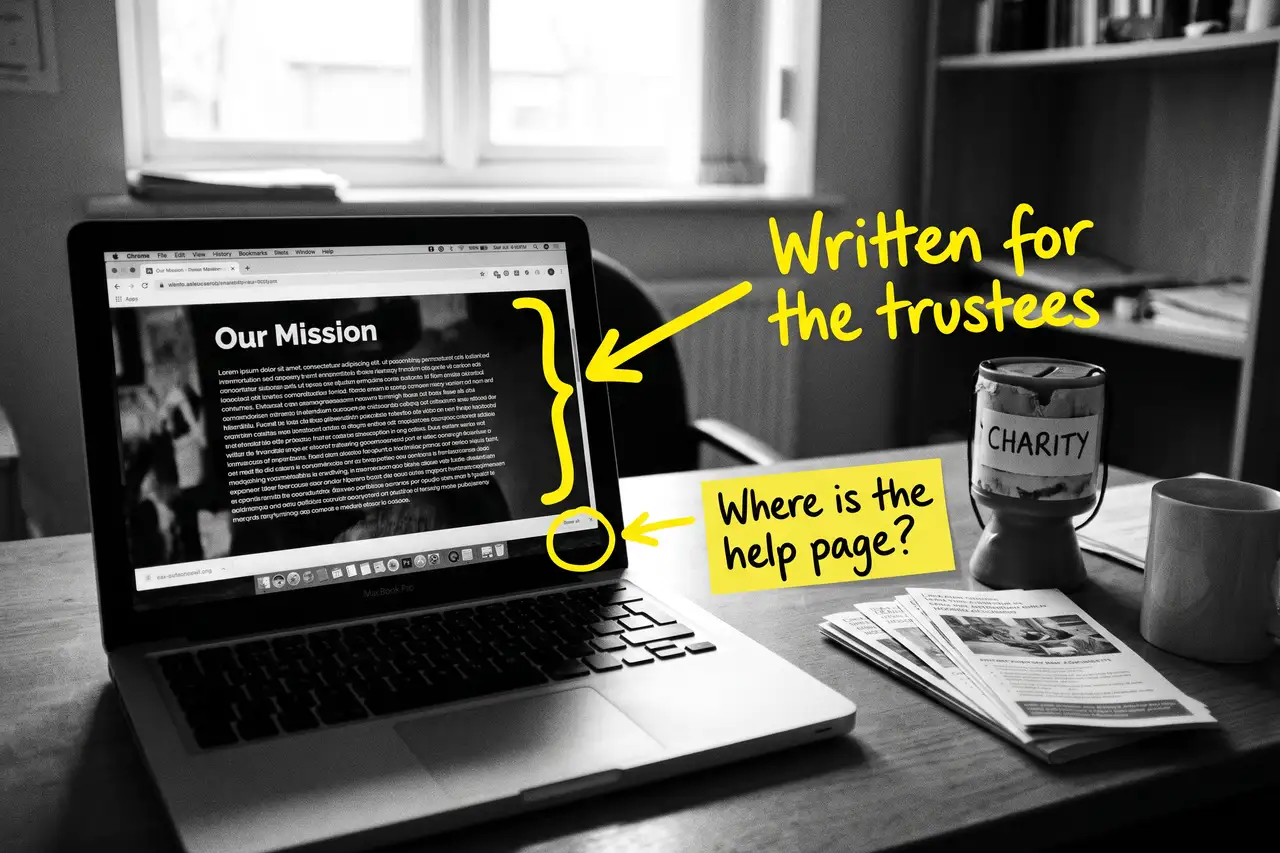
That is not one problem. It is a short list of things a donor looks for, and a longer list of things a person in need looks for, and most charity websites answer neither because they were written for the funder.
Quick Version
Donors give to a cause they trust, on a page that tells them what the money does. The people you help search for the problem, not for you. Most charity websites offer a button and a mission statement, which serves neither.
The six things to check, in order:
- Your service pages are written for the funder, not the person searching
- The donate button is your only giving content
- Your trust signals do not match the Charity Commission register
- You have no page for the places you actually serve
- Your best content is locked in PDFs
- You are measuring visits when you should be measuring contacts and gifts by page
Most charities have five of these at once. None of them needs a new website, and none of them needs a budget beyond somebody’s time.
Not Sure where to start?
All of this is a fortnight if you know how people in need and donors actually search, and a year of board discussion if you do not. If you would rather someone rewrote the service pages, built the giving section and told you plainly which pages are now bringing contacts and gifts, that is what our SEO & AI service for charities does.
Why Is Our Charity Website Not Getting Donations? The Full Guide
Work through these in order. The service pages come first because the people you help are the reason the donors give, and a site that visibly helps people is the one donors trust.
Your service pages are written for the funder, not the person searching
Open the page for your main service and read it as someone who needs it tonight. ‘We deliver holistic, person-centred support to vulnerable adults across the county’ tells them nothing. Can you help me? Am I eligible? What do I do now? Is it free? Will anyone find out?
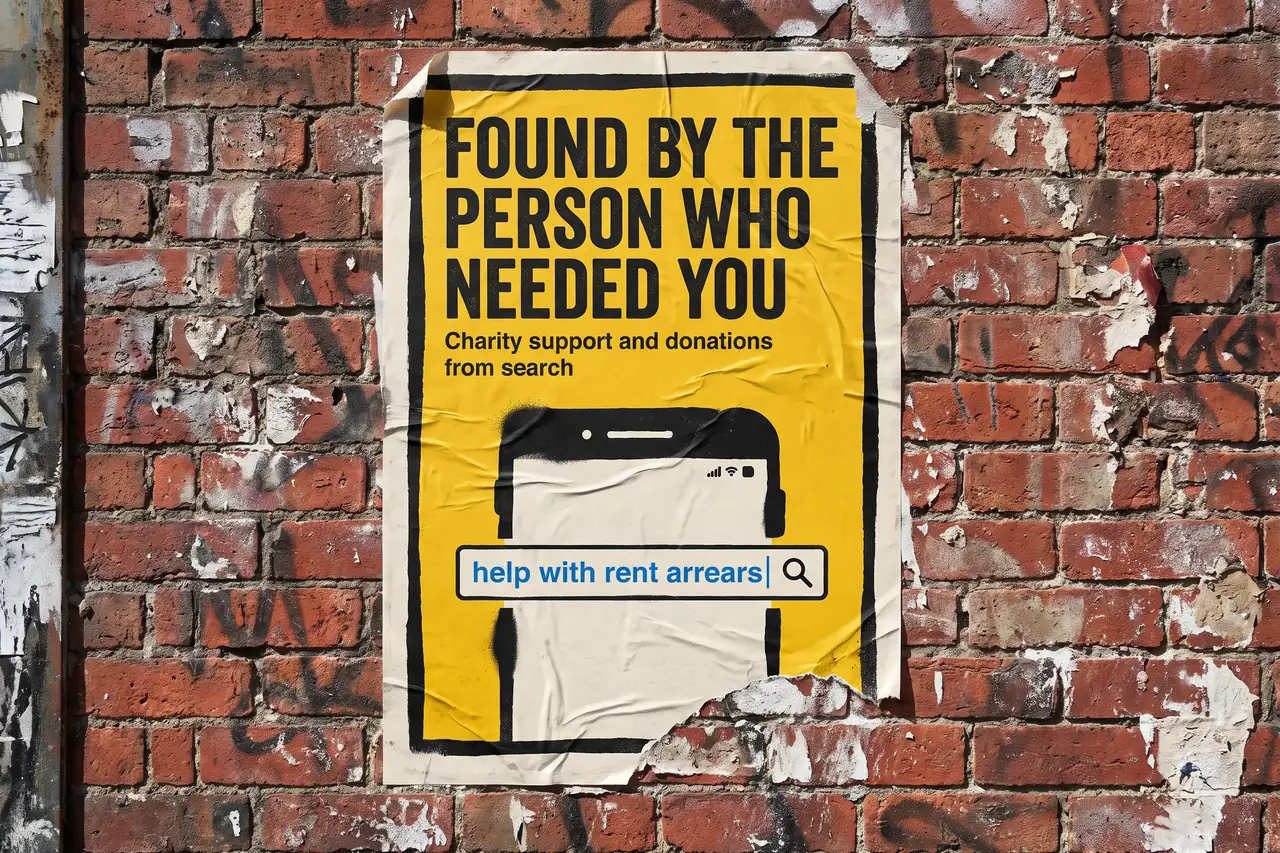
The person searching typed ‘help with rent arrears’ or ‘bereavement support for children near me’. Google wants to show them a page with that need in the title and the answer in the first paragraph. Your page has the need in paragraph four, in different words, after the mission.
Rewrite each service page from the need outwards. Title it what the person types. Say who it is for and who it is not. Say what happens when they get in touch, who they will speak to, whether it costs anything and how long it takes. Put the contact route at the top and the bottom. Keep the funder language for the funder.
Do one service page a week. The busiest service first.
The donate button is your only giving content
A donate button in the header is not a page. Google cannot rank it, and it answers none of the questions a donor has before they click it. What does my money actually do? What does a tenner a month pay for? Is my donation Gift Aided? Can I give in memory of someone? Can my company match it?
Build a giving section with real pages. A main giving page that says plainly what different amounts pay for. A monthly giving page. A page on leaving a gift in a will. A page for corporate and community fundraising. Each one a page, with a heading, an explanation and the route to give.
These pages rank for the cause searches donors make, ‘charities helping homeless people in Buckinghamshire’ and the like, and they convert far better than a button, because the donor arrives already knowing what their gift will do.
Your trust signals do not match the Charity Commission register
Before a first gift, a donor checks. They look for the registered charity number, they open the Charity Commission page, they look at who the trustees are and whether the address matches. Referrers and commissioners do the same. AI tools do the same when someone asks whether a charity is legitimate.
If the number is in the footer in grey, the trustees are not named, the accounts are not linked and the address on the site differs from the one on the register or the Google Business Profile, the donor hesitates, and a hesitating donor gives to someone else.
Make one page: registered number, the Commission link, the trustees, the latest accounts, the address and how you are governed. Then make sure the name, number, address and phone match exactly on the site, the register, the Business Profile and every directory you are listed in.
You have no page for the places you actually serve
A charity serving three towns says so in one sentence on the about page. The person searching ‘food bank Aylesbury’ or ‘mental health support High Wycombe’ gets a national directory or a council page, because you have nothing about Aylesbury for Google to show.
Write a page for each place you serve, with the services available there, where the drop-in is, opening times, how to get there by bus and who to ring. Real local detail, not a template with the town name changed.
We built our own area pages for FlyPost on the same principle. The ones with real local substance rank, and the copies do not.
Your best content is locked in PDFs
Charities produce excellent material: eligibility guides, what to expect leaflets, annual reports full of real stories. Then they upload them as PDFs and link to them from a resources page, where Google struggles to read them and nobody on a phone opens them.
Take the useful parts and put them on pages. The eligibility criteria on the service page. The what to expect leaflet as a section on that page. The stories from the annual report as their own pages, with the person’s permission. A PDF can stay for the people who want to print it.
This is also what makes a charity legible to AI tools. When someone asks which charities help with funeral costs, the answers cite pages that say so plainly, not PDFs.
You are measuring visits when you should be measuring contacts and gifts by page
A charity website can double its visits and help nobody extra, usually because the visits are students researching the sector, journalists, or people in another county who found a blog post.
In Google Analytics, look at which pages people land on from search and which of those lead to a contact or a donation. In Search Console, look at which searches you appear for and whether they are the needs you meet and the places you serve. If your annual report is your most visited page, the site is working for the funder and not the person in need.
Once you can see contacts and gifts by page, you know which service page to rewrite next and which giving page is earning. Report that to the trustees instead of the visit count.
Common Mistakes
If you are still asking why is our charity website not getting donations after a couple of months of changes, one of these is usually why.
- Rebuilding the website before rewriting the service pages. A new theme with the same mission statement on every page ranks exactly as badly as the old one.
- Writing every page in funder language. ‘Holistic, person-centred support’ appears on thousands of charity sites and nobody in need has ever typed it.
- Treating the donate button as the giving strategy. Donors need to know what the money does before they click, and a button cannot tell them.
- Letting the details drift. A different address on the site, the register and Google reads as a charity that is not looked after, to donors and to AI tools alike.
- Judging it after a month. Service pages take months to rank, and donors take time to trust. Fix the list, then give it a quarter.
DIY lane vs done for you lane
DIY lane:
Rewrite your busiest service page from the need outwards, then the next one. Build a giving section with a main page that says what the money does, a monthly page and a legacy page. Make one trust page and match the details everywhere. Write a page for each place you serve.
Then lift the useful content out of the PDFs onto pages, and leave it alone for a couple of months while you watch contacts and gifts by page.
Done for you lane:
This is the first two months of our SEO & AI service for charities. Service pages rewritten for the person searching, the giving section built, the trust page and structured data sorted, local pages written, PDF content brought onto the site, and every listing made consistent with the Commission register.
You get told which services and giving pages are now bringing contacts and gifts, which are not yet, and why. Then we keep going.
Related Guides on the wall
If you are working out why is our charity website not getting donations, these three cover the individual fixes in more depth.
- Why Is My Blog Getting Traffic But No Leads? for the visits versus outcomes problem, which is the same for donations.
- Do I Need Schema Markup On My Website? for the structured data that tells Google and AI tools who you are.
- Google Business Profile optimisation for the profile behind local searches for your services.
Why Is Our Charity Website Not Getting Donations FAQs

Because the visits are not donors, or the donors arrive at a button with no reason to press it. Check which pages people land on from search and whether any of them lead to a gift. Usually the answer is a giving section that explains what the money does, and service pages that show the work being done.
Both, on different pages. Service pages for the person in need, in their words, with eligibility and a next step. A giving section for the donor, with where the money goes. The mission statement can live on the about page where the funder will look for it.
If you serve a place, yes. ‘Food bank near me’ and ‘support group’ plus a town are local searches, and the profile is what appears for them. Set the category, the opening hours of the drop-in and the address people actually visit, and answer the reviews.
Service pages and giving pages take months to rank, and donors take time to trust a new source. The trust page and the Business Profile can move within weeks. Judge it over two quarters, and report contacts and gifts by page to the trustees rather than visits.
Most of it, yes. The fixes in this guide are writing and housekeeping, not spend. If you are eligible for a Google Ad Grant, that is free advertising that most charities leave unused, and it works far better once the pages it lands on are fixed.
A charity website not getting donations is nearly always a site that was written for the funder rather than for the person searching. Start with the busiest service page and the giving section, because those are what people in need and donors look for first, and the rest follows from there.
Like this guide?
Tell Google you want more like it. One click, no sign-up, and FlyPost guides start showing up more often in your search results.
Add FlyPost as a preferred sourceTakes you to Google, then straight back here.