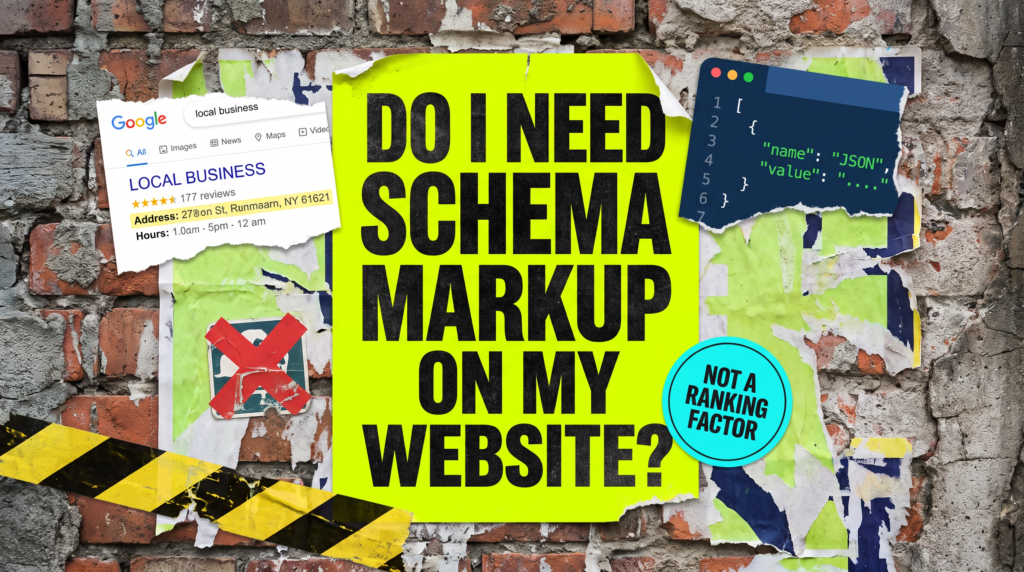
Do I Need Schema Markup On My Website?
IT WILL NOT FIX YOUR RANKINGS. IT WILL CHANGE HOW YOU LOOK WHEN YOU GET THERE.
Do I need schema markup on my website is usually asked about ten seconds after noticing that a competitor’s search listing has an address, opening hours and a few extra links under it, and yours is a plain blue line of text.
Schema is not a ranking factor, and anyone selling it as one is selling something. What it does is tell Google and the AI tools plainly what you are, what you sell and where you are, so they stop guessing from your page copy.
Do I Need Schema Markup On My Website? The Quick Version
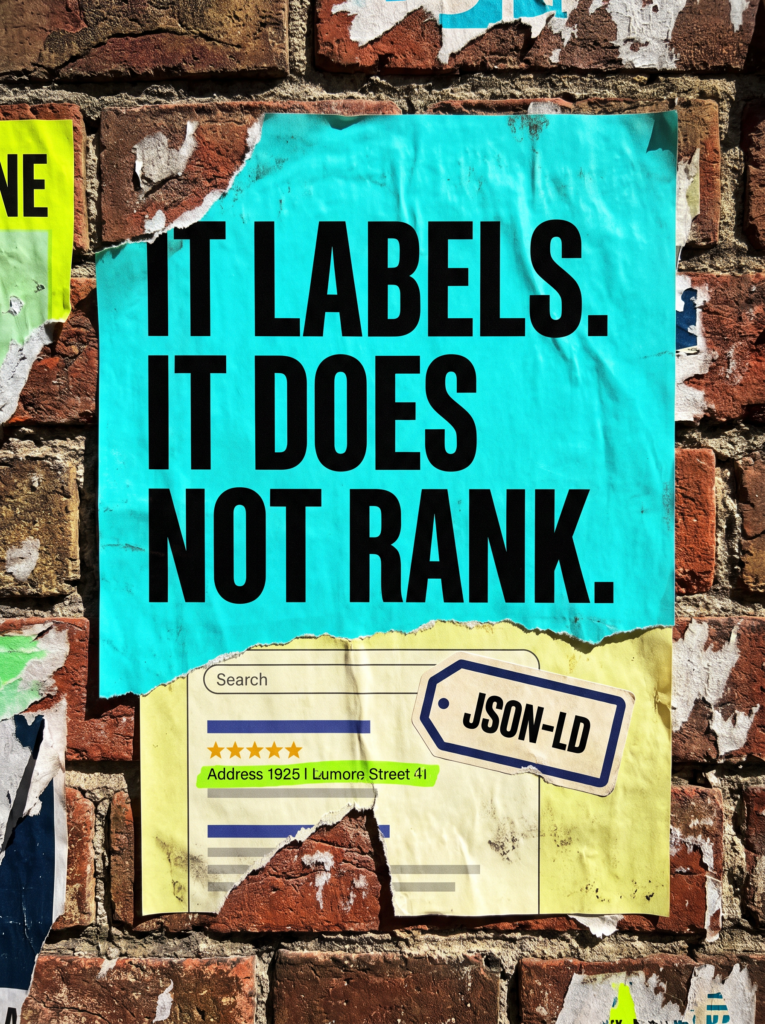
Schema markup is a small block of code that labels things already on your page. It does not add content or change what a visitor sees. It just puts the information into a format a machine reads without having to interpret it.
It is worth adding when:
- You are a local business and want your address, opening hours and phone number treated as facts rather than as text that happens to look like an address.
- You want AI Overviews and chat tools describing your business accurately rather than from a guess.
- You have moved premises, rebranded or changed your number, and half the internet is still working off the old details.
- You sell products, run events, or take bookings, where price and availability matter in the listing.
- You have a genuine reason to want your business details consistent across Google, Bing and everything downstream of them.
What it will not do is move you up the results. If you are sitting on page three, schema gets you a slightly better looking page three listing. Fix the ranking problem first, then make the listing work harder.
Not Sure Where To Start?
Run your homepage through Google’s Rich Results Test. In about ten seconds it tells you what schema you already have, whether it is valid, and what you are currently eligible for. Most WordPress sites already have some, and half of it is wrong.
Do I Need Schema Markup On My Website? The Full Guide
When someone asks do I need schema markup on my website, the honest answer depends on what they are hoping it will do. Here is what it actually changes, and what it never has.
What Schema Actually Does, And What It Does Not
Google reads your page the way you would read a badly formatted letter. It can work out that an opening hours line means opening hours and that a string of numbers is probably a phone number, but it is inferring.
Schema removes the inference. Instead of hoping Google reads a line correctly, you hand it a labelled version: this is the business name, this is the address, this is the price, this is the service.
That gets you two things. Eligibility for richer search results, and a much better chance of being described correctly by anything that reads your site without a human in the loop.
What it does not get you is a ranking boost. Google has said this consistently for years, and it remains true. The reason schema often looks like it improves rankings is that a better looking listing gets clicked more, and pages that get clicked more tend to hold their position better.
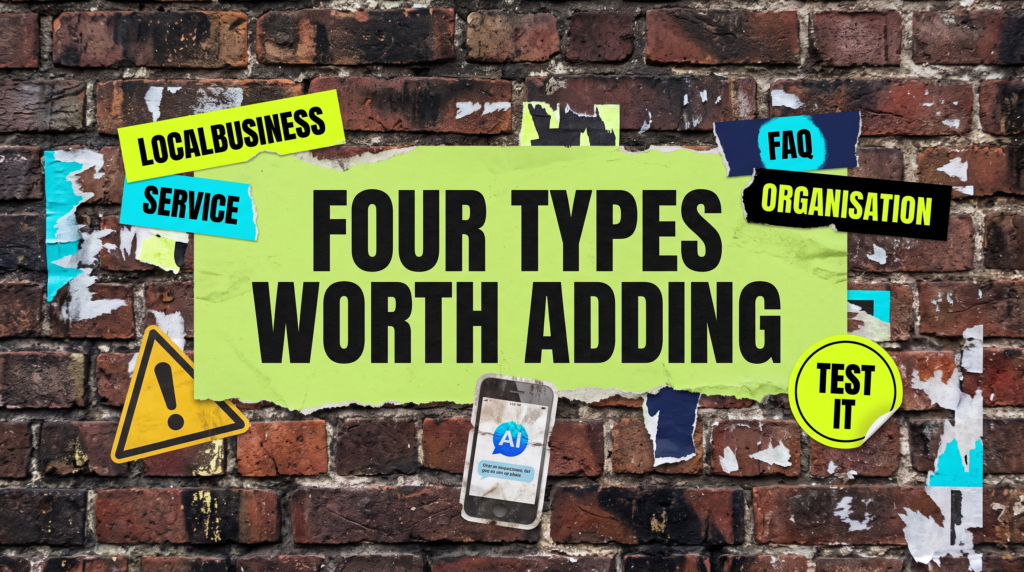
The Three Types Most Small Businesses Actually Need
You do not need forty schema types. Most small businesses need three, and two of them go on once and never change.
LocalBusiness on your homepage or contact page. Name, address, phone, opening hours, service area. This is the one that matters most if people find you locally, and it is the one most likely to already be wrong.
Organization for the business itself, with your logo and your social profiles. It is what feeds the little logo and name that appears in some results and in a lot of AI answers.
Service on each service page, naming the service and who provides it. Straightforward, and it stops each service page looking like generic marketing copy to a machine.
If you sell things online, add Product with price and availability. If you run events, add Event. Beyond that you are into diminishing returns very quickly.
A note on FAQ schema, because the advice online is out of date. Google deprecated FAQ rich results on 7 May 2026. The questions no longer expand under your listing, the report came out of Search Console in June, and the last of the data came out of the API in August. Every guide still telling you to add FAQ schema for the search result was written before that.
FAQPage markup itself is not dead. It still validates, and other crawlers and AI tools still read it. So if you already have it and it describes real questions on the page, leave it. Just do not add it expecting anything to change in Google, because nothing will.
How Schema Changes What AI Tools Say About You
This is the part that has changed most in the last year. AI Overviews and chat assistants are pulling from pages constantly, and they are working out what a business is from whatever the page makes easy to extract.
If your address, service area and offering are labelled properly, the summary tends to be right. If they are buried in a hero image and a bit of loose body copy, you get a vaguer answer, or one assembled from a directory listing that has your old phone number on it.
Nobody can promise you a citation and anyone who does is guessing. What you can do is remove every reason for a machine to get you wrong, and clean structured data is the cheapest way to do that.
Our guide on AI search visibility covers the rest of that picture.
How To Add It Without Breaking Anything
Use JSON-LD. It is Google’s preferred format, it sits in the head of the page as a self-contained block, and it does not tangle itself through your HTML where a theme update can break it.
On WordPress you almost certainly do not need to write any of it. Yoast, Rank Math and most decent SEO plugins output Organization and LocalBusiness schema from settings you fill in once.
The catch is that plugins output what you tell them, and most people never filled the settings in. Then a second plugin adds its own version, and you end up with two conflicting LocalBusiness blocks describing the same company differently.
Fill the settings in properly, then check whether anything else on the site is also outputting schema. One correct block beats three arguing with each other.
How To Check It Is Working
Two tools, both free. Google’s Rich Results Test tells you what you are eligible for on a given URL, though it stopped reporting on FAQ markup in June 2026. The Schema Markup Validator tells you whether the code itself is valid, including types Google does not surface.
Then check the Enhancements section in Search Console after a couple of weeks. It reports what Google has actually picked up across the site and flags errors on specific pages, which is more useful than testing one URL at a time.
Being eligible is not the same as being shown. Google decides per query whether to display a rich result, and star ratings in particular are heavily restricted. Valid schema puts you in the running. It does not buy you the spot.
Common Mistakes
If you are still asking do I need schema markup on my website after installing a plugin and seeing nothing change, one of these is usually why.
- Adding FAQ schema for the search result. That result stopped existing on 7 May 2026. Plenty of advice online still recommends it, and following it now buys you nothing in Google.
- Marking up things that are not on the page. Schema has to describe visible content. Reviews or questions that appear nowhere on the page are a policy breach and can get your rich results pulled.
- Self-serving review markup. Putting star ratings on your own homepage for your own business has not been eligible for a long time. Reviews on Google Business Profile are what show stars for a local business.
- Two plugins, two versions. A theme and an SEO plugin both outputting LocalBusiness with different phone numbers tells Google to trust neither.
- Filling it in once and forgetting. You moved premises, changed the number, dropped a service. The schema still says otherwise, and it is now the most confident wrong answer on your site.
- Expecting it to fix rankings. It will not, it never has, and treating it as an SEO strategy is how sites end up with immaculate structured data and no traffic.
Do It Yourself, Or Get It Done For You
DIY Lane:
Run your homepage and one service page through the Rich Results Test and see what is already there. Then open your SEO plugin’s schema settings and fill in the business type, address, hours, phone and social profiles properly.
Add Service markup to your service pages, check nothing else on the site is outputting a competing block, and come back to Search Console Enhancements in a fortnight to see what got picked up.
Done For You Lane:
We will audit what your site currently outputs, strip out the duplicates and the blocks that no longer earn anything, and put clean LocalBusiness, Organization and Service markup in place that matches what is actually on the pages.
It is a small job with a long tail. Once your details are labelled correctly, everything downstream of Google, including the AI tools, has a much harder time describing you wrongly.
Related Guides On The Wall
If you are working out do I need schema markup on my website, these guides will help you fix the surrounding setup too.
Do I Need Schema Markup On My Website FAQs

Yoast is already outputting some for you, so the question is whether it is correct rather than whether it exists. Open its schema settings, check the business type, address and social profiles are filled in, and test a page to see what is actually coming out.
Not for Google. FAQ rich results were deprecated on 7 May 2026 and the questions no longer expand under your listing. If you already have it and it describes real questions on the page, leaving it costs you nothing and other crawlers still read it. Just do not add it expecting a change in the results.
No. It is not a ranking factor and Google has been clear about that for years. It affects how your listing looks and how accurately machines describe you, which can improve clicks, but it will not move your position on its own.
Almost certainly because self-serving reviews on your own site are not eligible. For a local business, stars in search come from your Google Business Profile reviews, not from markup you added yourself.
Invalid markup mostly just gets ignored. Marking up content that is not on the page is different, and that can get rich results removed from the site as a manual action, so keep it honest.
Schema will not get you found. It stops you being described badly once you are.
Like this guide?
Tell Google you want more like it. One click, no sign-up, and FlyPost guides start showing up more often in your search results.
Add FlyPost as a preferred sourceTakes you to Google, then straight back here.