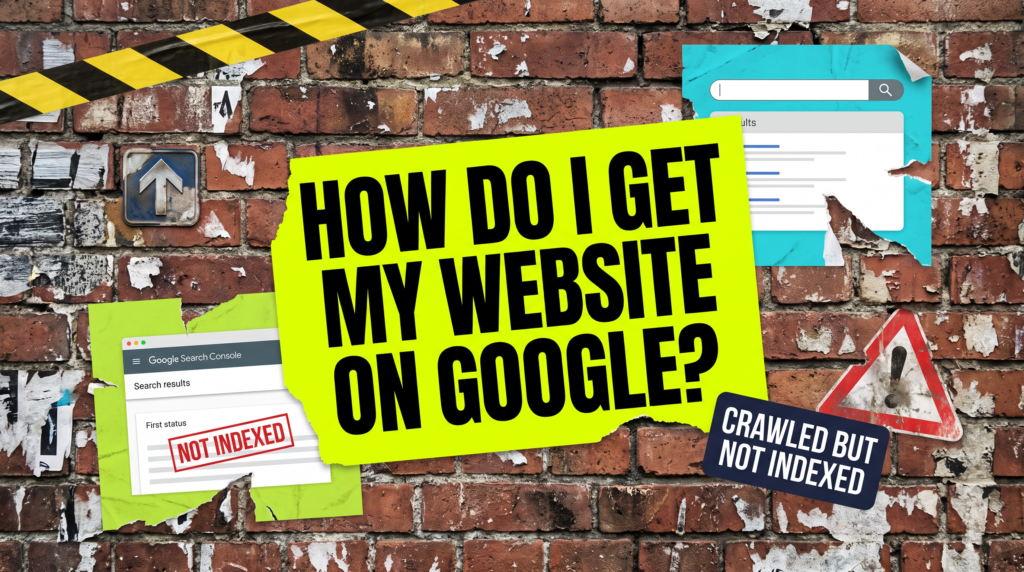
How Do I Get My Website On Google?
The four stages that actually have to happen
If you are asking how do I get my website on Google, you have probably already built the site, pressed publish, and assumed that was that. Most business owners do, and it is a fair assumption. It is just not how Google works, and what is missing is almost always a short list of jobs rather than anything broken.
Quick Version
Google does not owe your site a place in its index. It has to find your pages, crawl them, and then decide each one is worth keeping. Those are three separate things, and most new sites come unstuck on the last two.
Four stages have to be cleared before you are properly on Google:
- Google Search Console set up and your domain verified
- Your sitemap submitted, so Google knows which pages exist
- Actual indexing work done, rather than a publish button pressed
- Content solid enough that Google decides each page is worth indexing
If you get stuck on crawled but not indexed, that is stage four and not a glitch. Google has actively chosen not to index that page, and it will not change its mind on its own.
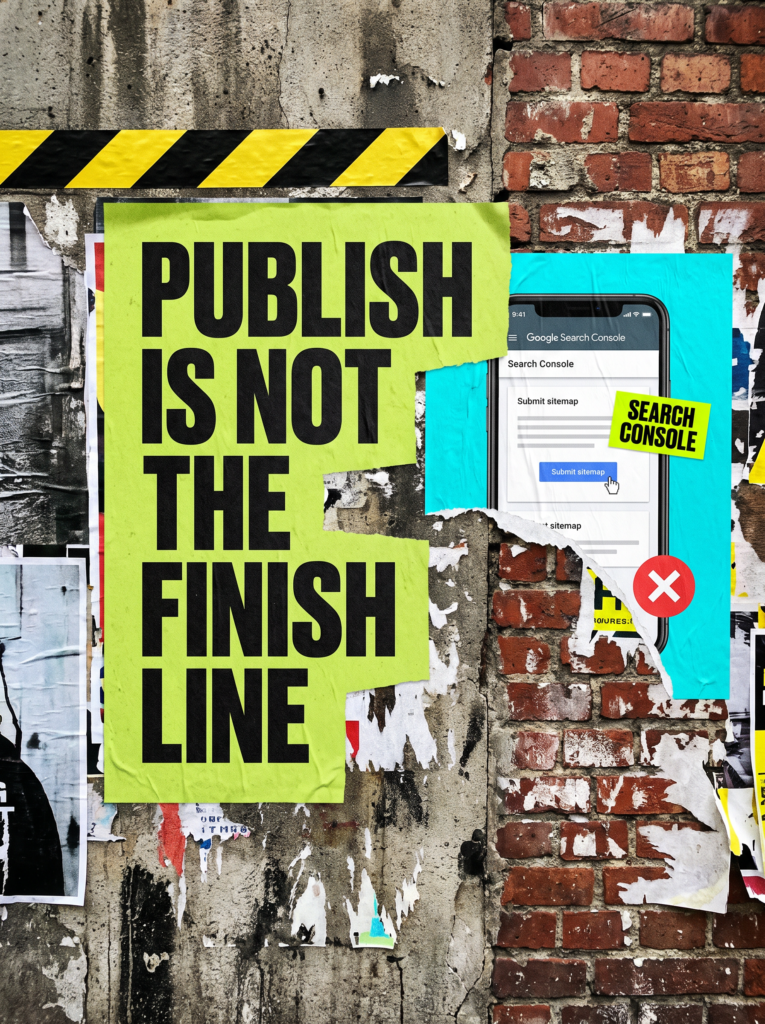
Not Sure where to start?
Most of this is an afternoon of work if you know what you are doing, and a fortnight of guessing if you do not. If you would rather someone just got your pages into the index and told you plainly which ones made it, that is where our packages start.
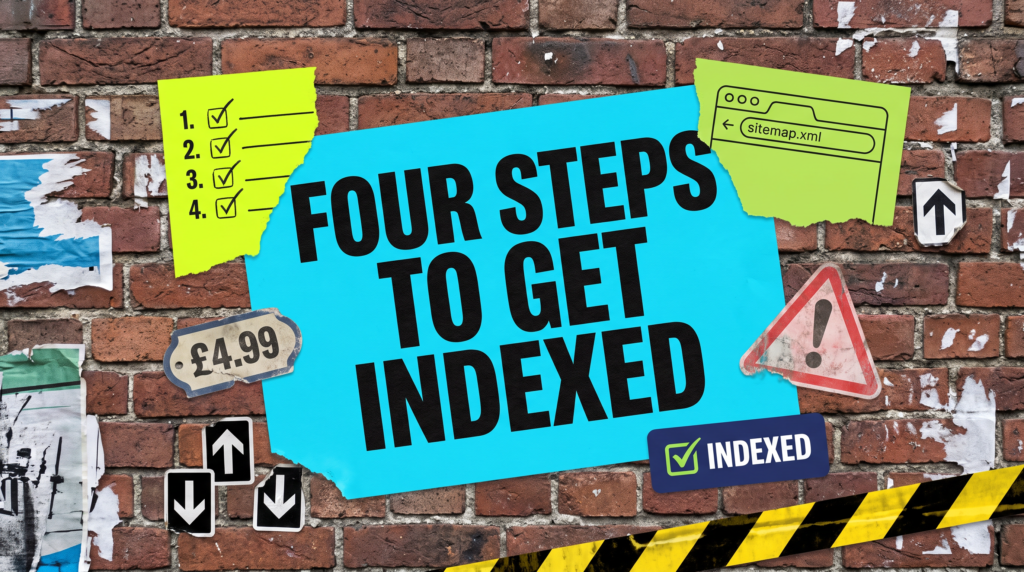
How Do I Get My Website On Google? The Full Guide
Work through these in order, because each stage depends on the one before it. There is no point requesting indexing on a page you have never told Google exists.
You have not set up Google Search Console
Search Console is free, it takes about ten minutes, and it is the only place Google will tell you what it actually thinks of your site. Without it, everything after this is guesswork.
You verify that you own the domain, usually with a DNS record or a small file upload. From that point Google starts showing you which of your pages it has found, which it has indexed, and which it has looked at and quietly passed over.
That last list is the useful one. Without it you cannot tell the difference between being missing from Google entirely and being buried on page nine, and those are completely different problems with completely different fixes.
Set it up before you change anything else on the site. Every decision after this one is easier when you can see what Google sees.
You have not submitted your site
Google finds pages by following links. A brand new site with nothing pointing at it can sit undiscovered for weeks, because there is nothing for Google to follow.
A sitemap is how you skip that queue. Google’s own documentation calls it an important way for Google to discover the URLs on your site, and says it is especially helpful when you have just launched. WordPress, Wix, Squarespace and Shopify all generate one for you, usually at /sitemap.xml or /sitemap_index.xml.
Submitting it in Search Console takes about thirty seconds. Then go back to the Sitemaps report a few days later and confirm it was actually read, rather than assuming it was.
If the report says it could not be fetched, stop and fix that first. A sitemap Google cannot read is doing nothing for you at all.
You have not done any indexing work
Google is blunt about the timescale. Its documentation says crawling can take anywhere from a few days to a few weeks, and that requesting a crawl does not guarantee inclusion instantly or even at all.
So the job is to submit your important pages through the URL Inspection tool, link to them internally from pages Google already knows about, and then leave them alone. There is a quota on individual submissions, and Google states plainly that requesting the same URL again will not get it crawled any faster.
Internal links matter more here than most people expect. A page that nothing else on your own site links to looks unimportant, because as far as Google can tell, you think it is unimportant too.
Five well-linked pages get indexed faster than forty orphaned ones. This is the stage where doing less, properly, wins.
Your content is not strong enough to earn the index
This is where most sites genuinely stall, and it is the stage nobody wants to hear about. Google decides page by page whether something is worth adding to its index, and it says openly that its systems prioritise the fast inclusion of high quality, useful content.
A four-line service page saying you offer plumbing in Aylesbury and people should call you today has nothing to index. There is no question it answers, and nothing on it that is not already on a thousand near-identical pages.
Google’s own community guidance on crawled but not indexed is about as direct as Google ever gets. The page may have been crawled perfectly well, and Google simply decided it was not valuable enough to include in the results. That is a content problem, and only better content changes it.
The fix is unglamorous. Answer the questions a customer actually asks before they ring you, say what you charge or how pricing works, and be specific about where you work. Then request indexing again.
Being indexed and being findable are two different things
Getting indexed is the entry fee, not the prize. An indexed page is eligible to appear for a search, which is a long way from actually appearing for one.
Search your business name in an incognito window. If you come up, you are indexed. Now search the thing you actually sell, in the town you actually sell it in, and see what happens.
The gap between those two searches is ranking, and it is a much longer job than indexing.
Worth knowing before you start, so that being indexed in week three does not land as a disappointment. It is not one. It is the first thing that had to happen, and nothing else could start until it did.
Common Mistakes
If you are still asking how do I get my website on Google after a month of fiddling, one of these is usually the reason.
- Assuming crawled but not indexed will sort itself out. It will not. Google made a decision, and only a better page changes it.
- Resubmitting the same URL for indexing every morning. There is a quota, and repeat requests do not move you up the queue.
- Leaving noindex switched on after launch, or leaving the site pointed at a staging domain. Web designers do this constantly and forget to undo it.
- Publishing thirty thin pages instead of six proper ones. More pages is not more index coverage, it is just more pages for Google to ignore.
- Panicking after four days. A few days to a few weeks is Google’s own range, so give it that long before you start changing things.
DIY lane vs done for you lane
DIY lane:
Set up Search Console and verify the domain. Find your sitemap, submit it, and check it was read. Then pick your five most important pages, make sure each one genuinely answers something a customer would ask, and submit them through URL Inspection.
Then wait a fortnight without touching anything. That last part is the bit nobody manages.
Done for you lane:
This is the first fortnight of any SEO package we run. Search Console set up properly, the sitemap checked rather than assumed, indexing requested on the pages that actually make money, and the thin pages rewritten so there is something worth indexing.
You get told which pages are in, which are not, and why. Then we start on getting them ranked.
Related Guides on the wall
If you are working out how do I get my website on Google, these three cover whichever stage you get stuck on.
- Crawled But Not Indexed for the full fix when Google has looked at a page and passed on it.
- Page Not Indexed Google Search Console for reading what that report is actually telling you.
- Why Am I Not Ranking On Google? for when you are in the index and still nowhere.
How Do I Get My Website On Google FAQs

Set up Search Console, verify the domain, submit your sitemap, then request indexing on your most important pages through the URL Inspection tool. After that it is a waiting game. Google says crawling can take a few days to a few weeks, and it does not promise to index anything at all.
No. Google has actively chosen not to index that page and it does not change its mind on its own. You have to do work on the page so there is a reason to index it, then ask for it to be looked at again. Waiting is the one approach that definitely does not work.
No. Organic results cost nothing and you cannot buy your way into them. Google Ads is a separate thing that puts you above the organic results for as long as you keep paying, and it does nothing whatsoever for your indexing.
Give it three or four weeks after submitting the sitemap and requesting indexing. If your pages are still missing after that, and Search Console shows them as crawled but not indexed, the pages themselves are the problem rather than the process.
Usually because your homepage has links pointing at it from elsewhere and your inner pages have almost none. Add internal links from pages Google already knows about, check every page is in the sitemap, and make sure none of them are set to noindex.
Getting onto Google is four fairly dull stages, and skipping any of them is why sites sit invisible for months. Start with Search Console, because you cannot fix what you cannot see.
Like this guide?
Tell Google you want more like it. One click, no sign-up, and FlyPost guides start showing up more often in your search results.
Add FlyPost as a preferred sourceTakes you to Google, then straight back here.