
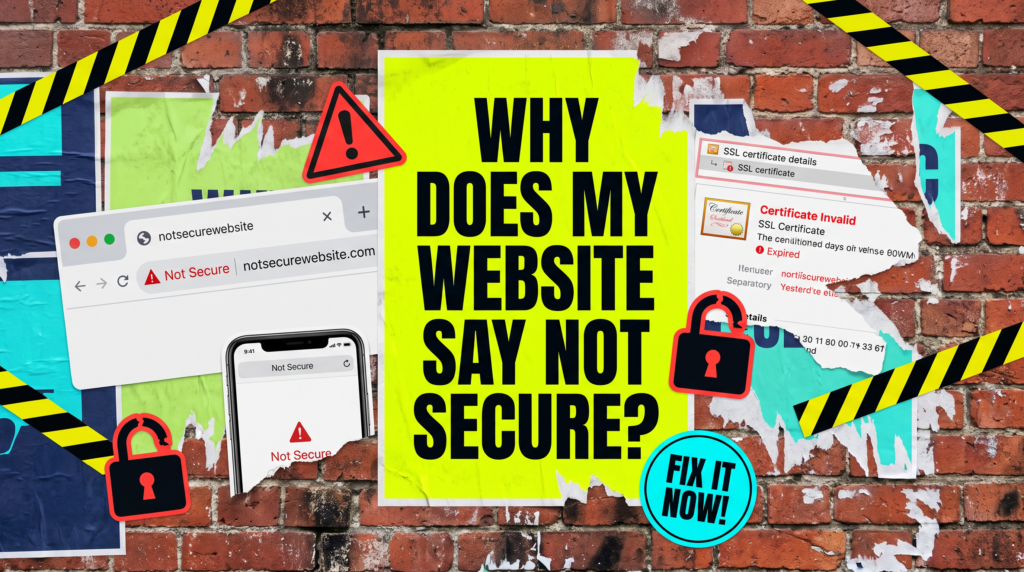
Why Does My Website Say Not Secure?
What the browser warning actually means, and how to clear it today
If you are asking why does my website say not secure, the short answer is that your site is either missing a valid SSL certificate or it is loading something over an old, unencrypted connection. Visitors see that warning before they see your business, and a lot of them never get past it.
The Quick Version
The padlock is not a Google gimmick. It is the browser telling people whether the connection between them and your site is encrypted, and Chrome has been flagging sites that are not since 2018.
What to check, in order:
- Whether you have an SSL certificate at all. Almost every decent host now includes one free.
- Whether it has expired. Certificates renew on a schedule and auto renewal fails more often than you would think.
- Mixed content: images, scripts or fonts still loading over http on an otherwise secure page.
- Whether http actually redirects to https, or whether both versions of your site are still live.
- Your internal links, sitemap and Search Console property, which all need to point at the https version.
In most cases this is a thirty minute job, not a rebuild. The exception is a site that got half migrated years ago and then left alone, and even that is usually fixable in an afternoon.
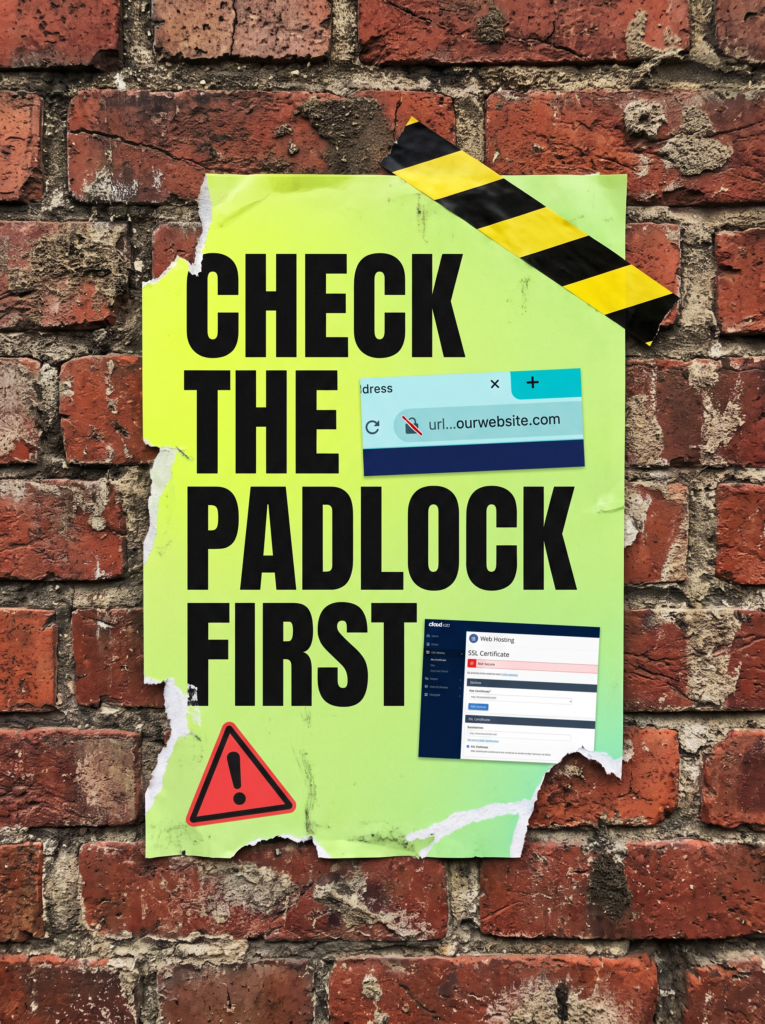
Not Sure Where To Start?
If the padlock is missing and you have no idea where the certificate even lives, that is completely normal. Most business owners have never had a reason to look. We will find it, fix it, and make sure it renews itself from now on.
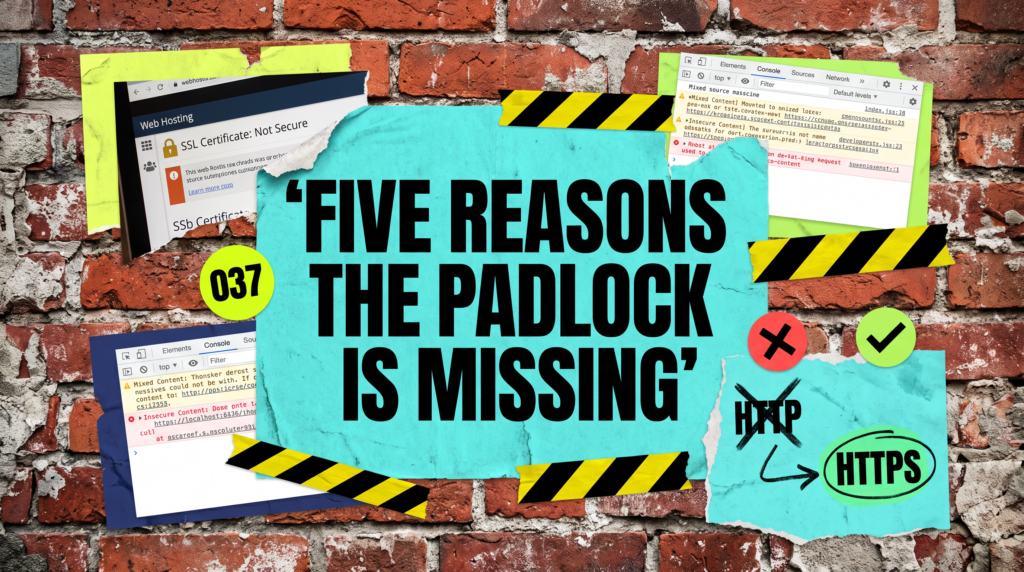
Why Does My Website Say Not Secure? The Full Guide
When someone asks why does my website say not secure, they usually assume the site has been hacked. Nine times out of ten it has not. It is a certificate problem, and certificate problems come from a short and very predictable list of causes.
There Is No SSL Certificate At All
An SSL certificate is what lets your site serve pages over https rather than http. Without one, every modern browser marks the site as not secure, and some will put a full page interruption in front of it before anyone reaches your content.
Nearly every host now includes a free Let’s Encrypt certificate. Log into your hosting control panel, find the SSL section, and switch it on. If your host wants hundreds of pounds a year for a certificate on a standard brochure site, the thing to review is your host, not your budget.
The Certificate Has Expired Or Failed To Renew
Certificates are issued for a fixed period, and free ones typically renew every ninety days. Auto renewal usually just works, right up until a DNS change or a host migration quietly breaks it and nothing tells you.
Click the padlock area in your browser, open the certificate details, and check the expiry date. If it has lapsed, reissuing from your hosting panel is normally one click. Then put a reminder in the calendar for three months’ time, because the only alert you get otherwise is the warning itself.
Mixed Content Is Still Loading Over HTTP
This is the one that catches people who have already installed a certificate and cannot work out why the padlock still refuses to appear. The page itself is secure, but something on it is not: an image, a stylesheet, a font, an old tracking script left behind by a plugin.
Open the page, press F12 for developer tools, and read the console. It will name the offending file directly. On WordPress, a careful search and replace across the database from http://yourdomain to https://yourdomain clears most of it. Take a full backup before you touch anything.
The Redirect Is Missing, So Both Versions Exist
If http and https both load your site, you effectively have two copies of it as far as browsers and Google are concerned. Anyone who lands on the http version gets the warning even though a perfectly good secure version is sitting right there.
Add a site wide redirect from http to https, and settle whether you are www or non www. Pick one, redirect the other, and make sure the site address in your CMS settings matches. Leave it split and you keep dividing your traffic and your rankings between two addresses.
The Warning Only Shows On One Page Or One Form
Sometimes the padlock is fine everywhere except a contact, booking or checkout page. That almost always means an embedded form, a booking widget or a payment iframe is loading over http and dragging the page down with it.
This is the version worth fixing first, because it is the exact moment somebody was about to become an enquiry. Swap the embed for the provider’s https version, and if the provider still has not moved to https in 2026, replace the provider.
Common Mistakes
If you have already fixed the certificate and are still asking why does my website say not secure, one of these is usually what is left.
- Installing the certificate but never forcing the redirect, so half your visitors still land on http and still see the warning.
- Leaving hard coded http image URLs in old blog posts and page builder modules, which is the most common source of mixed content.
- Forgetting the www version of the domain, which often needs covering by the same certificate.
- Never adding the https property in Search Console, so all your data keeps reporting against the old address.
- Assuming the caching plugin has cleared. It usually has not. Purge the cache before you decide the fix has failed.
Do it yourself, or hand it over
Doing it yourself
Check the certificate in your hosting panel, force https, run a mixed content scan, purge every cache, then recheck in an incognito window. That covers the vast majority of cases and costs nothing but an afternoon.
Letting us do it
We trace the actual cause rather than guessing at it, fix the redirects properly, clean the mixed content out of the database, and make sure Search Console is pointed at the right property once it is done.
Related Guides on the wall
If you are working out why does my website say not secure, these guides cover the things that tend to be broken at the same time.
Why Does My Website Say Not Secure? FAQs

Almost always mixed content. The page is served over https, but something inside it, usually an image or an old script, is still loading over http, and the browser downgrades the whole page as a result. Open developer tools and the console will name the file for you.
HTTPS is a lightweight ranking signal, so the direct effect is small. The indirect effect is not. People bounce off a security warning, and the damage that does to enquiries and engagement is far bigger than the ranking factor itself.
For a standard business website, nothing. Let’s Encrypt certificates are free and most UK hosts include them as standard. Paid certificates make sense for large ecommerce or where you need extended validation, which is not most small businesses.
A missing or expired certificate you can sort from your hosting panel in minutes. Mixed content and redirect problems are fiddlier, and if the site is running on an older build it is worth having someone do it properly rather than guessing at the database.
Straight away for you, once the certificate is live and every cache is cleared. Browsers can hold onto an old redirect for a while though, so test in an incognito window or on another device before you decide it has not worked.
The padlock takes an afternoon. The enquiries you lost while it was missing do not come back.
Like this guide?
Tell Google you want more like it. One click, no sign-up, and FlyPost guides start showing up more often in your search results.
Add FlyPost as a preferred sourceTakes you to Google, then straight back here.