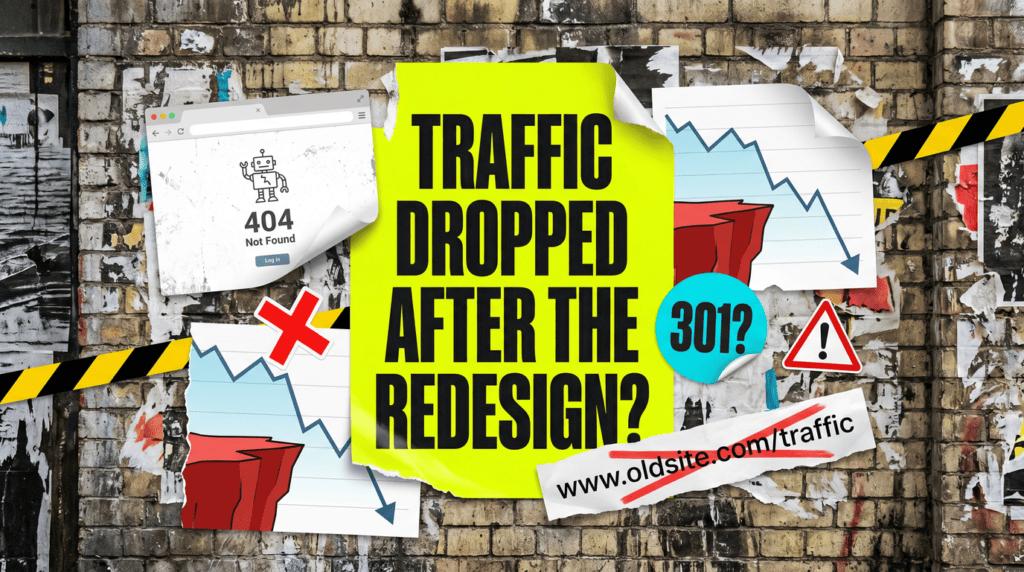
Why Did My Traffic Drop After A Website Redesign?
The new site looks better. Google just cannot find half of it.
Why did my traffic drop after a website redesign is one of those questions that arrives about three weeks after launch, when the celebration has worn off and the enquiries have not come back. The site looks miles better than the old one, and it is performing miles worse.
Nothing mysterious is happening. A redesign moves, renames or deletes the things Google spent years learning, and unless somebody told Google where it all went, it is now knocking on doors that are not there.
Why Did My Traffic Drop After A Website Redesign? The Quick Version
A redesign does not damage your rankings because the design changed. It damages them because the plumbing underneath changed and nobody reconnected it.
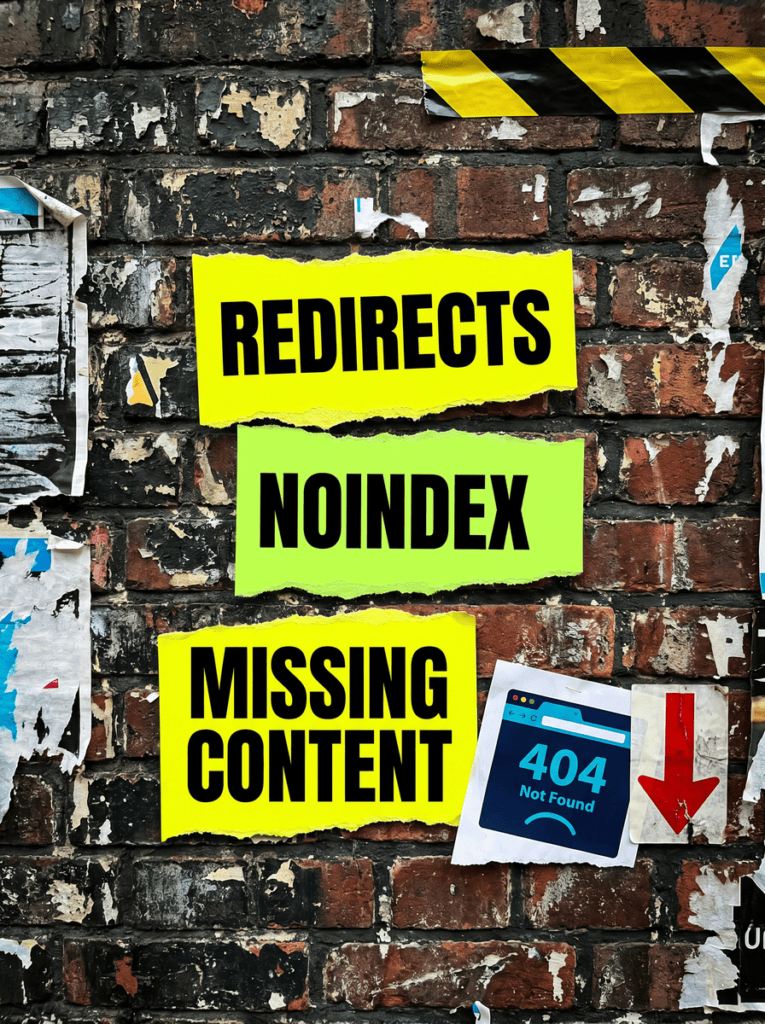
Nearly every post-redesign traffic drop comes down to one of these:
- Missing redirects. Your URLs changed and the old ones now 404. This is the big one, by a distance.
- A leftover noindex tag. The staging site’s “keep this out of Google” setting went live with everything else.
- Content quietly disappeared. The new design was tidier, and tidier usually means shorter.
- Internal links were rebuilt from scratch and pages that used to be well linked are now orphans.
- The pretty new build is slow, or renders in a way Google struggles to read.
The good news is that this is nearly always recoverable, and usually within a few weeks of fixing it. The bad news is that every week you leave it, the rankings settle further down.
Not Sure Where To Start?
Start by finding out whether Google can still reach your pages at all. Everything else is a refinement on top of that, and there is no point tuning the content on a page that returns a 404 to a crawler.
Why Did My Traffic Drop After A Website Redesign? The Full Guide
When someone asks why did my traffic drop after a website redesign, they usually suspect the content or the design. It is almost always something duller, and far more fixable, than that.
Redirects: The One That Causes Most Of It
If your URLs changed and you did not put 301 redirects in place, every link, every ranking and every bit of authority those old pages built up is now pointing at a dead end.
Google had /services/boiler-repair/ in its index for four years. Your new site calls it /what-we-do/boiler-repair/. Without a redirect the old URL 404s, the ranking evaporates, and every site that linked to you is now linking to nothing.
Two details catch people out. Use a 301, not a 302. A 302 says “temporary” and Google will hang onto the old URL rather than passing the value across. And redirect each old page to its equivalent new page, not to the homepage. A hundred old URLs all dumped on the homepage gets treated as a soft 404 and passes almost nothing. Google’s own site move documentation spells both of these out.
Your URLs Changed And Nobody Told Google
Even with redirects in place, Google needs to be pointed at the new structure rather than left to stumble across it.
Your sitemap is very likely still listing the old URLs, or listing nothing at all because the new build generates it differently. Submit the new one in Search Console and check the URL count roughly matches the number of pages you actually have.
Then look at your canonical tags. Plenty of redesigns ship with canonicals still pointing at the staging domain, which tells Google the real version of every page lives on a site it cannot access. That single mistake can flatten an entire site.
The Staging Site Left Its Fingerprints Behind
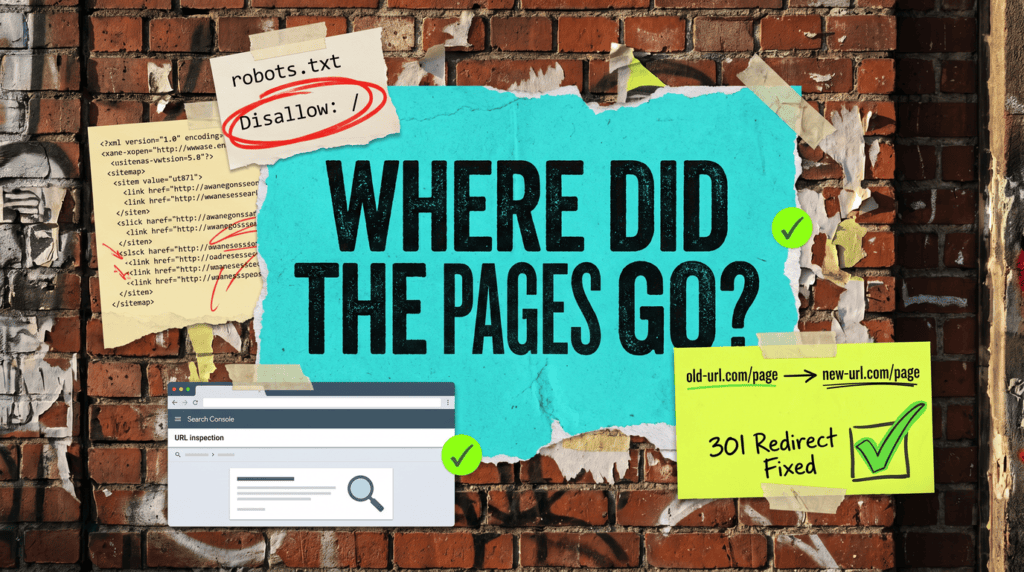
While your new site was being built it almost certainly carried a noindex tag, or a Disallow rule in robots.txt, to keep it out of Google. That is correct, and it is also the single most common thing developers forget to remove.
Check two things right now. In WordPress, Settings → Reading → “Discourage search engines from indexing this site” should be unticked. And load yoursite.com/robots.txt and make sure it does not say Disallow: /
If either of those is wrong, nothing else you fix matters, and the traffic will not come back until they are undone. It is a two-minute check and it is the first thing worth doing.
Content That Quietly Went Missing
Designers make things cleaner. Cleaner very often means less text, and less text means fewer of the words you used to rank for.
The old service page had 900 words explaining what you do, who you do it for and the areas you cover. The new one has a nice hero image, three icons and 120 words. It looks better and it ranks for nothing.
Pull the old pages up in the Wayback Machine and compare them honestly against the new ones. If the headings, the detail and the specific phrases are gone, that is your drop, and it is not a design problem, it is a content problem you can fix without touching the design.
Speed, Rendering And The Pretty New Build
The new site is heavier. Bigger images, more animation, a page builder loading things it does not need, and a Core Web Vitals score that has gone the wrong way.
Speed on its own rarely causes a large drop, so do not start here. But if the new build renders its content with JavaScript that Google struggles with, that is a different and far more serious problem: the page can look fine to you and be nearly empty to a crawler.
Use the URL Inspection tool in Search Console and look at the rendered HTML. If your body copy is not in it, Google is not seeing it either.
Common Mistakes
If you are still asking why did my traffic drop after a website redesign a month after launch, one of these is usually the reason.
- Waiting for it to recover on its own. It will not. Nothing self-heals here, and the longer the old URLs 404, the more thoroughly Google drops them.
- Redirecting everything to the homepage. It clears the 404s out of your report, so it looks like it worked. It passes almost no value and it hides the real problem.
- Blaming a Google update. Check the dates. If your drop lines up with your launch and not with an update, it was the launch.
- Only checking the pages you care about. The drop is usually spread across the pages you had forgotten you had, which collectively were bringing in more than the homepage.
- Not having recorded a baseline. Export your top pages and top queries before the next redesign. Without a before, you cannot prove what broke.
Do It Yourself, Or Get It Done For You
DIY lane:
Crawl your old sitemap and your new site side by side. Every old URL that returns a 404 needs a 301 to its closest equivalent.
Then check the noindex setting, check robots.txt, check the canonicals are not pointing at staging, resubmit the sitemap, and compare your top ten old pages against their new versions for missing content.
Done for you lane:
We will map every old URL to its new home, fix the redirects, clear whatever the build left behind, and put the missing content back where the rankings used to live.
Most sites we do this on recover the bulk of their traffic within a few weeks, because the rankings were never really lost. They were just unreachable.
Related Guides on the wall
If you are working out why did my traffic drop after a website redesign, these guides will help you fix the surrounding setup too.
Why Did My Traffic Drop After A Website Redesign FAQs

Because the addresses changed. If the URLs are different and there are no 301 redirects, Google is still looking for pages that no longer exist, and the rankings those pages held do not transfer to the new ones on their own.
If it was redirects, usually two to six weeks after they go in. Where the site was left on noindex, recovery starts as soon as Google recrawls, which can be days. Stripped-out content takes as long as it takes to put back and get re-evaluated.
Rarely worth it. Reverting swaps one migration for another and doubles the disruption. Fix the redirects and the indexing on the new site instead. That is nearly always faster than going backwards.
Yes, and they are the ones people skip. Old posts often hold more links and more long-tail traffic than the service pages, and they are exactly the pages nobody remembers to map.
Export your top pages and queries before launch, build the redirect map before the site goes live rather than after, and check noindex and robots.txt on day one. A migration that is planned takes a fraction of the time that a migration that is rescued does.
The traffic is not gone. Google just cannot find where you moved it to.
Like this guide?
Tell Google you want more like it. One click, no sign-up, and FlyPost guides start showing up more often in your search results.
Add FlyPost as a preferred sourceTakes you to Google, then straight back here.