

What Keywords Should I Use For My Website? Pick Terms You Can Actually Rank For


Stop guessing, stop copying competitors, and stop chasing the biggest number in a tool.
If you have ever typed what keywords should I use for my website into Google and closed the tab twenty minutes later none the wiser, this guide is for you. Most of the advice out there is written for marketers with a tool subscription and a spare afternoon. This one is written for the person who runs the business.
The honest answer is that the right keywords are the ones your customers already use, that match what your pages actually offer, and that a site your size has a realistic shot at ranking for. That rules out a lot of the exciting-looking terms straight away, which is a good thing.
The quick version
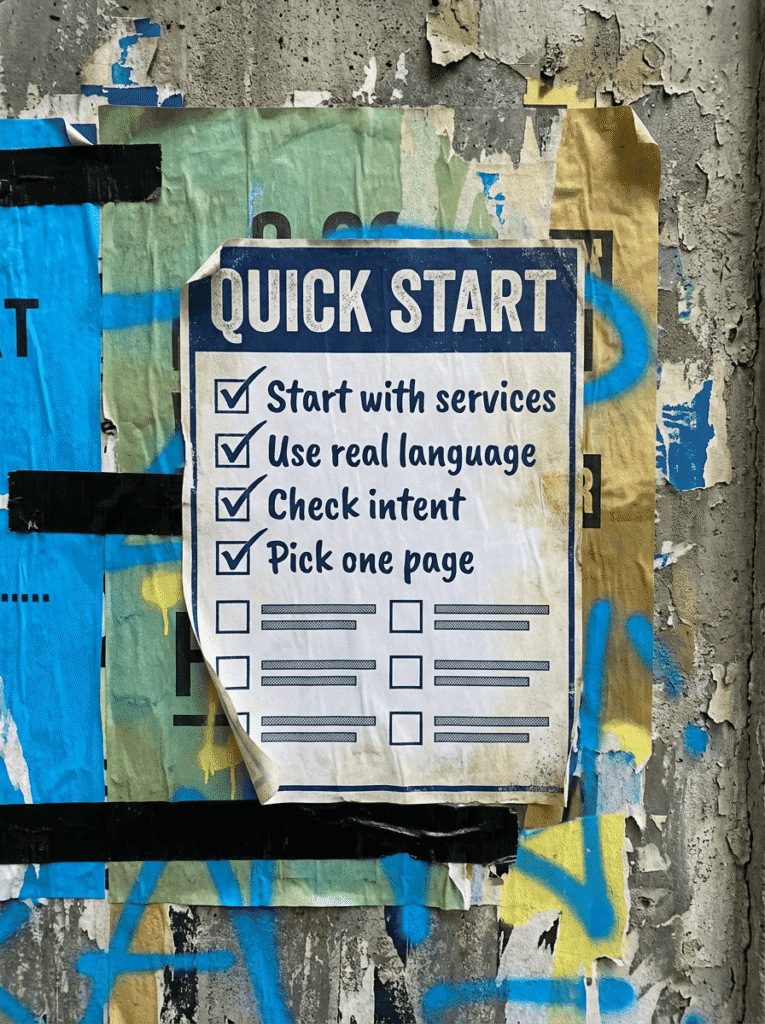
If you only have 20 minutes and want the short answer to what keywords should I use for my website, these are the five things that matter most.
- Start with the services and pages that bring in enquiries
- Write down the plain-English words your customers use
- Check what Google is ranking before you look at volume
- Prefer specific phrases over broad ones you cannot win
- Give each page one main term so pages stop competing
If that already feels like plenty, do not worry. The full process is below, in the order that works.
Not sure where to start?
The biggest mistake people make when asking what keywords should I use for my website is opening a tool before they have thought about the business.
Someone types in one broad term, sorts by volume, and decides on the spot that they should rank for the biggest phrase on the screen. No page plan, no thought about whether the term matches what they sell.
A better order is business first, then customer, then search results, then tools. The tools are there to sense-check your thinking, not to replace it.

What Keywords Should I Use For My Website?
When a business owner asks what keywords should I use for my website, they usually expect a list. What they actually need is a short process they can repeat, because the right answer changes as the site grows.
Work through these five steps in order. Skipping ahead is how you end up with a spreadsheet of terms and no idea which page any of them belong to.
Step 1: Start with what the business needs to be found for
Do not begin with whatever phrase has the highest search volume. Begin with the services, products or topics that actually lead to enquiries or sales, because those are the pages worth ranking in the first place.
- List your core services before you open any tool
- Put the ones that actually make you money at the top
- Add location-led versions if you serve a specific area
- Ignore vanity topics unless they support a real page
- Keep the first list to five or ten obvious lines
You are building a foundation, not a database. A long list at this stage just makes every step after it harder than it needs to be.
Step 2: Write down the words your customers actually use
This is where most businesses go wrong. They write down how they describe the service, in the language of their own industry, rather than how a customer who has never heard of them would search for it.
- Note the plain-English version of every service
- Pull real phrases out of enquiries, emails and calls
- Add the shorter variations people actually type
- Include question-style searches where they fit
- Keep local phrasing if customers name the town
“Boiler making a banging noise” is a real search. “Domestic heating system diagnostics” is not, unless you are selling to other engineers.
Stop trying to sound clever and start sounding like the person searching. That single shift fixes more keyword problems than any tool does.
Step 3: Check search intent before you check search volume
Volume means very little if the intent is wrong. A term can look brilliant in a tool and still be the wrong target for a page, because the people searching it want something different from what that page offers.
Search each term yourself and look at what Google is actually rewarding before you commit to it.
- Check whether results are guides, products or service pages
- Ask if the person wants information, options or someone to hire
- Do not force a service page onto an informational query
- Do not write a blog post for a term that wants a service page
- Note whether the results are local, national or mixed
If the top results are all how-to articles and your page says hire us, you will not rank there no matter how good the page is. If the intent does not match, the keyword is wrong for that page, and no amount of volume changes that.
Step 4: Prefer specific phrases over broad ones
Broad terms look exciting. Specific terms usually make more money. A smaller site does not need to spend six months chasing a head term that bigger brands already own, and there is nothing brave about targeting a term you cannot realistically compete for yet.
- Prioritise phrases that name the service or the problem
- Add location modifiers wherever they apply
- Use the broad term as a parent topic, not every page target
- Compare your site honestly against the pages already ranking
- Look for gaps where the intent is underserved
“Accountant” is a fight you will lose. “Accountant for sole traders in Bath” is a fight you can win, and the person searching it is much closer to picking up the phone.
Step 5: Give each page one main term and build a simple plan
This is the point where the exercise turns into something useful instead of a list. You are not building one page for every tiny variation. You are grouping close terms together and deciding which page should carry each topic.
- Pick one primary term per page and stick to it
- Add the close variants that share the same intent
- Split out anything that deserves a page of its own
- Match terms to existing pages before writing new ones
- Keep the plan simple enough that you will open it again
When two pages chase the same topic, Google usually picks the one you did not want. Once you know what a page should target, use Service Page Checklist to tighten the page itself, then revisit the plan every few months as the site earns stronger terms.
Tools that help you pick keywords for your website
You do not need to buy every tool going, but a couple can save you a lot of time
- Google Keyword Planner
- Good for rough search demand, keyword variations, and getting a first pass without paying for a full SEO suite
- Price: Free
- Pricing/help page: https://support.google.com/google-ads/answer/7337243?hl=en-uk
- Tool page:Google Keyword Planner
- Ahrefs
- Good for keyword ideas, SERP checks, competitor gaps, and sense-checking whether a term is actually realistic
- Price: from £23/month for Starter or £99/month for Lite
- Pricing page:https://ahrefs.com/pricing
Common mistakes
If you are still asking what keywords should I use for my website after a month of tinkering, one of these is usually the reason.
- Starting with search volume instead of the business
- Ignoring search intent and wondering why the page never moves
- Targeting broad terms that do not fit the page
- Letting two pages chase the same topic
- Treating every variation as if it needs its own page
- Choosing keywords because a tool said they were popular
- Building a list but never turning it into a page plan
DIY lane vs done for you lane
DIY lane:
Start with core services, real customer language, search intent and one term per page. That is where most of the useful wins sit, and none of it needs a paid tool.
Done for you lane:
If you want the quicker route, we can handle the keyword research, sort the terms by page type and intent, and build a realistic plan around what your site can actually rank for.
Related Guides on the wall
If you are working out what keywords should I use for my website, these guides will help once you start turning terms into pages and fixes.
- Read Service Page Checklist if you need to tighten the page after choosing the right target terms
- Use Page not indexed in Google Search Console if the page is live but still not showing properly
- Check Technical SEO checklist for WordPress if the wider site setup is stopping good pages from performing
- Read Local SEO checklist for small business if local modifiers and service-area terms matter to your plan
What Keywords Should I Use For My Website FAQs

Use the plain-English name of each service plus the area you cover, one per page. “Wedding photographer Exeter” beats “photography services” every time, because it is what people actually type and it is a term you can realistically win.
No, not first. Check the intent and the competition before the volume. A lower-volume phrase with the right intent that your site can rank for is worth more than a big number you will never appear for.
No. You can do a solid first pass with Google itself, your own enquiry emails and Google Keyword Planner. Paid tools mainly save time and give you more data to sense-check what you have already worked out.
One clear primary term, plus close variants that share the same intent. Do not try to make one page rank for five different topics, because it will usually end up ranking for none of them.
Every few months, or whenever you add a new service or the site starts ranking for something unexpected. Recheck the priority terms, sharpen the targets as the site gets stronger, and remove any overlap between pages.

Quick tip
Rather have us handle this instead of DIY-ing it? That is literally the job.



Straight talking marketing that gets results.
No pressure, no jargon. Just a clear look at what’s stopping your site from bringing in more enquiries.
Book a free site reviewLike this guide?
Tell Google you want more like it. One click, no sign-up, and FlyPost guides start showing up more often in your search results.
Add FlyPost as a preferred sourceTakes you to Google, then straight back here.