
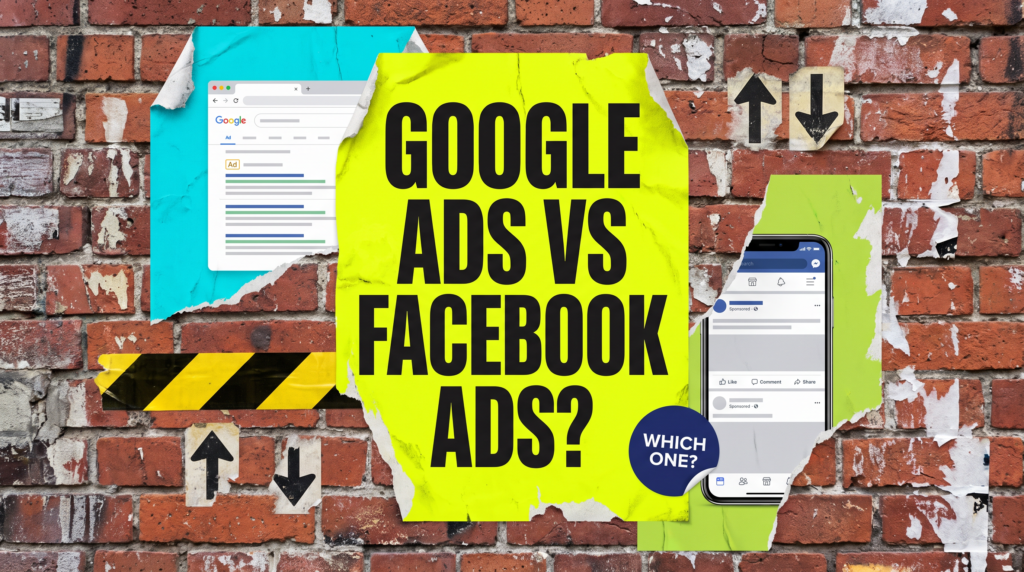
Google Ads vs Facebook Ads: Which Should A Small Business Use?
One catches people already looking. The other finds people who weren’t. Pick the one your business needs.
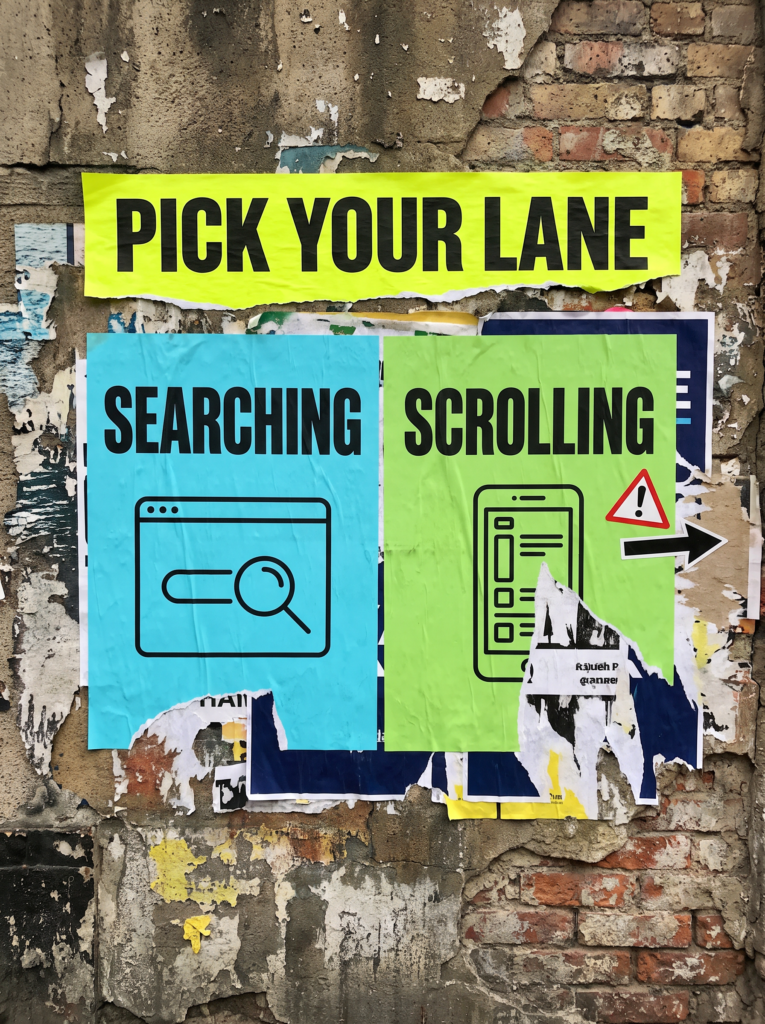
Google Ads vs Facebook Ads is the question most small businesses ask before spending a penny on paid ads, and the honest answer is that they do different jobs. Google puts you in front of people already searching for what you sell. Facebook and Instagram put you in front of people who are scrolling and weren’t looking for anything. Work out which of those your business needs and the choice mostly makes itself.
Quick Version
If people already search for what you do, especially when they need it now, start with Google Ads. If they don’t search for it, or need to see it before they want it, start with Facebook and Instagram ads.
The short checklist:
- Customers search for it when they need it (emergency trades, local services, specific products): Google first.
- Customers buy on looks, impulse or a good offer (food, events, beauty, gifts, homeware): Meta first.
- Small budget: pick one platform and do it properly before adding the second.
- Running both: let search catch the demand that exists and use Meta to create more of it.
Neither platform is better in general. One is better for your business, right now, with the budget you actually have.
Not Sure where to start?
If you’re not sure whether people search for what you sell, or you’ve tried one platform and can’t tell whether it worked, we can look at your setup and tell you which one to test first.
The Full Guide: Choosing Between Google Ads And Facebook Ads
When someone asks google ads vs facebook ads, they usually expect a winner. There isn’t one. What matters is whether demand for what you sell already exists or needs creating, and how much you can spend finding out.
1. Know What Each Platform Actually Does
Google Ads shows your ad when someone searches for terms related to your product or service. You choose keywords that match what your customers are likely to type, and an auction runs every time someone searches. With cost-per-click bidding you’re charged when someone clicks through to your site.
Facebook and Instagram ads work the other way round. You describe who you want to reach by location, age, gender, interests and behaviours, or target people who already know you, such as website visitors or your customer list. Meta then shows your ad in their feed while they’re busy doing something else.
So Google answers a question someone has already asked. Meta interrupts someone who hasn’t asked anything yet.
2. When Google Ads Suits Your Business Better
Google suits businesses where the customer knows what they need and goes looking for it. A plumber taking emergency calls, a solicitor doing conveyancing, an accountant at tax return time or a shop selling a specific part all have customers who search with a job in mind and want an answer now.
The test is simple. Type the words your customers would use into Google. If other businesses are advertising against them, there’s demand and someone is paying for it. If there are no ads and nobody seems to search that way, Google has very little to show your ad against.
If you want to check the maths before committing, our guide on whether Google Ads are worth it for a small business walks through what a customer is worth against what clicks cost.
3. When Facebook And Instagram Ads Suit Your Business Better
Meta suits businesses people don’t search for until they’ve seen them. A new café, a mobile dog groomer, a wedding photographer, a candle shop or a local gym can all look good in a feed and catch someone who wasn’t planning to buy. Nobody types “I fancy a scented candle” into Google at half nine on a Tuesday, but plenty will stop scrolling for a nice one.
It also suits anything visual, anything with a strong offer, and anything new that people don’t know exists yet. The catch is that you’re asking for attention rather than answering a need, so the ad and the offer have to work harder.
If you’ve run Meta ads and the leads never turned up, our guide on why Facebook ads are not getting leads covers what usually breaks before the form.
4. Know What It Takes To Test Each One Properly
Both platforms need enough budget and enough time before they tell you anything useful. Meta says that once your ad starts running, its system learns who engages with it and narrows your audience over time. That learning needs spend behind it, and so does Google working out which keywords turn into enquiries.
We’ve covered the numbers separately in how much to spend on Google Ads and how much to spend on Facebook ads, so we won’t repeat them here.
The point is this: a budget that’s fine for one platform gets too thin to learn anything when you split it across two.
5. When To Run Both, And In What Order
Running both makes sense once one is working and you know roughly what a lead costs you. For a local service business, Google is usually the lower-risk place to start, because it catches people already looking. Meta can then reach people before they search and remind past website visitors to come back.
For a visual or impulse product, flip it. Start on Meta, prove the offer works, then add Google to catch the people who saw your ad and searched for your name later.
Either way, give the second platform its own budget. Don’t starve the one that’s working to fund the experiment.
Common Mistakes
If you’re still weighing up google ads vs facebook ads after a month of reading, one of these is usually why it isn’t clear.
- Picking a platform because a competitor uses it, without knowing whether it’s working for them.
- Splitting a small budget across both, so neither gets enough spend to learn anything.
- Judging Meta purely on clicks, when its job is often to get you seen before someone is ready to search.
- Running Google Ads on words nobody searches for, then deciding Google doesn’t work.
- Boosting a post and calling it a Facebook ads test. Boosted posts and proper Meta ads aren’t the same thing.
- Switching platforms after a fortnight, before either has had time to settle.
DIY lane vs done for you lane
DIY lane:
Search for your own service on Google and see who’s advertising. Decide whether you’re catching demand or creating it, pick one platform, give it a budget you can keep running for a few months, and track every enquiry back to where it came from.
Done for you lane:
We check whether people search for what you sell, look at what competitors are doing on both platforms, and set one channel up properly with tracking before deciding whether the second is worth adding. You get a straight answer on which to run and why.
Related Guides on the wall
If you are working out google ads vs facebook ads, these guides will help you fix the surrounding setup too.
Google Ads vs Facebook Ads FAQs

Neither is better across the board. Google Ads suits businesses people already search for. Facebook and Instagram ads suit businesses people need to see before they want them. Start with the one that matches how your customers buy.
Comparing cost per click will mislead you. A Google click often comes from someone already looking to buy, while a Meta click may be someone idly browsing. Compare what each platform costs you per enquiry or sale instead.
Only once one of them is working and you have budget left over for the second. Running both on a small budget usually means neither gets enough spend to show you what works.
Yes. Meta reviews and runs ads across Facebook and Instagram, so when people say Facebook ads they usually mean both.
Long enough to get a meaningful number of clicks and enquiries, which on a small budget means months rather than weeks. Switching platform after a fortnight tells you very little.
Google catches the people already looking. Meta finds the ones who weren’t. Pick the one that matches how your customers buy, and do it properly.
Like this guide?
Tell Google you want more like it. One click, no sign-up, and FlyPost guides start showing up more often in your search results.
Add FlyPost as a preferred sourceTakes you to Google, then straight back here.