

Digital Marketing News End-September 2026: Your Google Listing Goes AI, Spam Review Alerts And Google Ads Compares Your Spend
Everything that actually moved in search and ads this week, and what a busy business owner should do about it
The digital marketing news end-September 2026 round-up is a local one. Google has started turning your Business Profile panel into an AI Overview, it is emailing owners when it removes a burst of spam reviews, and Google Ads now tells you whether you spend more or less than businesses it thinks are like yours. Here is what moved, in plain English, and what a busy business owner should do about each.
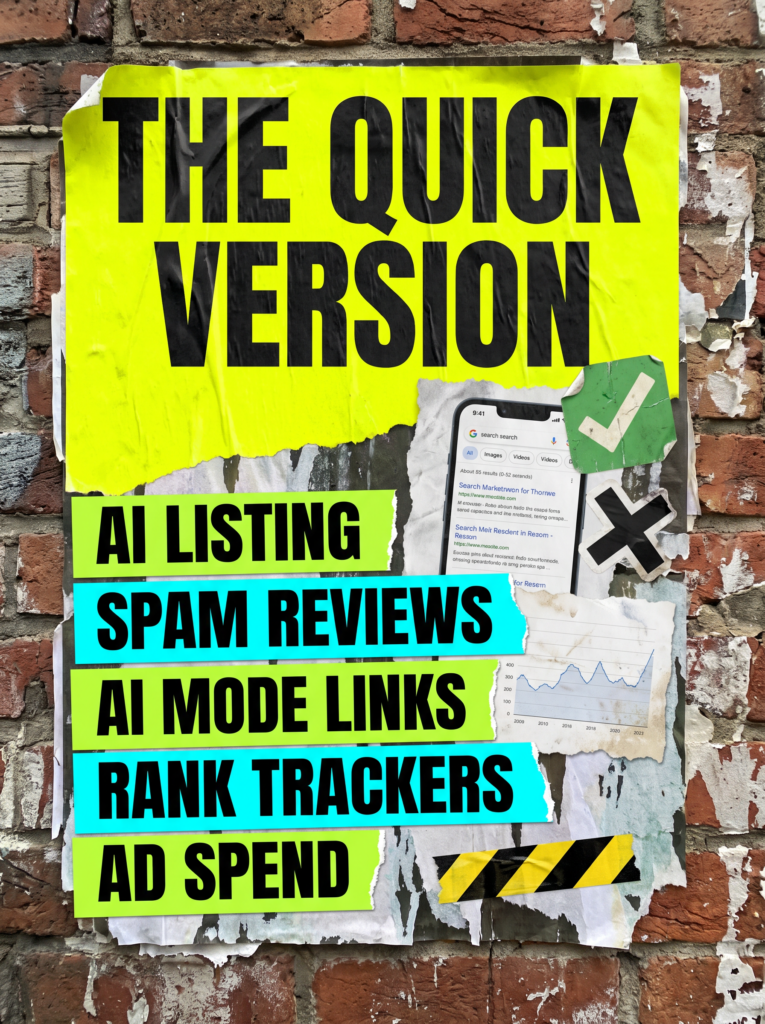
The Quick Version
If you have two minutes, here is the week in five lines. One of them is worth ten minutes on your own Business Profile today. The rest are worth knowing and not worth a panic.
- Google is putting an AI Overview at the top of some local business panels, with a Show more button that opens an AI Mode chat about your business. It is written from your website and profile, so an out of date page now describes you out loud.
- Google is emailing Business Profile owners when it spots a spike in spam reviews. It removes them, then pauses all new reviews for a few days. No action needed unless a genuine review has vanished.
- Some links at the bottom of AI Overviews now open AI Mode rather than a website. It is a test, and it is one more step between the searcher and your page.
- Rankings moved again on 15 September, and Google is now blocking the tools that track them. If your rank tracker shows a cliff, check Search Console before you believe it.
- Google Ads has a new Spend benchmarks report that compares your spend with businesses like yours. Treat it as a nudge to spend more, because that is what it is.
None of it needs a Tuesday morning emergency. Read your own listing the way a stranger would, then get on with your week.
Not sure what to act on first?
Most weeks the honest answer is nothing, and this week it is one ten minute read of your own Business Profile. If you would rather someone else read this stuff every week and only tell you when it actually matters, that is most of what we do.
The Full Guide
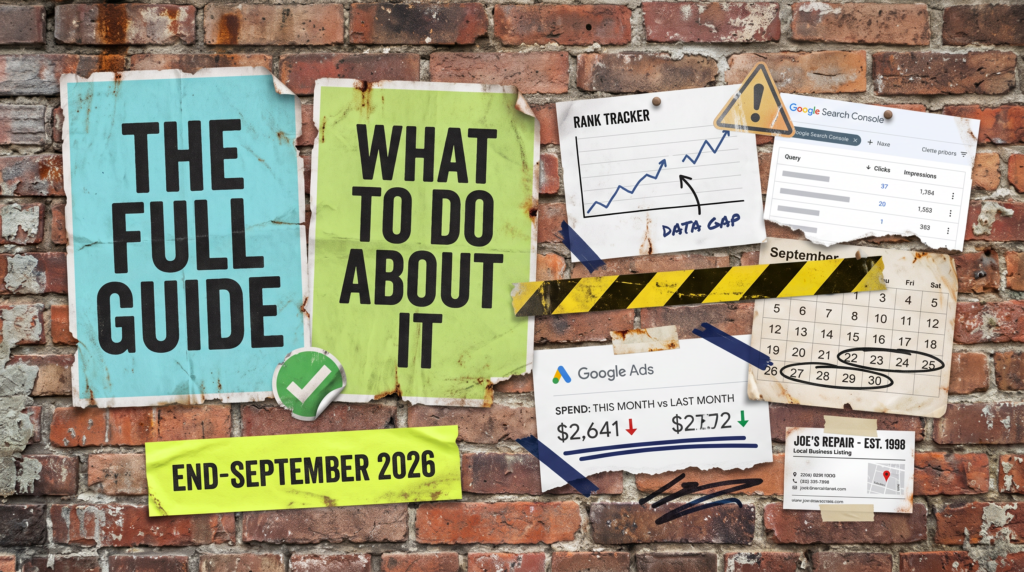
When someone asks what the digital marketing news end-September 2026 actually means for their business, the honest answer is one thing to check and four things to understand. Here is each story, what happened, and the one thing worth doing.
Your Google Business Profile panel is turning into an AI Overview
The panel that appears when someone searches your business name, the one built from your Google Business Profile, now carries an AI Overview label at the top for some businesses, with a Show more button that expands into an AI Mode style chat, as Search Engine Roundtable reported on 17 September.
The write-up comes from whatever Google can find about you: your profile, your website and everything else on the web. Barry Schwartz tested it on his own company and found the description mostly right, with one section out of date because the page on his own site was out of date.
That is the part that matters for a small business. A service page you have not touched since 2023 used to be a quiet problem. Now it is the script Google reads out when someone asks about you.
What to do: search your business name, expand the AI Overview if you have one, and read it as a customer would. If it describes services you no longer offer or misses ones you do, fix the page it is quoting, then update your Business Profile description and services list to match.
Google now emails you when it removes a spike of spam reviews, and pauses new ones
Google has started sending Business Profile owners an email headed “Protecting your Business Profile from spam reviews”, reported by Search Engine Roundtable on 22 September. It says Google detected a spike in spam reviews, removed them so they do not affect your rating, and has temporarily paused new ratings, reviews and other contributions, usually for a few days.
The email says no action is required, and that you can request a review if legitimate reviews were removed by mistake. A local SEO consultant quoted in the piece said a former client got the email after opening a new location while collecting reviews at their usual steady pace, and she thinks the filter needs refining.
A separate wobble the same day: the option to mark a business as permanently or temporarily closed has disappeared from some Business Profile dashboards, while other owners can still see it. Nobody knows yet whether that is a change or a bug.
What to do: if you get the email, check your review count against last week and request a review for any genuine ones that went missing. If you are running a review push, ask a few customers a day rather than a batch on a Friday. And if you need to mark a location closed and cannot, give it a week before assuming the option is gone for good.
Some links inside AI Overviews now open AI Mode instead of a website
Google is testing links at the bottom of AI Overviews that look like normal links but open a follow-up question in AI Mode rather than a web page. Gagan Ghotra spotted it on 21 September and Search Engine Roundtable reported it the next day.
For a business owner the point is simple. The AI Overview already answers part of the question before anyone clicks. These links keep the searcher inside Google for the next question too, so the path from a search to your website gets one step longer.
It is a test, not a rollout, and it sits alongside last week’s finding that nearly every People also ask answer is now an AI Overview. The direction of travel is the same: fewer casual clicks, and the clicks that do arrive come from someone who has already read a summary and wanted more.
What to do: nothing to your site this week. Keep your service pages specific enough to be the source the AI quotes, and judge whether search is working by your enquiries rather than your visits. A page that gets fewer visits and the same number of calls has not lost anything.
Rankings moved again on 15 September, and the trackers are being blocked
The ranking movement we flagged last week did not settle. Search Engine Roundtable reported a spike in chatter on 15 September, with UK results getting several mentions in the forums, and Google has not confirmed an update.
Then a second story landed that changes how to read the first. Since around 13 September, Google appears to be far more successful at blocking the scrapers that rank tracking tools rely on. One tool vendor said it was getting about 80 per cent less data from Google, Sistrix posted a status notice on 16 September saying its collection was running at a reduced rate, and Glenn Gabe showed one site whose recovery was picked up by Ahrefs, lagged in Semrush and missed entirely by Sistrix.
So a tracker showing a sudden drop this week may be showing you a gap in its own data, not a gap in your rankings.
What to do: if a tool says your rankings fell off a cliff since 13 September, open Search Console and compare clicks and impressions for the same days. If Search Console is flat, the tool is wrong. If both dropped, note the date and wait a fortnight, because the 4 September drop reversed itself nine days later for several sites.
Google Ads now compares your spend with businesses like yours
Google Ads is rolling out an updated Spend benchmarks report that shows whether you spend more, less or about the same as businesses Google considers similar to yours, reported by Search Engine Roundtable on 16 September. In the screenshot that surfaced, an account that spent 284 euros in a week was shown against a competitor figure of 268 euros, with 912 clicks against 765.
According to the report, the comparison is based on things like your industry and where you advertise. It does not know your margin, your conversion rate or what a lead is worth to you, and the PPC specialist who spotted it made exactly that point: two businesses in the same industry can have completely different economics.
It is useful as a rough gauge of whether your budget is in the same postcode as the market. It is not a target.
What to do: look at it once, then close it. If your campaign is profitable at £20 a day, spending £30 because a benchmark says the neighbours do is how a working account becomes a leaky one. Set your budget from your cost per lead and what a customer is worth, and if you are not sure what those numbers are, that is the thing to fix first.
Common Mistakes
The mistakes that follow the digital marketing news end-September 2026 are mostly about trusting a screen over your own numbers.
- Never reading your own Business Profile panel, so the AI Overview describes a version of your business from three years ago.
- Assuming Google’s spam review email means you did something wrong, and stopping asking for reviews altogether.
- Rewriting pages because a rank tracker went red in a week when the trackers were being blocked.
- Raising your Google Ads budget to match a benchmark that knows nothing about your margins.
- Measuring search by visits alone, when AI Overviews are trimming the casual clicks and leaving the serious ones.
DIY lane vs done for you lane
DIY lane:
Search your business name and read the AI Overview on your panel. Fix the page it is quoting. Check your review count if you get the spam email. Compare any tracker drop against Search Console before you touch anything. Look at the Spend benchmarks report once and set your budget from your own cost per lead.
Done for you lane:
We read this every week so you do not have to, and we only get in touch when something actually needs doing. If you would rather your Business Profile, your rankings and your ads budget were somebody else’s problem, that is what we do.
Related Guides on the wall
If you are working through the digital marketing news end-September 2026 and want the background, these guides cover the parts that keep coming up.
Digital marketing news end-September 2026 FAQs

For a local business it is the AI Overview appearing on Google Business Profile panels, because it changes what a customer reads first when they search your name. For anyone watching rankings, it is the news that rank trackers are being blocked, which makes this week’s tracker data unreliable.
Google has started generating an AI summary at the top of local panels for some businesses, built from your profile, your website and other sources on the web. It is not something you switch on or off. You influence it by keeping your website and profile accurate and up to date.
Not necessarily. The email means Google’s filter spotted a burst of reviews it judged as spam, removed them and paused new reviews for a few days. Some genuine review drives are getting caught. If real reviews vanished, use the request a review option in the email.
Not a confirmed one. Rankings moved around 4 September, reversed for some sites on the 13th and moved again on the 15th, but Google has not announced anything. Google is also blocking rank tracking tools, so some of the movement in tool data may be missing data rather than real change.
No. The Spend benchmarks report compares you with businesses in a similar industry and location, and it knows nothing about your margins or what a lead is worth to you. Use it as a rough sense check and set your budget from your own cost per lead.
Like this guide?
Tell Google you want more like it. One click, no sign-up, and FlyPost guides start showing up more often in your search results.
Add FlyPost as a preferred sourceTakes you to Google, then straight back here.