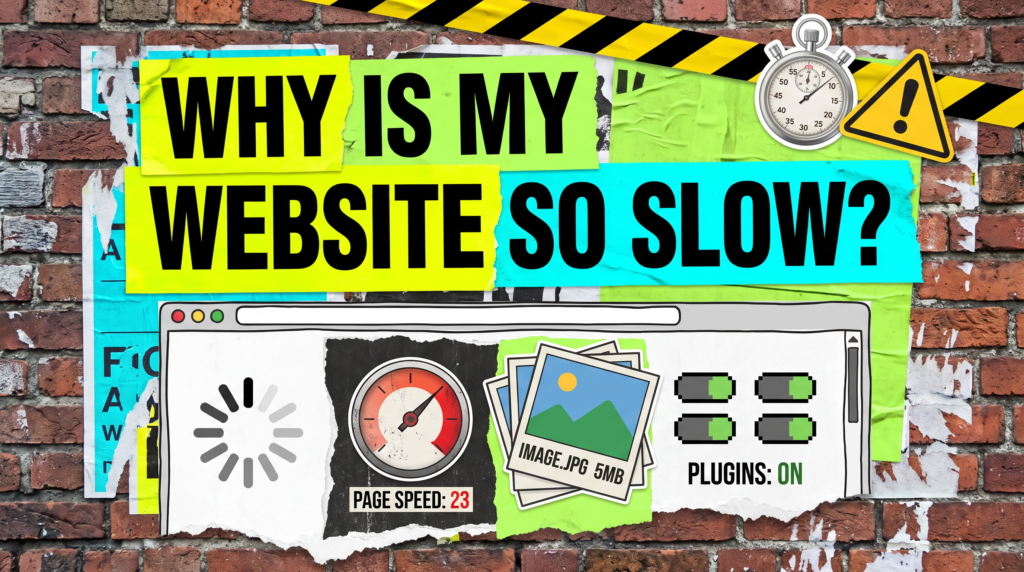
Why Is My Website So Slow?
Find what’s actually dragging it down before you rebuild anything.
Why is my website so slow is a question that usually arrives with a bad score attached: a red number from a speed test, a customer mentioning it, or the creeping sense that people are leaving before the page even appears.
The cause is almost never the thing people assume. It is rarely the theme and rarely the design. It is nearly always a handful of oversized images, a stack of plugins nobody audits, and hosting that costs four pounds a month.
The Quick Version
Slow sites lose enquiries quietly. Nobody emails to say your page took nine seconds. They just go back and click the next result, and you never know it happened.
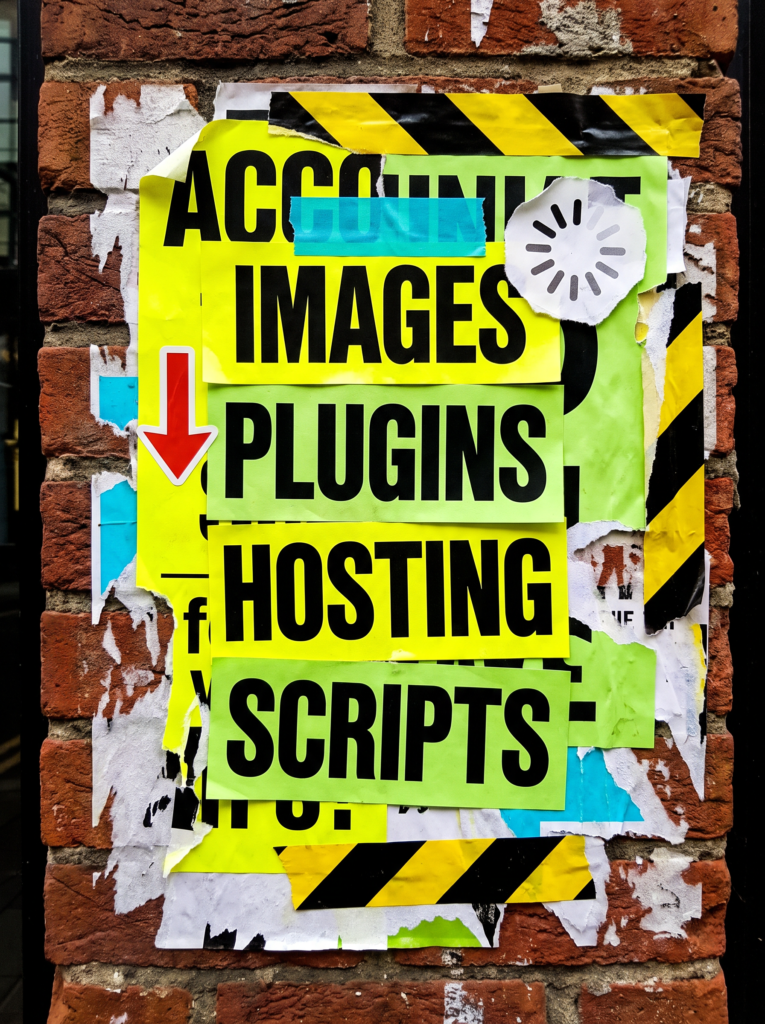
The usual culprits, roughly in order of how often they are to blame:
- Images uploaded straight from a phone or camera at full size, sometimes several megabytes each.
- Too many plugins, especially sliders, page builders and anything loading its own fonts and scripts on every page.
- Cheap shared hosting, where your site queues behind hundreds of others on the same server.
- No caching, so every visit rebuilds the entire page from scratch.
- Third-party scripts: chat widgets, tracking, embedded video, ad pixels, each adding their own delay.
Fix the images and add caching and most small business sites get dramatically faster in an afternoon. The rest is refinement.
Not Sure Where To Start?
Run one test before you change anything, so you are fixing a measured problem rather than a feeling. Use PageSpeed Insights or GTmetrix, and test on mobile, because that is where slow sites actually hurt.
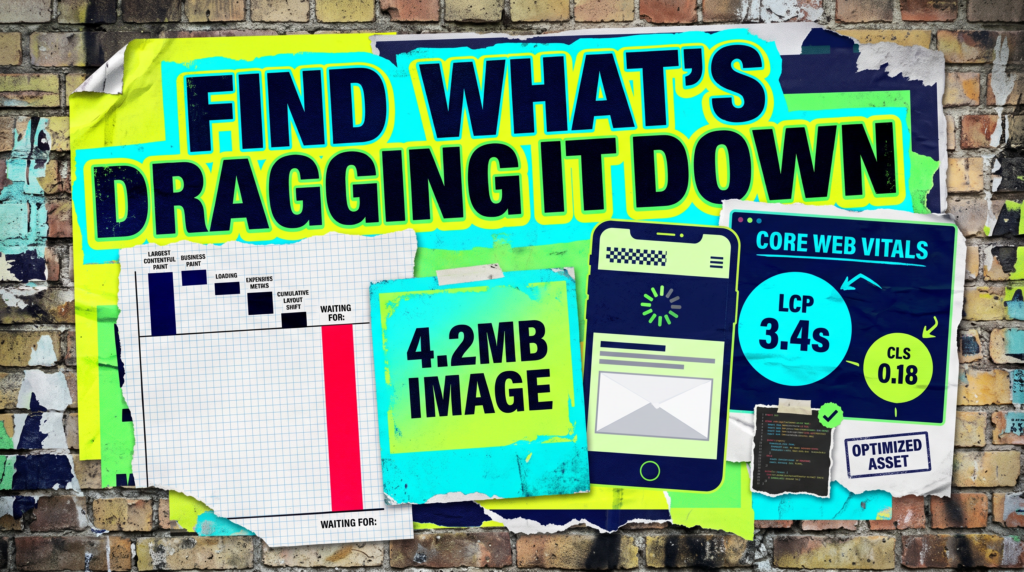
Then look at the biggest single item in the report rather than the overall score. One 4MB hero image will do more damage than every micro-optimisation you could make in a week.
The Full Guide
When someone asks why is my website so slow, they are usually expecting an answer about code. It is much more often about weight: how much the page is asking a visitor’s phone to download before it can show them anything.
Your Images Are Almost Certainly The Problem
This is the first place to look because it is the cause most of the time. A photo straight off a modern phone can be four or five megabytes, and if it is sitting in a slot 800 pixels wide, the visitor downloads all of it for nothing.
Resize images to roughly the size they display at, compress them, and serve them as WebP where you can. On a typical small business site this alone can halve load time, and it costs nothing but an hour.
Plugins And Page Builders Add Weight You Never See
Every plugin can add CSS, JavaScript and database queries, and most load on every page whether that page uses them or not. Twenty plugins is not automatically a problem, but twenty unaudited ones usually is.
Go through the list honestly and deactivate anything you cannot name a reason for. Sliders, heavy page builders and anything that loads its own icon font or Google Fonts copy are the usual offenders.
Your Hosting Might Just Be Too Cheap
If the page is light and still slow to start responding, the bottleneck is likely the server rather than the site. Watch the time to first byte, the delay before anything at all comes back.
Budget shared hosting puts hundreds of sites on the same machine, so your speed depends on how busy everyone else is. Moving to decent managed hosting is unglamorous, but it is often the single biggest improvement available and it takes an afternoon.
Caching And Scripts: The Quiet Wins
Without caching, your site rebuilds every page from the database for every visitor. A caching plugin serves a ready-made copy instead, and the difference is immediate and large.
Then audit third-party scripts. Chat widgets, heat maps, tracking pixels and embedded video all load code from someone else’s server, and each one can add delay you do not control. Keep the ones that earn their place and remove the rest.
Know Which Numbers Actually Matter
A perfect score is not the goal and chasing one wastes time. Google measures real-world experience through Core Web Vitals, and the one worth caring about is how quickly the main content appears.
Aim for the largest element on screen loading within about two and a half seconds, keep the layout from jumping around as things load, and check the mobile figures rather than the desktop ones. Beyond that, you are polishing numbers no customer will ever notice.
Common Mistakes
If you are still asking why is my website so slow after a round of fixes, one of these is usually why nothing moved.
- Chasing a 100 score. The gap between 70 and 100 is mostly invisible to customers. The gap between 20 and 70 is not.
- Testing only on desktop, on your own fast connection. Your customers are on a phone on mobile data, and that is the number that matters.
- Installing three speed plugins at once. They conflict, they overlap, and you can no longer tell what helped. Add one, measure, then decide.
- Compressing images but leaving them full size. Compression helps, but a 4000-pixel image in an 800-pixel slot is still far more than the page needs.
- Rebuilding the whole site. Expensive, slow, and it usually recreates the same problems with newer plugins. Fix the weight first.
Do It Yourself, Or Get It Done For You
The DIY lane
Test on mobile with PageSpeed Insights and note the score before you touch anything. Resize and compress every large image, deactivate plugins you cannot justify, install one caching plugin, and remove third-party scripts that are not earning their place. Retest after each change so you know what actually worked, and check the time to first byte before blaming your site rather than your host.
Or let us do it
We will find what is actually slowing your site down (usually images, plugins or hosting) and fix the things that move the number, without rebuilding anything that does not need rebuilding. You get a site that loads quickly on a phone, which is where the enquiries you are currently losing were going to come from.
Related Guides on the wall
If you are working out why is my website so slow, these guides cover the surrounding setup worth fixing too.
Why Is My Website So Slow FAQs

Because visual simplicity and page weight are different things. A clean-looking page can still load several megabytes of images, fonts and plugin scripts before it displays anything.
It is a ranking factor, but a modest one. Content and relevance matter more. The bigger cost is people leaving before the page loads, which affects enquiries long before it affects rankings.
Aim for the main content appearing within about two and a half seconds on mobile. That is a realistic target for a small business site and it is the point where visitors stop noticing the wait.
It usually gives the biggest single improvement for the least effort, but it cannot compensate for enormous images or overloaded hosting. Fix the weight as well.
Very rarely. Most slow small business sites get dramatically faster through images, plugins, caching and hosting, none of which require a rebuild.
Nobody complains that your site is slow. They just leave, and you never find out they were there.
Like this guide?
Tell Google you want more like it. One click, no sign-up, and FlyPost guides start showing up more often in your search results.
Add FlyPost as a preferred sourceTakes you to Google, then straight back here.