Why Are My Google Ads Not Showing? What’s Stopping Them From Appearing
The usual suspects (budget, billing, disapprovals and bids) and how to find the one that’s hiding your ads
Why are my Google Ads not showing? It’s one of the most stomach-dropping questions a business owner can have, because every hour your ads sit invisible is an hour your competitors are getting the clicks you paid to compete for. The good news: the cause is almost always one of a short list, and most of them are fixable today.
The Quick Version
If you’ve got two minutes and just want your ads back, work down this list in order. Nine times out of ten the culprit is near the top, not buried in some advanced setting.
- Check your daily budget hasn’t run dry and your card hasn’t expired or been declined
- Look for a “disapproved” or “under review” flag on your ads or account
- Confirm your bids are high enough to actually enter the auction
- Check your location, schedule and negative keywords aren’t excluding your buyers
- Stop searching for your own ad on Google. Use the Ad Preview tool instead
Most of these take a single click to check inside your Google Ads account. If everything looks “Eligible” and ads still aren’t appearing, the problem is usually bids or targeting quietly squeezing you out of the auction rather than anything actually broken.
Not Sure Where To Start?
If you’ve stared at the account and still can’t see why the ads have vanished, you don’t have to keep guessing. A wrong turn here either burns budget or leaves you invisible, and both cost real money while you work it out. We’ll open up the account, find the exact reason your ads aren’t showing, and get them back in front of buyers without the trial and error.
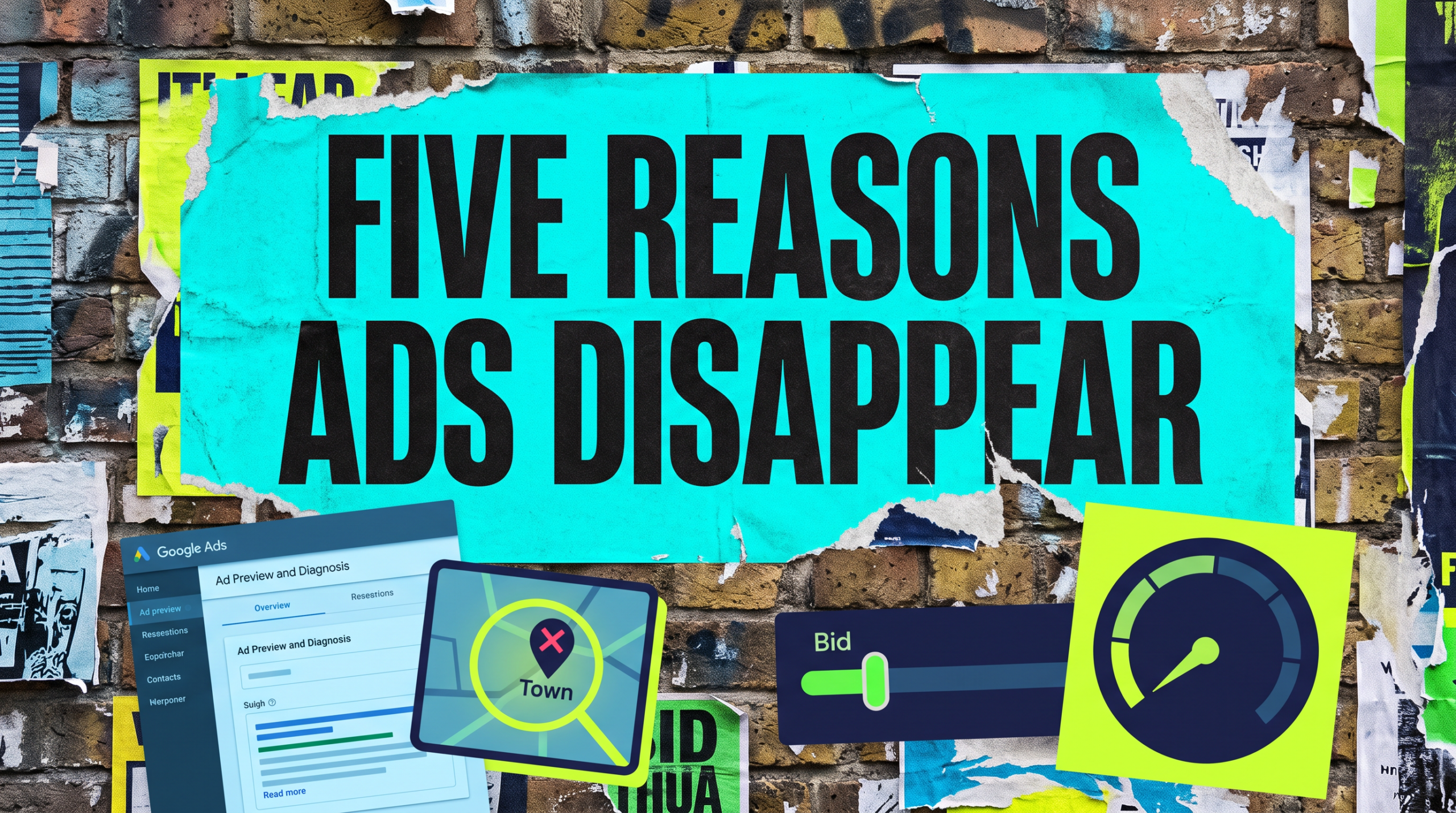
The Full Guide: Why Your Google Ads Have Stopped Showing
When someone asks why are my Google Ads not showing, they usually expect one dramatic broken setting. In reality it’s one of five ordinary things, and knowing which order to check them saves you hours.
Check the money first: budget, billing and suspended accounts
Before anything clever, check the boring stuff. A daily budget that’s already spent, an expired card, or a failed payment will all pull your ads offline without much of a warning.
Open Billing and look for a red banner or a declined payment. If the account is suspended for a billing issue, nothing shows until it’s cleared, so this is always the first place to look.
Your ads might be disapproved or still under review
Every new ad and every edit goes through review, and a single disapproved ad can take a whole ad group dark. Check the “Status” column for “Disapproved” or “Under review” against each ad.
New campaigns often sit in review for a day or so, especially in regulated niches. If it’s been longer than that, there’s usually a policy flag you can see by hovering over the status.
You’re being outbid (bids and Quality Score)
Your ad can be perfectly eligible and still never appear if your bid is too low to win a spot. When the auction is competitive, a cautious bid means you simply don’t make the cut.
A low Quality Score makes this worse, because Google effectively asks low-relevance ads to bid more for the same position. If your status says “Eligible (Limited)”, bids or budget are usually the reason.
Your targeting is quietly excluding the people searching
Location settings are the sneakiest culprit. Set to the wrong radius, or to “people in your targeted locations” versus “people searching for” them, and your real customers fall outside the net.
Ad schedules that only run certain hours, overly tight negative keyword lists, and audiences layered on as “targeting” rather than “observation” all shrink who ever sees you. Any one of them can flatten your impressions to nearly zero.
You’re checking the wrong way
Here’s the twist that catches almost everyone. Searching for your own ad on Google, over and over, tells Google you keep ignoring it, so it stops showing the ad to you specifically.
Use the Ad Preview and Diagnosis tool inside Google Ads instead. It shows whether your ad would appear for a given search, from a given location, without racking up impressions or skewing your own numbers.
Common Mistakes
If you’re still asking why are my Google Ads not showing after an afternoon of clicking around, one of these is usually why.
The biggest one is repeatedly Googling your own keywords to “check”. It quietly hurts your click-through rate and trains Google to hide the ad from you, so you conclude it’s broken when it’s fine for everyone else.
Close behind is setting bids too low and then ignoring the “Limited” status that’s literally telling you why. People also forget an expired card, target a location radius that excludes their own town, or let one disapproved ad drag a whole group offline. The pattern is almost always small and boring, not a big technical fault. Good news, because small and boring is quick to fix once you know where to look.
Do It Yourself, Or Let Us Handle It
The DIY lane
You can absolutely work through this yourself. Check billing, scan for disapprovals, raise bids where the status says “Limited”, tighten up your location settings, and use the Ad Preview tool instead of live searches. Give each change a day to settle. The catch is time and nerve: every day spent testing is a day of leads going to whoever’s ad did show, and it’s easy to over-correct and start overspending in a panic.
Rather Hand It Over?
If you’d rather not lose a week to trial and error, this is exactly the kind of thing we fix quickly. We find the reason your ads stopped, get them live, and make sure they’re showing to buyers instead of burning through budget.
Related Guides
If you’re working out why your Google Ads aren’t showing, these guides will help you fix the surrounding setup so they don’t just show, but actually pay their way.
Why Are My Google Ads Not Showing FAQs

“Active” only means the campaign is switched on, not that it’s eligible to serve. Check billing, ad-level status, bids and location settings. One of those is usually holding it back while the campaign itself looks fine.
Most new ads clear review within a day, sometimes a few hours. If it’s been longer than 24 hours, hover over the status for a policy flag rather than assuming it’s still processing.
Because repeatedly searching your keywords tells Google you keep skipping the ad, so it stops serving it to you. Use the Ad Preview and Diagnosis tool to check without affecting your stats.
It means your ads can show but something is capping them, usually budget or bids too low to enter the auction consistently. Raise the limiting factor and impressions typically recover.
Rarely. Pausing and restarting can send ads back through review and reset learning, which often makes things worse. Fix the actual cause instead of resetting and hoping.
Ads that aren’t showing aren’t earning, and every quiet day is a lead that went somewhere else. Find the one small thing holding yours back, and they’re usually live again the same day.
Like this guide?
Tell Google you want more like it. One click, no sign-up, and FlyPost guides start showing up more often in your search results.
Add FlyPost as a preferred sourceTakes you to Google, then straight back here.