



Google Ads Match Types: Stop Paying For The Wrong Searches

Match types decide which searches can trigger your ads. Get them wrong and Google will spend your budget while you wonder why the leads are rubbish.
Google Ads match types control how closely someone’s search needs to match your keyword before your ad can show.
That sounds like a small account setting.
It is not.
Match types can decide whether your ad appears for people ready to buy, people vaguely browsing, or people searching for something that only shares half a word with your service.
Broad match can open the gates too wide. Exact match can squeeze the campaign until it barely moves. Phrase match sits somewhere in the middle, but it can still surprise you if you never check the search terms.
None of them are automatically good or bad. The problem starts when small businesses use them without understanding what they actually do.
You can use this guide to clean up the basics. If you want someone to check the full account and stop the spend leaking, we can help.
The quick version
If you only have 20 minutes, check which match types your account uses and which searches they actually bring in.
- Broad match can find more searches, but it can also drag loose traffic into the account.
- Phrase match usually gives small businesses more control without choking the campaign.
- Exact match narrows the target, although Google still looks at meaning and intent.
- Keywords, ads, landing pages and negative keywords all affect the final result.
- A bad match type choice can waste budget before you notice.
- The search terms report shows what people actually typed before clicking.
- The right mix beats any one-size-fits-all rule.
If you have never checked the search terms report, your match types may already cost you money.
Not sure where to start?
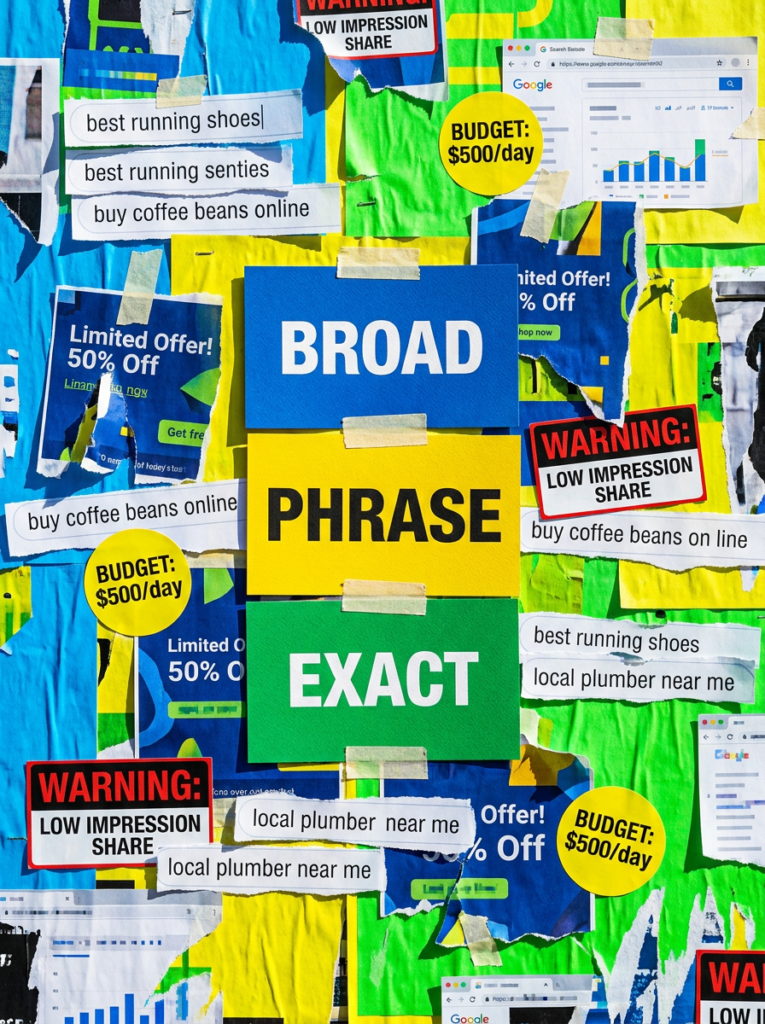
Start with the searches, not the keywords. Your keyword shows what you wanted to target.
The search term shows what the person actually typed. That difference matters.
You might bid on “emergency plumber” and find your ad showing for “how to become an emergency plumber,” “emergency plumber jobs,” or “free plumbing advice.”
Lovely if you run a plumbing college. Less lovely if you wanted paying customers.
Before changing everything, check:
- Current match types across active keywords
- Search terms that triggered paid clicks
- Spend that produced no useful enquiries
- Terms that brought decent leads
- Obvious negative keywords
- Keywords that need tighter control
- Campaigns that look messy enough to rebuild
Our full Google Ads match types guide
Work through this in order. The aim is not to memorise Google Ads terminology. The aim is to stop your ads showing for searches that do not help the business.
Step 1: Understand what match types control
Google’s keyword match type guidance explains that match types decide how closely your keyword needs to match someone’s search before your ad can enter the auction.
That means match types influence who sees your ad before you spend a penny on the click.
Your main options:
- Broad match gives Google the most room.
- Phrase match keeps the search closer to your keyword’s meaning.
- Exact match gives the tightest control, but not exact wording only.
Notice the wording. Exact match does not mean Google only shows your ad for the exact words you typed. Google still considers meaning and intent.
Match types do not just tidy your keyword list. They control how far Google can stretch your budget.
Step 2: Know what broad match actually does
Broad match gives Google the most room.
That can help when the account has strong conversion tracking, useful history, tight negative keywords and enough budget to learn. It can also burn cash when the account has weak tracking, vague keywords and no one checks the search terms.
Broad match may help when:
- Conversion tracking works properly.
- The budget gives the account room to learn.
- Past data already shows which searches convert.
- Negative keywords protect the obvious waste.
- The campaign needs new search patterns.
- Someone checks performance instead of leaving Google to freestyle.
Broad match can hurt when:
- The budget is tight.
- Keywords sound vague.
- The service has several meanings.
- Conversion tracking looks thin or unreliable.
- Nobody checks the search terms report.
- Google has too little useful data to guide itself.
Broad match is not evil. Broad match without control is where budgets go to have a little accident.
Step 3: Use phrase match when you need more control
Phrase match usually gives small businesses a better starting point because it narrows the searches without locking everything down too tightly.
It still gives Google room, though. Phrase match may help when:
- A service phrase has clear commercial intent.
- Broad match brings in too much rubbish.
- The campaign still needs some wording flexibility.
- Local or service-based searches matter.
- Search terms get checked regularly.
- Negative keywords already do some heavy lifting.
Watch out for:
- Searches that include the phrase but show weak intent.
- Job, course, free, template or DIY traffic.
- Research-heavy queries when the campaign needs buyers.
- Similar wording with a totally different meaning.
- Relevant-looking terms that never convert.
Phrase match is safer than broad, not safe by default. You still need to watch what Google brings in.
Step 4: Use exact match carefully
Exact match gives the tightest control, but it does not freeze the keyword in glass.
Google can still show ads for searches that match the same meaning or intent. That can work well, but it surprises business owners who expect exact match to mean exact words only. Exact match may help when:
- A search already brings good leads.
- Budget control matters more than reach.
- The term has strong buying intent.
- Spend is limited.
- The campaign needs cleaner testing.
- A profitable keyword deserves protection.
Exact match can limit growth when:
- The account uses too few keywords.
- Search volume stays low.
- Useful variations never get tested.
- A new campaign starts too tight.
- Phrase or broad options never get a fair look.
Exact match gives control, not magic. It can stop waste, but it can also starve the campaign if you overdo it.
Step 5: Check the search terms report
This is where the truth lives. Your keyword list shows your plan. The search terms report shows what Google actually charged you for.
Check it regularly. Look for:
- Spend with no enquiries behind it
- Clicks from poor-intent searches
- Terms that need negative keywords
- Queries that deserve their own ad group
- New keyword ideas hiding in real searches
- Search terms that bring good leads
- Match types that give Google too much room
Do not skim the first few lines. Sort by spend. Sort by clicks. Sort by conversions. Look for money leaking quietly.
If you do not check search terms, you do not know what you paid for.
Step 6: Add negative keywords before blaming the platform
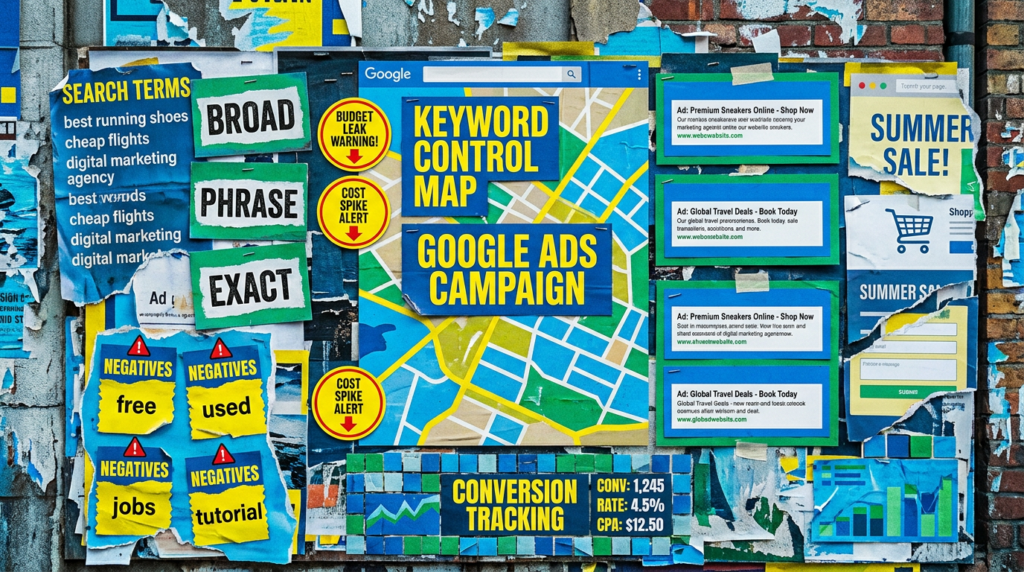
Match types and negative keywords work together. If match types control what can come in, negative keywords block the rubbish you already know you do not want.
For many small businesses, common negative keyword themes include:
- Jobs and careers
- Salary searches
- Freebie hunters
- DIY intent
- Courses and training
- Templates
- Cheap, when cheap brings the wrong work
- Reviews, if the campaign needs buyers now
- Used, if the business only sells new
- Locations outside the service area
Do not copy a giant negative keyword list from the internet and call it done. Build it around your actual business.
Negative keywords are not admin. They protect the budget.
Step 7: Match the keyword to the landing page
A good match type cannot rescue a bad landing page.
If someone searches for a specific service and lands on a vague homepage, the campaign has already made life harder. Check the journey:
- The landing page matches the search intent.
- Visitors see the service clearly above the fold.
- Location details make sense where they matter.
- The offer feels obvious.
- Buying questions get answered.
- Forms and phone numbers work.
- The next step feels simple.
- Mobile users get a clean page, not a punishment.
This is where our landing page checklist becomes useful.
Do not pay for a precise click and send it to a vague page.
Step 8: Do not use one match type everywhere
There is no single best match type for every account.
A small local campaign with limited budget may need tighter control. A larger account with strong conversion data may test broader targeting. A new campaign may start tighter, then expand once the data shows what works. A sensible setup may include:
- Exact match for proven high-intent terms
- Phrase match for controlled discovery
- Broad match for tested campaigns with clean tracking
- Negative keywords across every campaign
- Separate ad groups for different intent levels
- Landing pages that match each service properly
Anyone who says “always use exact” or “always use broad” usually skips the bit where strategy exists.
Step 9: Watch lead quality, not just conversions
Match types do not just affect volume. They affect lead quality.
A campaign can drive more conversions and still bring worse leads. That usually means the searches look cheaper, broader or less commercially useful. Review:
- Search terms that bring qualified leads
- Queries that attract time-wasters
- Match types that produce better enquiry quality
- Calls that turn into quotes
- Keywords that bring the wrong service requests
- Spend that never turns into revenue
Talk to whoever handles sales or enquiries. The ad account may say “conversion.” The business may say “absolute rubbish.” Believe the business before the dashboard.
Cheap leads can become expensive very quickly if nobody wants them.
Step 10: Review match types as the account changes
Campaigns change over time.
A match type that made sense during setup may make less sense after the account gathers data. A broad keyword that wasted money early may work later with better conversion data. An exact keyword may need phrase support if volume dries up.
Review match types when:
- Spend increases
- Lead quality drops
- Search terms turn messy
- Conversion tracking changes
- A new service launches
- Landing pages change
- The business targets a new location
- The account finally has enough data to make a real decision
Set-and-forget Google Ads usually becomes spend-and-regret Google Ads.
Common mistakes
These are the mistakes that make Google Ads match types painful.
- Letting broad match run on vague keywords.
- Assuming exact match means exact wording only.
- Ignoring the search terms report.
- Forgetting negative keywords until the budget already hurts.
- Sending every keyword to the same landing page.
- Judging success by clicks instead of enquiries.
- Counting leads without checking quality.
- Changing match types too quickly.
- Giving Google freedom before tracking works
DIY lane vs done for you lane
DIY lane:
If you want to DIY this, start with your search terms report. Find the searches that spent money without useful enquiries. Add obvious negative keywords. Tighten loose match types. Check that each keyword points to a relevant landing page. Do that before touching bids, budgets or shiny campaign settings.
Done for you lane:
If you want the faster route, we can review the account, check match types, Our PPC service focuses on practical paid search improvements, cleaner targeting, better landing page thinking and fewer wasted clicks.
Related Guides on the wall
If you are cleaning up Google Ads match types, these guides will help you fix the surrounding PPC setup too.
- Read Google Ads for small business if you want the basics of setting up paid search without burning through budget.
- Use negative keywords if your ads keep showing for searches you do not want.
- Check Google Ads enhanced conversion guide if your campaign data looks thin or unreliable.
- Read landing page checklist if people click your ads but do not take the next step.
Google Ads match types FAQs

Google Ads match types control how closely someone’s search needs to match your keyword before your ad can show. The main types include broad match, phrase match and exact match.
Broad match is not automatically bad. It can work when the account has good tracking, enough budget, strong negative keywords and regular search term checks. It can waste money fast when the setup lacks control.
Phrase match gives Google some flexibility around the meaning of your keyword. Exact match gives tighter control, but Google can still match searches with the same meaning or intent.
No. Exact match can help control spend, but exact-only campaigns can miss useful searches and limit growth. Most accounts need a sensible mix based on budget, data and lead quality.
Check search terms regularly, especially when campaigns are new or spending quickly. For small budgets, weekly checks can catch waste before it builds up. For larger spends, check more often.

Quick tip
Rather have us handle this instead of DIY-ing it? That is literally the job.



Straight talking marketing that gets results.
No pressure, no jargon. Just a clear look at what’s stopping your site from bringing in more enquiries.
Get my free website reviewLike this guide?
Tell Google you want more like it. One click, no sign-up, and FlyPost guides start showing up more often in your search results.
Add FlyPost as a preferred sourceTakes you to Google, then straight back here.