
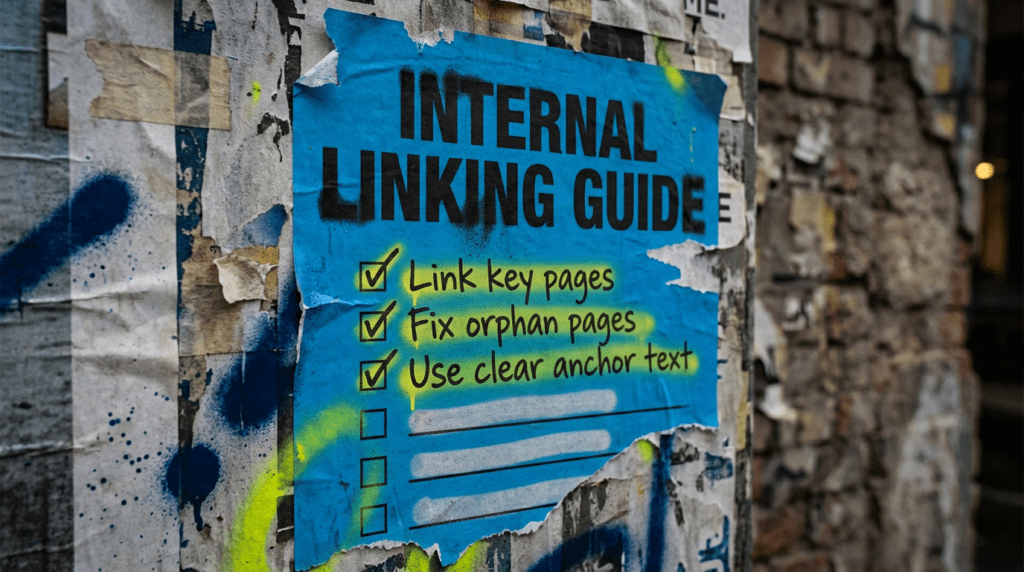
Use our internal linking guide and make your site easier to crawl
A solid internal linking guide helps small businesses connect the dots across their site. This is the simple fix order for making your site easier to crawl, supporting important pages, and stopping good content from being left in a corner to rot.
Our internal linking guide is for small businesses that have decent pages live but are not giving them enough support. If a page is sitting there doing nothing, internal links are often part of the problem.
You can DIY the basics in this guide. If you want the time-saving version, we can map it out properly and tighten the whole thing up for you.
The quick version
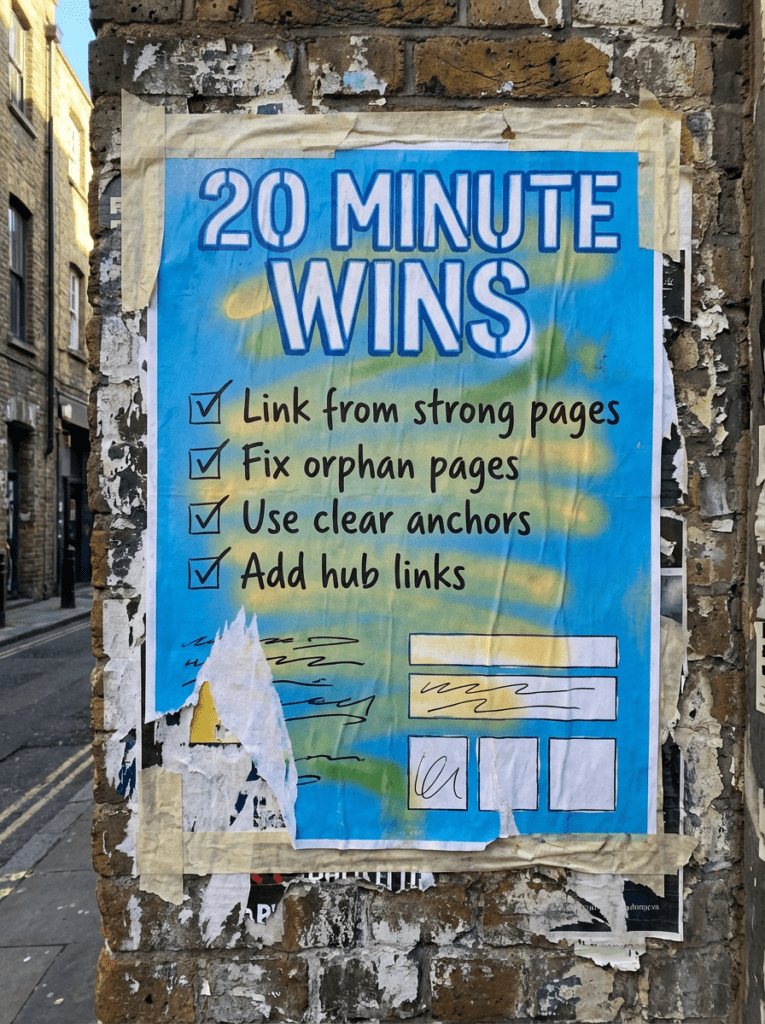
If you only have 20 minutes, do these first. These are the fastest wins in our internal linking guide.
- Find your most important pages and make sure they are linked from relevant pages
- Fix any obvious orphan pages with no internal links pointing to them
- Use anchor text that tells people and Google what the page is about
- Add links inside body copy, not just in menus and footers
- Link newer pages from older posts so they are not left waiting to be discovered
If that already feels like a lot, do not worry. Below is the full fix order in the right sequence.
Not sure why some pages feel invisible?
A lot of websites do not have a content problem. They have a connection problem.
Pages get published, maybe added to the menu if they are lucky, then left to fend for themselves. That is how useful guides, service pages, and local landing pages end up buried three miles from anywhere important.
That is where an internal linking guide helps. It gives your pages better paths, clearer context, and a much better chance of being crawled, understood, and actually visited.
If your site has a page that is live but barely getting traction, internal links are one of the first things worth checking.
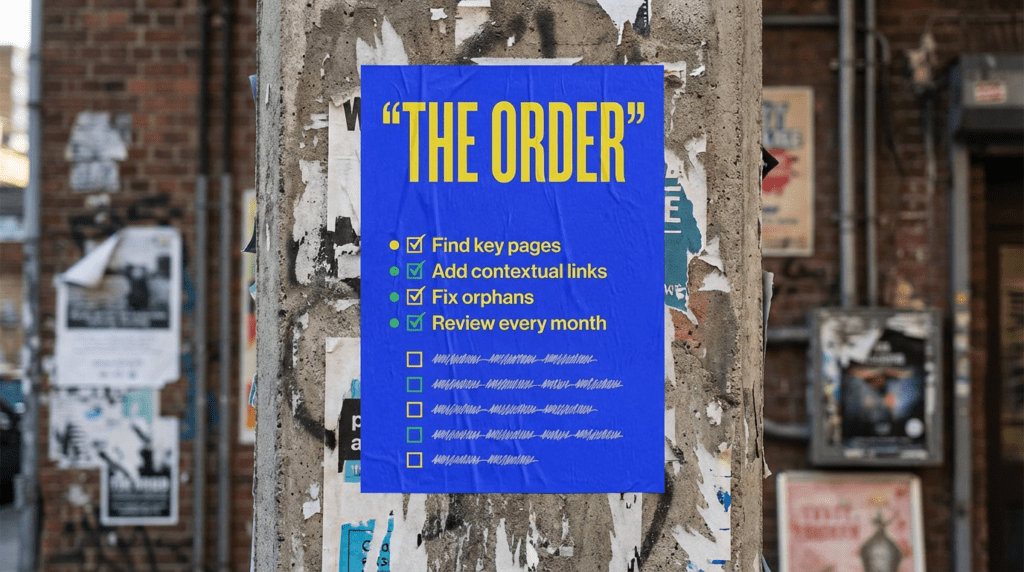
Our full internal linking guide
Work through this in order. Random linking helps a bit, but a proper system helps a lot more.
Step 1: Decide which pages matter most
Do not start by linking everything to everything like a madman. Start with the pages that actually matter for traffic, leads, or both.
That usually means:
- Core service pages
- Local service pages
- Key blog posts
- Pages already ranking on page two that need a push
- New posts you want Google to find faster
- Pages that help explain or support your main services
Step 2: Find orphan pages and weak pages
An orphan page is a page with little or no internal links pointing to it. That is a problem because if you barely link to a page yourself, you are making life harder for both users and search engines.
Look for pages that are:
- Not linked from relevant blog posts
- Only accessible through search or XML sitemap
- Buried too deep in the site
- Published recently but never woven into the rest of the site
- Ranking badly despite being useful
Step 3: Link from relevant pages, not random ones
This is where people get lazy. A good internal link should make sense in context. It should help the user move to the next useful page, not just tick a technical box.
That means:
- Linking from related blog posts
- Linking from service pages to supporting guides
- Linking from guides back to the relevant service page
- Linking from older content to newer, stronger content when it fits
- Linking from hub or category pages to the pages you care about most
Do not just shove a link into any paragraph and call it strategy.
Step 4: Use anchor text that says something useful
Generic anchor text does not do much for anyone.
Instead of:
click here
read more
this page
Use anchor text that actually tells people where they are going.
For example:
technical SEO checklist
page not indexed
landing page checklist
local SEO checklist
That does not mean every anchor needs to be a perfect keyword match. Just make it clear and natural.
Step 5: Add links inside the main body copy
Menus matter. Footers matter. But contextual links inside the body copy are where a lot of the real value sits. These are the links that help Google understand which pages relate to each other and which topics you want grouped together. They also help readers keep moving through your site instead of bouncing after one page. If you are already writing blog content, this is one of the easiest wins going.
Step 6: Support new pages with older content
This is the bit a lot of people forget.
When you publish a new page or guide, do not just hit publish and hope for the best. Go back into older relevant posts and add links pointing to the new page where it makes sense.
That is especially useful for:
- New blog posts
- New service pages
- New local landing pages
- Recently updated priority pages
Step 7: Build simple topic clusters
You do not need to call them clusters if that makes your eyes roll. Fair enough. But the idea still matters. If you have a core topic, the surrounding pages should help reinforce it.
For example:
- Technical SEO Checklist links to Page Not Indexed and this Internal Linking Guide
- Page Not Indexed links back to technical fixes and related crawl support
- Landing Page Checklist supports pages that need to convert once they are found
- AI Search Visibility supports wider discoverability and content structure
That is how a section of your site starts feeling connected instead of random.
Step 8: Review internal links every month
Internal linking is not a one-time cleanup job.
Every month, check:
- New pages that still need links
- Older posts that could support newer content
- Pages getting traffic but not passing people anywhere useful
- Pages with weak anchor text
- Posts that mention a topic but do not link to the obvious next page
This part does not need to become a massive process. It just needs to actually happen.
Common mistakes that leave pages buried
These are the classic reasons internal links stay weak.
- Relying only on menus and footers
- Never going back into old content to add new links
- Using vague anchor text that says nothing useful
- Linking randomly with no thought about priority pages
- Leaving new posts unlinked after publishing
- Forgetting that users need these paths too, not just Google
- Treating internal links like a technical afterthought instead of a visibility tool
DIY lane vs done for you lane
DIY lane:
If you want to DIY our internal linking guide, start by finding your key pages, fixing obvious orphan pages, and adding contextual links from relevant older posts. That will usually give you the biggest early win.
Done for you lane:
If you want the time-saving version, we map the site properly, identify the pages worth pushing, and build cleaner internal paths so your content, service pages, and guides support each other instead of competing for attention.
Related Guides on the wall
If you’re reading an internal linking guide, these guides will help you fix the pages you should be linking to and the technical issues that often sit alongside weak internal links.
- Read the Technical SEO Checklist if you want the wider fix order around crawl issues, indexing problems, and site structure.
- Check the Page Not Indexed guide if your real problem is that Google is struggling to crawl or process the page properly in the first place.
- Use the Landing Page Checklist if your page can be found but still is not doing enough once visitors arrive.
- Read AI Search Visibility if you want your content to be easier to understand, connect, and surface across the wider site.
Internal Linking guide FAQs

An internal linking guide is a simple process for making sure your most important pages are linked from relevant places across your site so users and search engines can move through the site more easily.
Internal links help search engines crawl pages, understand how content relates, and move through the site more efficiently. They also help users find the next useful page instead of hitting a dead end.
There is no magic number. The better question is whether the page has enough relevant internal links to be crawled, understood, and supported properly.
Yes. Internal linking can help search engines move through your site and discover important pages more easily. It will not fix every technical issue on its own, but it is often part of the solution.
Find one important page that is underperforming, then add relevant internal links to it from older pages that already have some visibility. That is the quickest start for this internal linking guide.