


Google Ads Aren’t Profitable? Fix What’s Killing Your ROI

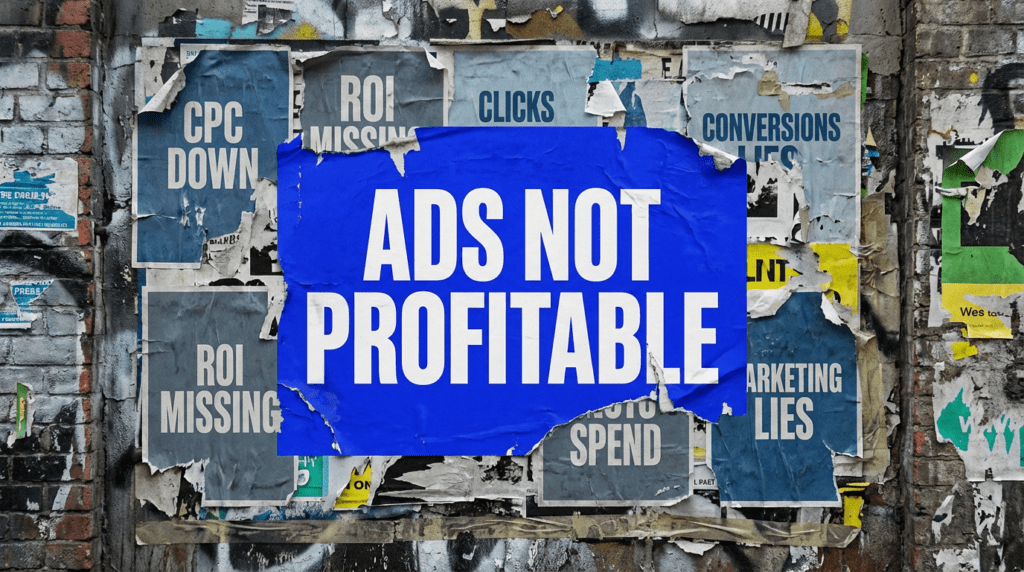
If your google ads aren’t profitable, you’re paying for traffic that isn’t turning into revenue.
That’s the real issue. You can have clicks, impressions, even conversions, and still be losing money if the setup behind it isn’t right.
This is rarely one problem. It’s usually a mix of structure, targeting, offer strength, and what happens after the click.
The quick version
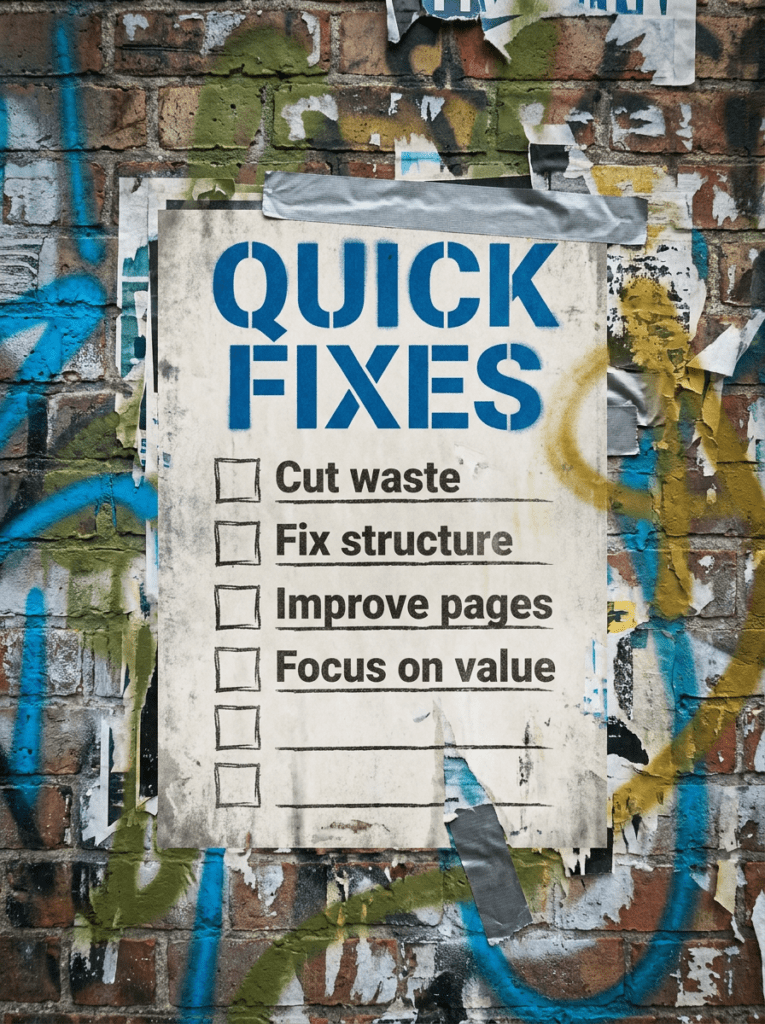
If you only have 20 minutes, start here. These are the fastest fixes when your google ads aren’t profitable.
- Cut wasted spend with tighter targeting and exclusions
- Fix your campaign structure so data actually makes sense
- Improve your landing pages, not just your ads
- Focus on conversion value, not just conversion volume
- Align your offer with what people are actually searching for
If that already feels like a lot, do not worry. Below is the full process in the right order
Not sure where to start?
The biggest mistake people make when their google ads aren’t profitable is trying to fix the ads first.
It usually isn’t the ads.
You can have solid click-through rates and still lose money if you’re sending the wrong traffic, structuring campaigns poorly, or relying on pages that don’t convert.
The better place to start is the full journey. Search → click → page → action. If one part breaks, the whole thing stops being profitable.
Our full guide: Google Ads Aren’t Profitable
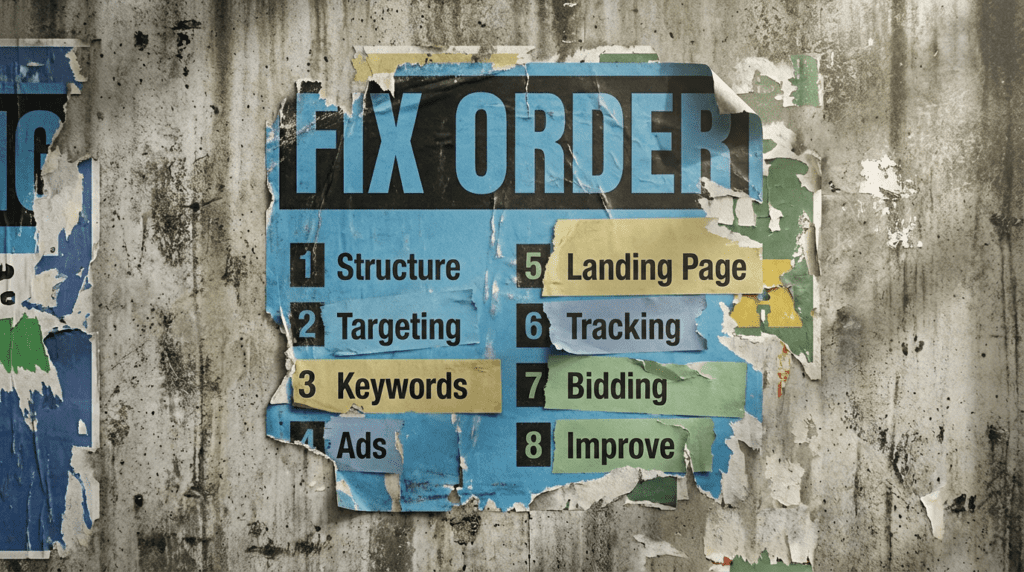
Work through this in order. Skipping steps is how you end up tweaking ads while the real issue sits somewhere else.
Step 1: Fix your campaign structure
- Group keywords by clear themes
- Avoid mixing unrelated terms in the same ad group
- Separate branded, generic, and high-intent campaigns
- Make sure your structure allows clean data analysis
- Keep naming consistent and easy to follow
If your structure is messy, everything else becomes harder to fix.
If your structure is messy, everything else becomes harder to fix
- Use location targeting properly
- Exclude irrelevant audiences
- Avoid overly broad match types where possible
- Refine based on real search data
- Stop chasing volume at the cost of relevance
Poor targeting is one of the fastest ways for campaigns to stop being profitable.
Step 3: Focus on keyword quality, not just quantit
- Prioritise high-intent keywords
- Avoid purely informational queries unless they support a funnel
- Remove keywords that never convert
- Watch for irrelevant search terms
- Keep refining based on performance
More keywords do not mean better results. Better keywords do.
Step 4: Improve your ads, but do not rely on them
- Match ad copy to search intent
- Be clear about what you offer
- Avoid vague or generic messaging
- Test different angles and hooks
- Focus on relevance over clever wording
Good ads get clicks. They do not guarantee profit
Step 5: Fix your landing page
- Make sure the page matches the ad promise
- Keep the message clear and focused
- Remove distractions and clutter
- Make the next step obvious
- Improve load speed and usability
A weak page is one of the most common reasons your google ads aren’t profitable
Step 6: Track the right data
- Make sure conversion tracking is set up correctly
- Track meaningful actions, not just clicks
- Use enhanced conversions where possible
- Check data accuracy regularly
- Avoid making decisions on incomplete data
If your tracking is wrong, your campaigns can look fine while still not being profitable. Google’s own guidance highlights that measuring true conversion value is critical to understanding performance, not just clicks or impressions.
Step 7: Focus on profitability, not vanity metrics
If your google ads aren’t profitable, this is where most people realise what’s actually going wrong.
- Look at cost per acquisition, not just CPC
- Measure return on ad spend where possible
- Consider lifetime value, not just first purchase
- Cut campaigns that consistently lose money
- Scale what actually works
Clicks and conversions do not matter if they are not profitable.
Step 8: Keep refining and scalin
- Double down on profitable campaigns
- Test new variations carefully
- Pause underperforming areas
- Expand what is already working
- Keep improving over time
Profitability is not a one-time fix. It is an ongoing process
Common mistakes
These are the things that usually sit behind google ads aren’t profitable, even when the account looks active on the surface.
- Running campaigns with no clear structure
- Targeting too broadly to chase traffic
- Ignoring search term data
- Sending traffic to weak pages
- Relying on ads instead of fixing the funnel
- Tracking the wrong metrics
- Scaling before fixing profitability
DIY lane vs done for you lane
DIY lane:
If you want to fix google ads aren’t profitable yourself, start with structure, tighten targeting, and make sure your landing pages and tracking are actually working together.
Done for you lane:
If you want the quicker route, we can help you fix wasted spend, improve campaign performance, and turn your ads into something that actually drives revenue.
Related Guides on the wall
If you’re trying to fix google ads aren’t profitable, these will help tighten the parts of your campaigns that usually break performance.
- Read Negative Keywords Guide to reduce wasted spend from irrelevant searches
- Use Landing Page Checklist to improve what happens after the click
- Read Google Ads Enhanced Conversion Guide to fix tracking and improve data accuracy
Google Ads Aren’t Profitable FAQs

Usually because of poor targeting, weak structure, low-converting landing pages, or tracking issues. If your google ads aren’t profitable, it’s almost always a combination of these rather than one single problem.
If they are consistently losing money and not improving, yes. Fix the issues before scaling further.
Start with structure and targeting, then move into landing pages and tracking.
Better conversions. More clicks without profit just increases your losses.

Quick tip
Rather have us handle this instead of DIY-ing it? That is literally the job.



Straight talking marketing that gets results.
No pressure, no jargon. Just a clear look at what’s stopping your site from bringing in more enquiries.
Get my free website reviewLike this guide?
Tell Google you want more like it. One click, no sign-up, and FlyPost guides start showing up more often in your search results.
Add FlyPost as a preferred sourceTakes you to Google, then straight back here.