



Does Duplicate Content Hurt SEO? What Actually Matters


What Actually Matters
Does Duplicate Content Hurt SEO? What Actually Matters
If you’re asking does duplicate content hurt seo, you’ve probably seen warnings, tools flagging issues, or multiple pages that look similar and aren’t sure what actually matters.
Here’s the reality. Duplicate content isn’t automatically a penalty, but it can absolutely stop pages from ranking properly.
The issue isn’t duplication on its own. It’s confusion. When Google sees multiple similar pages, it has to decide which one to trust, and sometimes it chooses none of them.
The quick version
If you only have 20 minutes, start here. These are the key takeaways if you’re asking does duplicate content hurt seo.
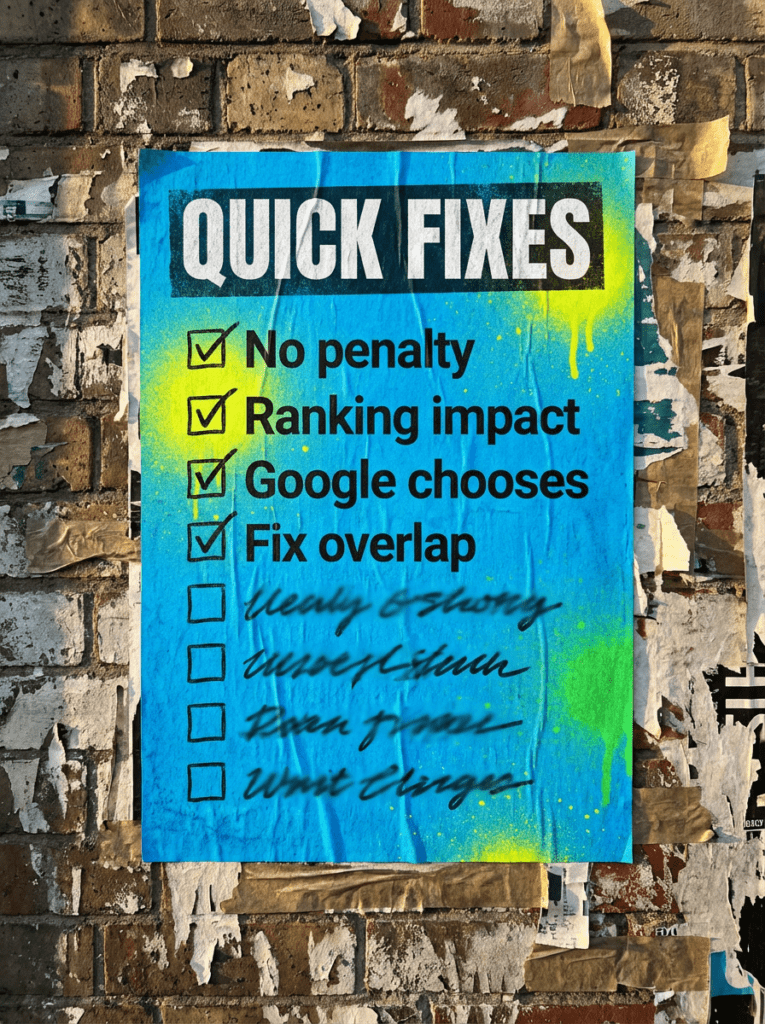
- Duplicate content doesn’t trigger penalties on its own
- It can stop pages from ranking properly
- Google will choose one version and ignore the rest
- Too much overlap weakens your signals
- Fixing duplication improves clarity and performance
If that already feels like a lot, do not worry. Below is the full process in the right order.
Not sure where to start?
The biggest mistake people make when they think about does duplicate content hurt seo is assuming it’s something to panic about immediately.
It isn’t.
Most sites have some level of duplication. The real problem is when multiple pages compete for the same thing, or when Google can’t clearly understand which page should rank.
The better place to start is identifying where duplication is actually causing confusion, not just where it exists.

Our full guide: Does Duplicate Content Hurt SEO
Work through this in order. Jumping straight to fixes without understanding the cause usually creates more problems.
Step 1: Identify where duplication actually exists
- Look for pages targeting the same keyword
- Check similar titles, headings, and content
- Review category, tag, and archive pages
- Look for URL variations showing the same content
- Use Search Console and crawl tools to find overlap
You can’t fix duplication if you don’t know where it is.
Step 2: Understand why it’s happenin
- Multiple pages created around similar topics
- Filters or parameters creating extra URLs
- CMS generating duplicate versions
- Rewriting the same content slightly across pages
- Poor planning of content structure
Duplication is usually a byproduct of how the site is built.
Step 3: Decide which page should win
- Choose the strongest, most relevant page
- Focus on the one that matches intent best
- Avoid splitting value across multiple pages
- Consolidate authority into one clear target
- Remove or merge weaker alternatives
If Google has to choose, you should too.
Step 4: Use canonicals correctly
- Set canonical tags to the preferred version
- Make sure canonicals point to the correct page
- Avoid conflicting signals across pages
- Use canonicals for intentional duplication
- Double-check implementation
Canonicals help guide Google’s decision.
Step 5: Clean up internal linking
- Link consistently to the preferred page
- Avoid linking to duplicate versions
- Use clear, consistent anchor text
- Strengthen the main page’s signals
- Remove mixed signals across the site
Internal links should reinforce your main page, not compete with it.
Step 6: Remove or merge weak pages
- Delete pages that add no value
- Merge similar content into one stronger page
- Redirect removed pages properly
- Avoid keeping low-quality duplicates live
- Keep your site focused
More pages do not mean better SEO. Better pages do.
Step 7: Check indexing and results
- See which version Google has indexed
- Look for excluded or ignored pages
- Monitor changes after fixes
- Re-submit key pages if needed
- Keep an eye on performance
Fixing duplication should improve clarity and rankings over time. Google’s documentation explains that duplicate pages are often grouped together, with one version selected as the canonical result.
Step 8: Improve going forward
- Plan content to avoid overlap
- Target one clear topic per page
- Build supporting content around main pages
- Keep structure clean and intentional
- Review regularly
Prevention is easier than fixing duplication later.
Common mistakes
These are the things that usually sit behind does duplicate content hurt seo, especially when sites start to grow without a clear structure.
- Creating multiple pages for the same topic
- Slightly rewriting the same content across pages
- Ignoring canonical setup
- Linking inconsistently across the site
- Keeping low-value duplicate pages live
- Assuming more pages equals better rankings
- Never reviewing overlap across content
DIY lane vs done for you lane
DIY lane:
If you want to fix does duplicate content hurt seo issues yourself, focus on consolidation, canonicals, and strengthening your main pages.
Done for you lane:
If you want the quicker route, we can help you clean up duplication, strengthen your structure, and make sure your pages actually compete properly in search.
Related Guides on the wall
If you’re working through does duplicate content hurt seo, these will help you fix the signals that usually cause the problem.
- Read WordPress Canonical Tags to handle duplicate signals properly
- Use Internal Linking Guide to strengthen your main pages
- Read SEO Audit Checklist to find wider issues across your site
Does Duplicate Content Hurt SEO FAQs

Not directly, but it can stop pages from ranking properly by creating confusion around which page should be shown.
No. Google does not issue penalties for most duplicate content, but it can affect visibility and rankings.
Start by identifying overlapping pages and choosing one clear version to focus on.
Not always. Sometimes you can consolidate or use canonicals, but low-value duplicates are usually better removed.

Quick tip
Rather have us handle this instead of DIY-ing it? That is literally the job.



Straight talking marketing that gets results.
No pressure, no jargon. Just a clear look at what’s stopping your site from bringing in more enquiries.
Get my free website reviewLike this guide?
Tell Google you want more like it. One click, no sign-up, and FlyPost guides start showing up more often in your search results.
Add FlyPost as a preferred sourceTakes you to Google, then straight back here.