



Crawled But Not Indexed

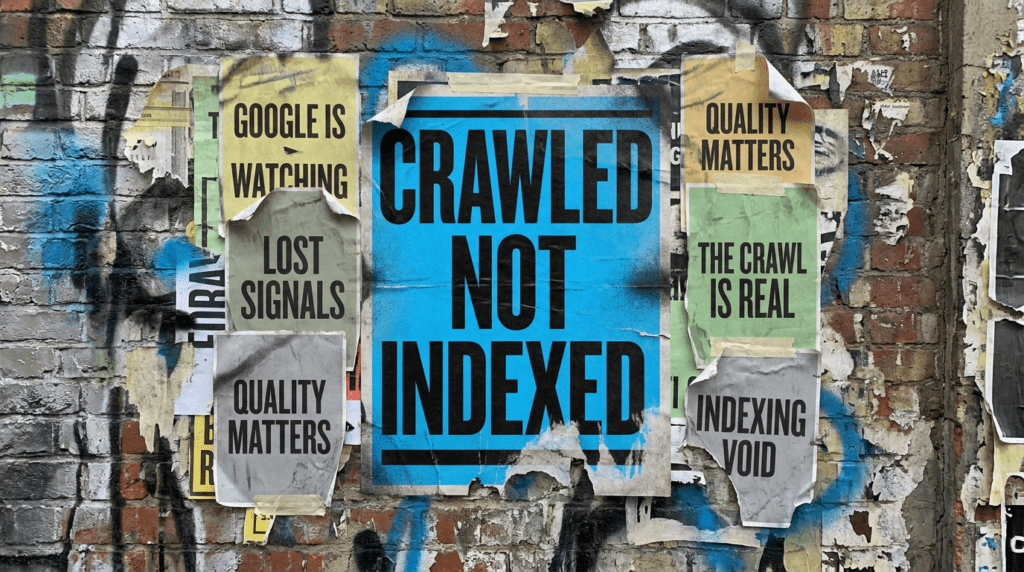
If you’re seeing crawled but not indexed in Google Search Console, it usually means Google has looked at your page and decided it’s not worth adding to the index.
That’s the frustrating part. The page exists, it’s accessible, and it’s technically working, but it still doesn’t show up in search.
This is rarely a “technical error” problem. Most of the time, it’s a quality, intent, or signal issue.
The quick version
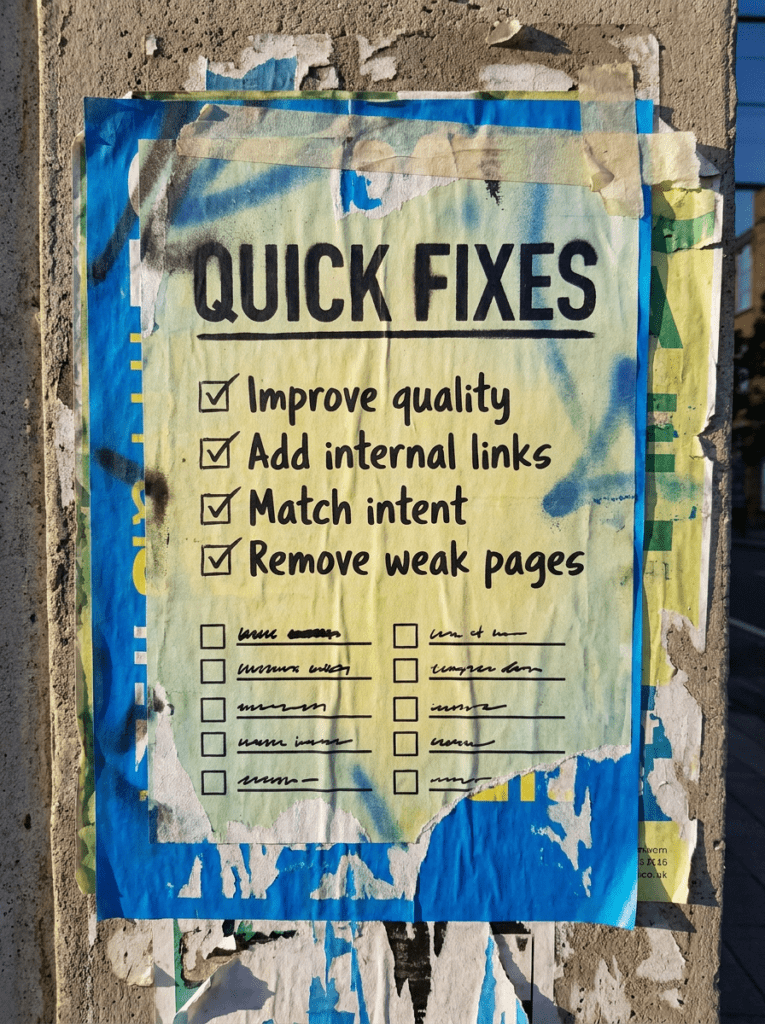
If you only have 20 minutes, start here. These are the fastest fixes when your pages are crawled but not indexed
- Improve the quality and uniqueness of the page
- Strengthen internal linking to the page
- Match the page to a clear search intent
- Remove or consolidate weak or duplicate pages
- Give Google a clear reason to keep the page indexed
If that already feels like a lot, do not worry. Below is the full process in the right order.
Not sure where to start?
The biggest mistake people make when they see crawled but not indexed is assuming something is broken.
It usually is not.
Google is making a decision. It has crawled your page, assessed it, and decided not to include it in the index. That usually means the page is not strong enough, not clear enough, or not useful enough compared to other pages already available.
The better place to start is not “how do I force indexing?” but “why would Google choose to ignore this page?”
Our full guide: Crawled But Not Indexed
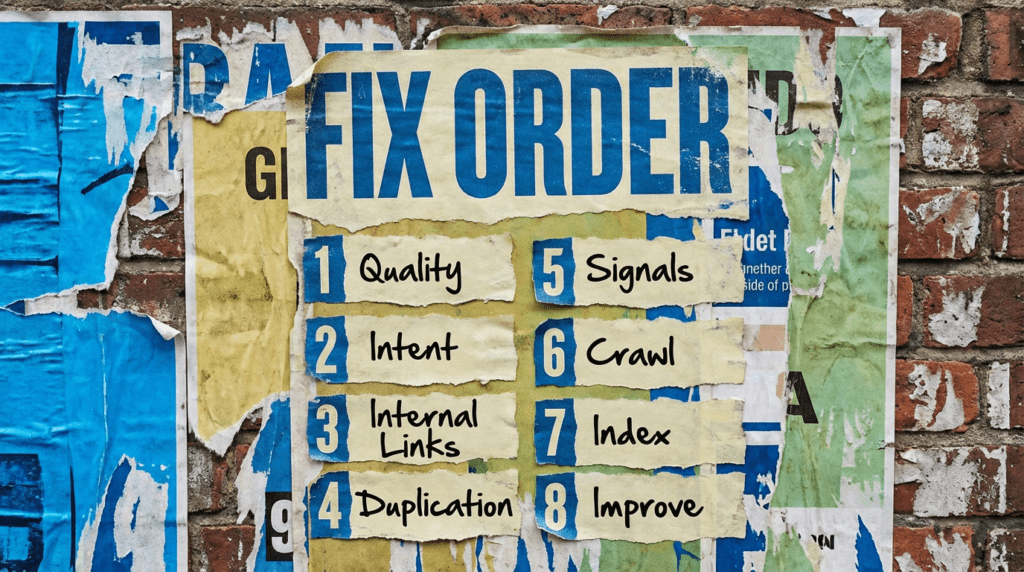
Work through this in order. Skipping ahead usually leads to temporary fixes that don’t stick.
Step 1: Check the quality of the page
- Is the content genuinely useful or just filler
- Does it add anything new compared to other pages
- Is the page thin or overly similar to something else
- Does it fully answer a clear question
- Would you trust this page if you landed on it
If the page is weak, Google has no reason to keep it indexed.
Step 2: Match the page to clear search intent
- Identify what the user expects when searching
- Make sure your page actually delivers that
- Avoid vague or mixed intent content
- Focus on one clear topic per page
- Remove content that tries to cover too much
If the intent is unclear, the page becomes easy to ignore
Step 3: Strengthen internal linking
- Link to the page from relevant content
- Use clear, descriptive anchor text
- Avoid orphaning important pages
- Make sure the page is easy to find
- Build logical connections across your site
Weak internal linking often leads to weak indexing signals
Step 4: Check for duplication or overla
- Look for pages targeting the same topic
- Avoid multiple pages competing for the same keyword
- Consolidate similar content where needed
- Use canonicals correctly if duplication is intentional
- Remove low-value duplicate pages
Too much overlap makes it harder for Google to choose what to inde
Step 5: Improve overall site signal
- Make sure the site has authority in the topic
- Add supporting content around the page
- Build trust signals across the site
- Avoid publishing large volumes of low-value content
- Keep quality consistent
Indexing decisions are rarely made in isolation. Google’s own documentation explains that not all crawled pages are indexed, especially if they are considered low quality or duplicative.
Step 6: Reduce crawl waste
- Remove or noindex low-value pages
- Fix unnecessary URL variations
- Clean up parameter-heavy URLs
- Keep your sitemap focused on valuable pages
- Avoid bloating the site with thin content
If Google spends time on low-value pages, important pages can get overlooked.
Step 7: Give the page a reason to stay indexed
- Keep content updated and relevant
- Add depth where needed
- Make the page clearly better than alternatives
- Strengthen internal and external signals
- Treat indexing as something you earn, not request
Indexing is not guaranteed. It’s a decision based on value.
Step 8: Review and improve
- Check which pages are indexed vs not
- Look for patterns across affected pages
- Improve or remove underperforming content
- Re-submit improved pages where needed
- Focus on quality over quantity going forward
Fixing crawled but not indexed is usually about improving the site, not forcing Google’s han
Common mistakes
These are the things that usually sit behind the crawled but not indexed issue. Most of them come down to weak content, unclear signals, or too many similar pages.
- Publishing thin or low-value content
- Targeting the same topic across multiple pages
- Ignoring internal linking
- Assuming indexing is automatic
- Trying to force indexing without improving the page
- Leaving large volumes of weak pages live
- Not reviewing indexing patterns across the site
DIY lane vs done for you lane
DIY lane:
If you want to fix crawled but not indexed yourself, focus on improving page quality, tightening internal linking, and removing duplication across your site.
Done for you lane:
If you want the quicker route, we can help you identify why Google is skipping your pages and fix the underlying issues so more of your content actually gets indexed.
Related Guides on the wall
If you’re dealing with crawled but not indexed, these will help fix the signals that usually cause it.
- Read Internal Linking Guide if your pages are not being supported properly across the site
- Use SEO Audit Checklist to find wider technical or content issues affecting indexing
- Read WordPress Canonical Tags if duplication or conflicting signals are part of the problem
FAQs

It means Google has visited your page but decided not to include it in search results, usually due to quality, duplication, or weak signals.
Not usually. In most cases, it is a content or signal issue rather than something broken on the site.
It depends on the changes you make. Improving quality and signals can take time to be reflected in indexing decisions.
You can, but it will not fix the problem on its own. If the page has not improved, it is likely to be ignored again.

Quick tip
Rather have us handle this instead of DIY-ing it? That is literally the job.



Straight talking marketing that gets results.
No pressure, no jargon. Just a clear look at what’s stopping your site from bringing in more enquiries.
Get my free website reviewLike this guide?
Tell Google you want more like it. One click, no sign-up, and FlyPost guides start showing up more often in your search results.
Add FlyPost as a preferred sourceTakes you to Google, then straight back here.