



Page Not Indexed Google Search Console

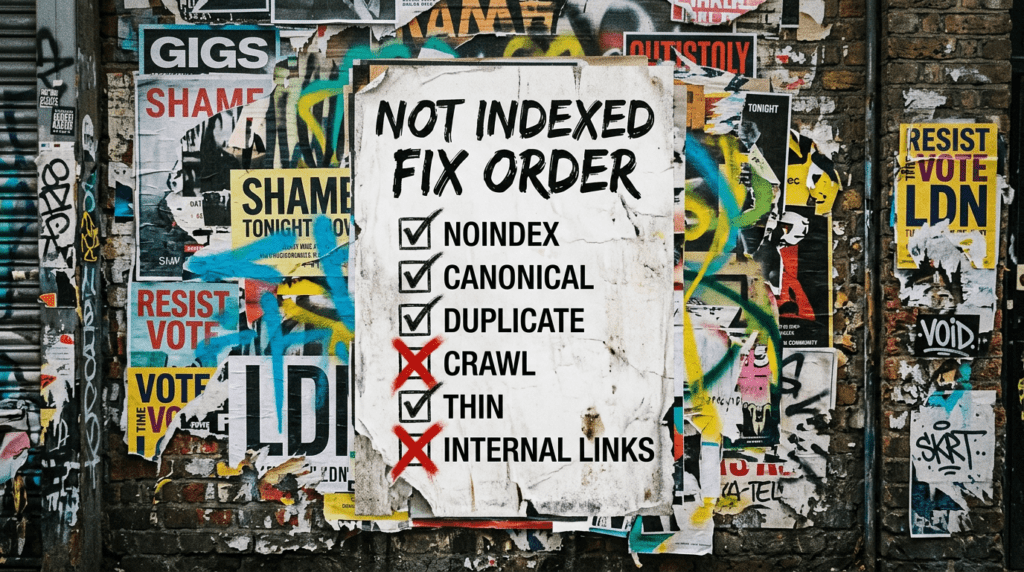
If Google Search Console says “not indexed”, clicking Validate Fix is not a strategy. Use our fix order to find the real blocker and sort it properly.
Our page not indexed guide is for small businesses who are publishing pages but not seeing them appear on Google, or who have a homepage indexed but other pages stuck in limbo. If a page is not indexed, it cannot rank, and it is far less likely to show up when AI tools summarise options, which is part of the wider SEO & AI picture.
You can DIY this fix order step by step. If you want it handled properly without the guesswork, we can do it for you.
The quick version
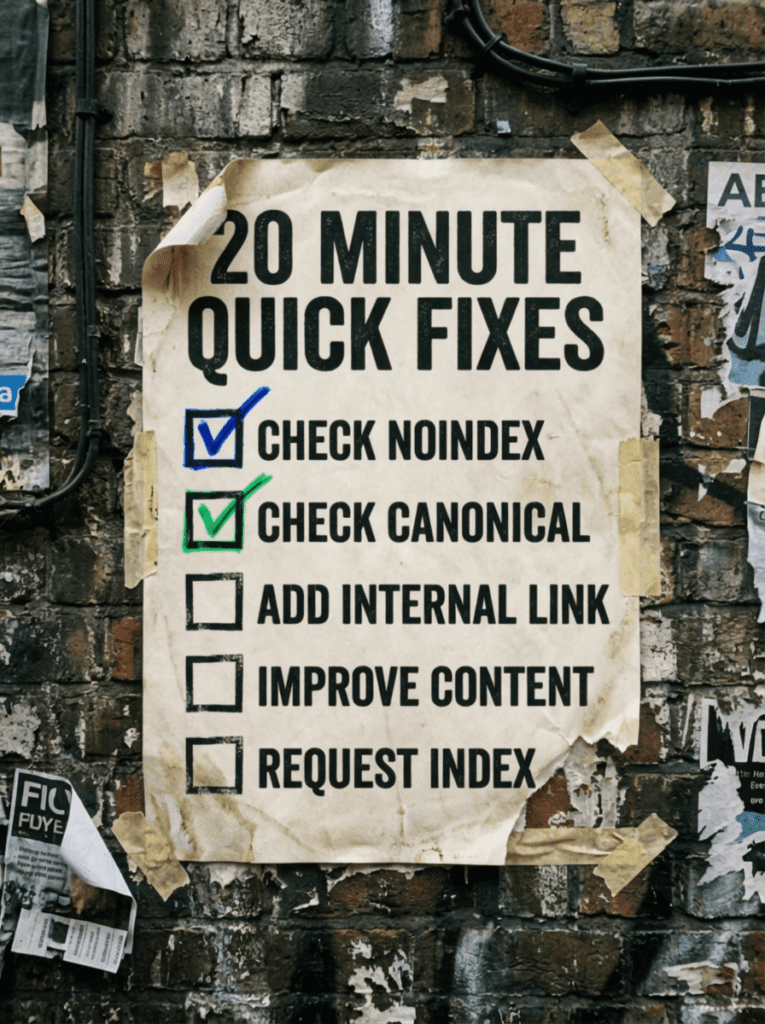
If you only have 20 minutes, do these first. These are the fastest wins when page not indexed shows up in Google Search Console.
- Confirm the page is not set to noindex
- Check the canonical is pointing to the right URL
- Make sure the page is linked from somewhere important on your site
- Improve the page if it is thin or duplicated
- Request indexing once the blockers are gone
If that already feels like a lot, do not worry. Below is our full fix order in plain English.
Not sure where to start?
The mistake most people make with page not indexed problems is treating the message as the cause. It is not. It is a symptom.
A page can be “not indexed” because it is blocked, because Google thinks another page is the main version, because it is too similar to something else, because it is not linked internally, or because Google decided it is not worth indexing yet.
Use our page not indexed fix order if you want a clear sequence that finds the real reason, without the rabbit holes.
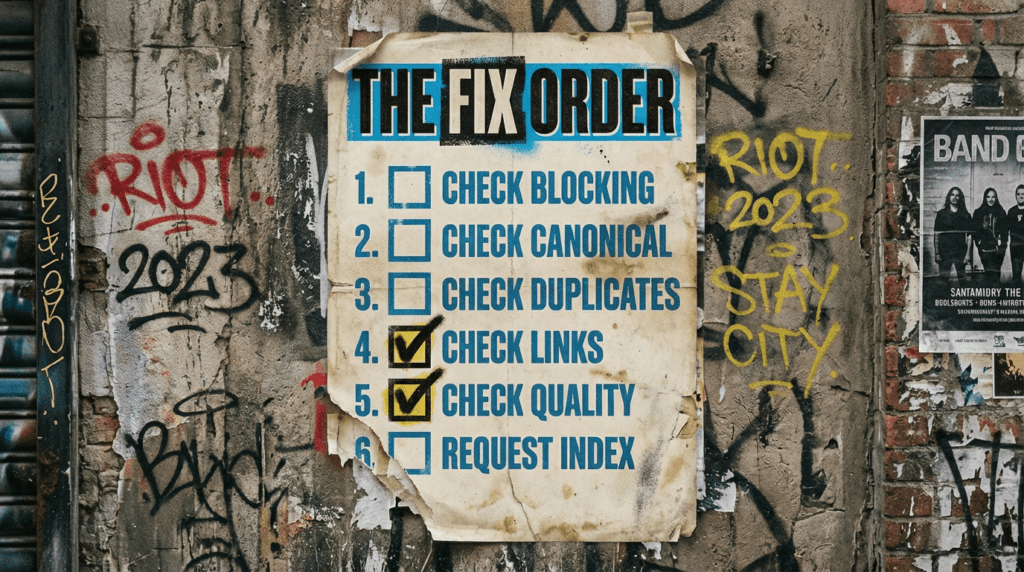
Our page not indexed fix order
Work through this in order. Skipping ahead is how you waste days on the wrong thing.
Step 1: Make sure the page can be indexed
Checklist:
- The page is not set to noindex
- The page is not blocked in robots.txt
- The page does not require a login
- The page returns a normal 200 status code
Plain English: if Google cannot access it, it cannot index it.
Step 2: Confirm Google is looking at the right URL
A very common page not indexed cause is Google choosing a different URL as the main version.
Checklist:
- The canonical tag points to the correct URL
- You are not accidentally creating multiple versions of the same page
- You are not creating duplicate URLs via archives, parameters, or messy plugins
- HTTP redirects cleanly to HTTPS
If Google thinks another page is the “real one”, it will ignore the version you care about.
Step 3: Check for duplication and near-duplication
If two pages are basically the same, Google will often index one and ignore the other.
Checklist:
- The page has a clear, unique purpose
- The page is not just a copy with tiny edits
- Title and headings are not duplicated across similar pages
- You are not pumping out thin variations that all say the same thing
This is where a lot of “submitted but not indexed” problems live.
Step 4: Check internal linking and structure
A page that is not linked is a page Google may never prioritise.
Checklist:
- The page is linked from a relevant parent page
- Important pages are not buried behind multiple clicks
- Your navigation points to what matters
- Your posts and pages connect logically
Step 5: Improve the page if it is thin
If the page is too short, too generic, or looks low effort, Google might not index it quickly.
Checklist:
- The page answers the query properly
- It has proof, examples, or specifics
- It is not just a few lines and a contact form
- It has a clear reason to exist
Blunt truth: Google does not owe you indexing.
Step 6: Check sitemap and discovery signals
Sitemaps help discovery, they do not guarantee indexing.
- The page is in your sitemap
- The sitemap is submitted in Google Search Console
- The sitemap is not full of rubbish URLs
- You are not flooding Google with low-value pages
Step 7: Request indexing the right way
Once you have fixed the blockers, then you request indexing.
Checklist:
- Inspect URL in Google Search Console
- Confirm it is available to Google
- Request indexing
- Leave it alone for a bit
If you request indexing before fixing the issue, you just get the same result, faster.
Step 8: When it is not your fault
Sometimes indexing delays happen even when everything is “fine”.
Checklist:
- The site is new or low authority
- You published a lot of similar pages quickly
- Google is re-evaluating quality
- The page has no internal links or external signals
This is where consistent publishing and internal linking help.
Common mistakes that keep pages out of Google
These are the classic self-inflicted wounds behind page not indexed problems.
- Publishing lots of thin pages quickly
- Copying pages and swapping a few words
- Forgetting internal links
- Canonicals pointing to the wrong URL
- Running a plugin graveyard that generates endless archives
- Request indexing without fixing the cause
- Treating the sitemap like a magic spell
DIY lane vs done for you lane
DIY lane:
If you want to DIY our page not indexed fix order, start with Steps 1 to 4. Blocking, canonicals, duplicates, and internal links solve most cases.
Done for you lane:
If you want the time-saving version, we will audit why the page is not indexing, fix the technical blockers first, then tighten structure and content so your pages get indexed and stay indexable.
Related guides on The Wall
If you’re dealing with page not indexed issues, these guides will help you sort the technical basics, strengthen internal signals, and improve the chances of your important pages actually showing up.
- Read the Technical SEO Checklist for WordPress if you want to work through the broader site issues that can quietly block or weaken indexation.
- Use the Local SEO Checklist Guide if the pages not being indexed are service pages, location pages, or other local landing pages you actually need ranking.
- Check the Google Business Profile optimisation checklist if local visibility is part of the problem and you want your website and profile working together.
page not indexed FAQs

It depends. Some pages index in hours, some take weeks. If you are seeing page not indexed often, it usually means a blocker exists or the site needs stronger structure and internal links.
Only after you have actually fixed something. Validate Fix is not a shortcut, it is just a way to ask Google to re-check.
No. A sitemap helps discovery. Google still decides what is worth indexing.
Often it means duplication, thin content, or weak internal linking. Use our page not indexed fix order and you will normally find the culprit quickly.
Check noindex and canonicals, then add one strong internal link to the page from a relevant page. That is the fastest start for anyone dealing with page not indexed.

Quick tip
Rather have us handle this instead of DIY-ing it? That is literally the job.



Straight talking marketing that gets results.
No pressure, no jargon. Just a clear look at what’s stopping your site from bringing in more enquiries.
Get my free website reviewLike this guide?
Tell Google you want more like it. One click, no sign-up, and FlyPost guides start showing up more often in your search results.
Add FlyPost as a preferred sourceTakes you to Google, then straight back here.