


Are Google Ads Worth It For Small Business?

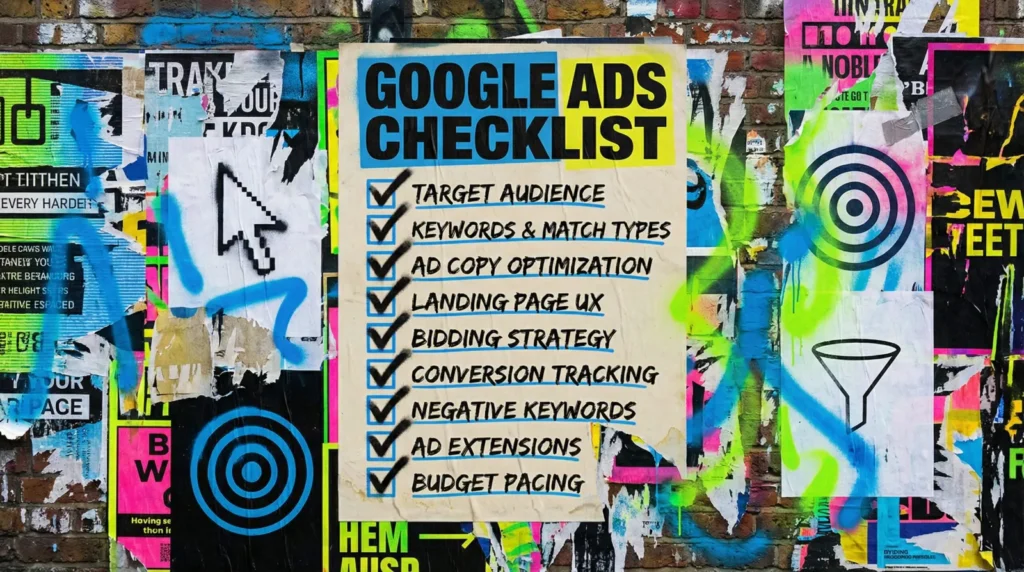
Google Ads can bring in enquiries within days, because it is built for intent. Whether it pays comes down to arithmetic you already have.
Are Google Ads worth it for small business owners, or is it just a fast way to hand Google your marketing budget? The honest answer is that it depends on four or five numbers you already have, and most people never do the sum before they start.
You can work this out yourself in about twenty minutes. If you would rather someone did the arithmetic with you, that is what we are here for.
The quick version
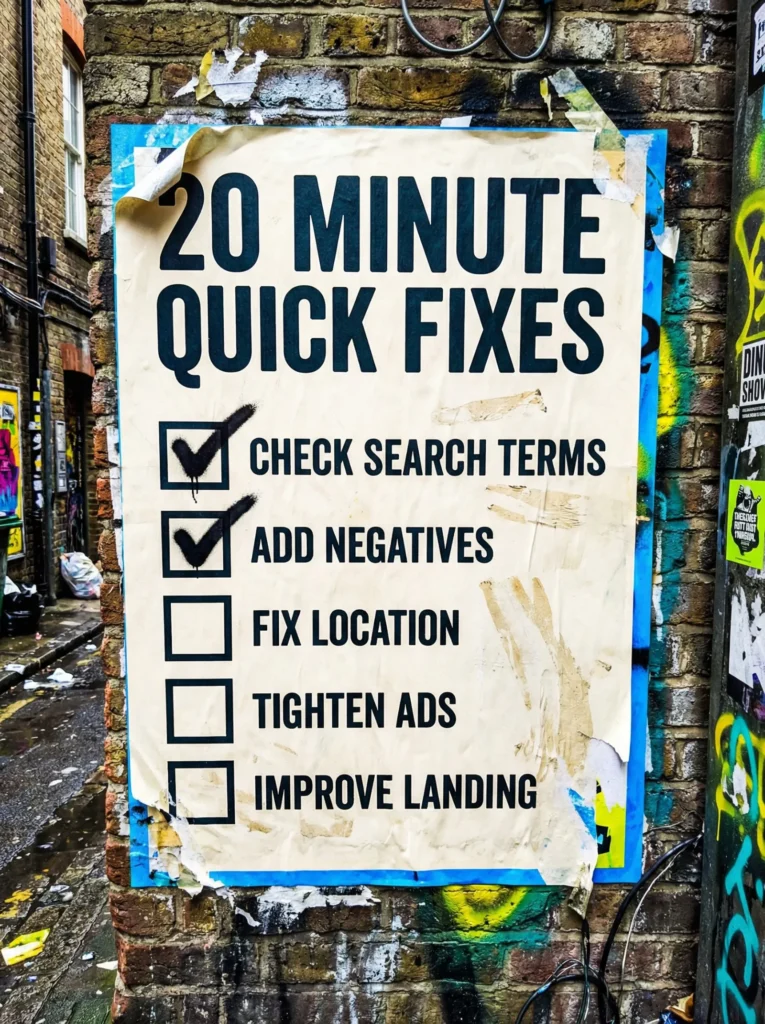
If you only have twenty minutes, run these five checks. They will tell you whether the channel is likely to pay before you commit a penny.
- Work out what one new customer is actually worth to you over a year
- Look up what a click costs in your trade, then multiply it by twenty
- Be honest about whether people search for what you sell, or just stumble across it
- Check you can answer the phone and reply to forms within the hour
- Make sure you have somewhere to send the traffic that is not your homepage
If the first two numbers are miles apart, stop there. This is not a growth hack, it is an arithmetic problem, and the arithmetic either works or it does not.
Not sure where to start?
Most owners we speak to have either never run ads at all, or ran them badly once and wrote the channel off. Both are fixable.
The difference is knowing which of the two you are before you spend again, because the fix is not the same.
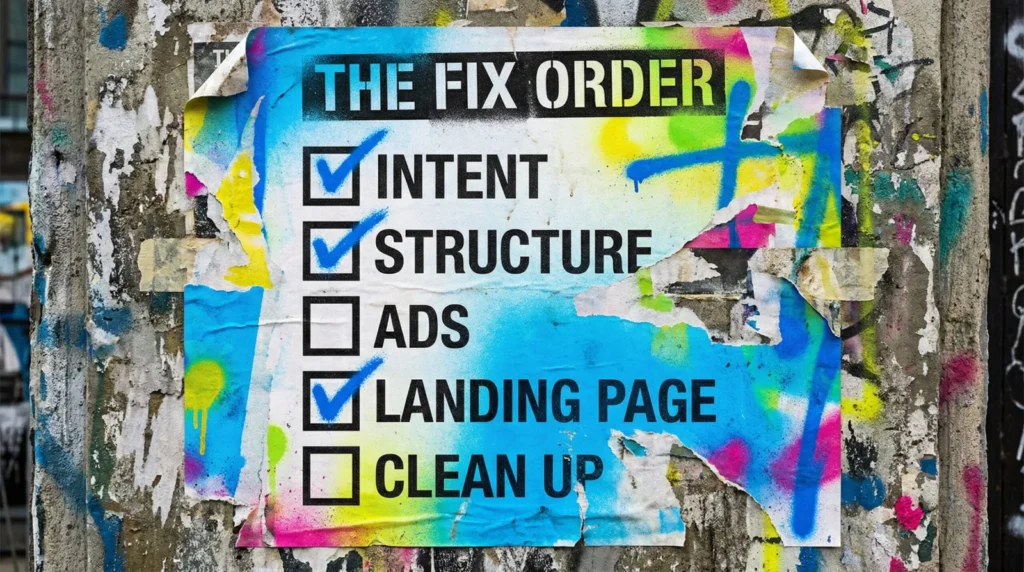
Our full guide: working out whether Google Ads pays for you
When someone asks are Google Ads worth it for small business, they usually expect a yes or a no. What they actually need is the handful of numbers that decide it, and a straight read on whether their market behaves the way Google Ads needs it to.
Step 1: Start with what a customer is worth, not with a budget
Take your average job value and multiply it by how many times a typical customer buys from you in a year. A plumber on 180 pounds a callout with two visits a year is looking at 360 pounds. A kitchen fitter might be 9,000 pounds once.
That number is your ceiling. Everything else here is about whether you can win a customer for meaningfully less than it. Nearly every bad ads decision we see traces back to somebody guessing this figure rather than checking it.
Work it out on the back of an envelope now:
- Average value of one job or order
- How many times a customer buys in a year
- What you can afford to pay to win one, and still make money
Step 2: Compare it against what clicks actually cost
Google charges per click, not per customer, and clicks in competitive trades are not cheap. Legal, insurance, cosmetic and trades work regularly run 5 to 20 pounds a click in the UK, and some go higher.
The rough rule: expect twenty to fifty clicks to produce one enquiry, then two to four enquiries to win one customer. At 8 pounds a click that is roughly 240 pounds to an enquiry and 720 pounds to a customer.
So if a customer is worth 360 pounds, you are losing money on every one. That is not a reason to give up, it is a reason to fix the conversion rate or the order value before you spend, rather than after:
- Your average cost per click, from Keyword Planner or your own data
- Clicks per enquiry, roughly twenty to fifty until you have real data
- Enquiries per won job, which most owners can estimate accurately
- Multiply the three together for your true cost per customer
- Compare that against the ceiling from step one
- If it is close, the levers are conversion rate and average order value
- If it is nowhere near, fix those first and come back to ads
Step 3: Check that people actually search for what you sell
Google Ads only works where demand already exists. Somebody has to be typing the thing you sell into a search box, at the moment they want it.
Emergency and urgent services do brilliantly here. Boiler repair, locksmith, emergency dentist, man with a van. Nobody browses for those, they search, click the top result and call.
Where it gets much harder:
- New products nobody knows to look for yet
- Anything bought on impulse or discovery rather than intent
- Services with a six month consideration window
- Very local businesses in an area with almost no search volume
- Categories where the searches are all research, not buying
Step 4: Be honest about your response time
This is the one that quietly kills more small business ad accounts than bad targeting ever does. You have paid 8 pounds for a click and 240 pounds for an enquiry, and then it sits in an inbox until Thursday.
Speed to lead is not a buzzword, it is the difference between a 40 percent conversion rate and a 10 percent one. Ads amplify whatever process you already have, so if the process leaks, ads just make the leak more expensive.
Before you switch anything on:
- Decide who answers the phone during ad hours
- Set up a form notification that actually reaches a human
- Agree an internal target, one hour is a good bar
- Have a holding reply ready for out of hours
- Track calls as well as forms, or you are reading half the data
Step 5: Make sure the page can convert the click
If the ad says one thing and the page says another, you pay more and convert less. Sending paid traffic to your homepage is the most expensive habit in small business advertising.
The page needs to do one job, and it needs to do it above the fold:
- The headline matches the promise in the ad
- One clear next step, visible without scrolling
- Proof and trust signals near the action, not buried
- Loads fast on a phone, because most clicks are mobile
- A form short enough that someone finishes it in a queue
Step 6: Decide what you will do if the first month is flat
It probably will be. The first few weeks are Google working out who to show your ads to, and you working out which searches are junk.
Budget for the learning, not just the leads. A test too small to learn from is not a cheap test, it is a wasted one. Give it a fair run and it will tell you the truth either way:
- Enough budget for roughly thirty clicks a week
- Six to eight weeks before you judge it
- Conversion tracking in place from day one, not bolted on later
- A search terms report checked weekly so you can cut the rubbish
Step 7: Know what a no looks like, and accept it
If after two months of proper optimisation the cost per customer is still above what a customer is worth, you have your answer. That is a result, not a failure, and it only cost you two months to get it.
The money is usually better spent on the things that make every channel work harder anyway:
- Fixing the pages that already get traffic
- Getting your Google Business Profile earning local visibility
- Building organic visibility that does not stop when you stop paying
- Raising your average order value so the maths changes
- Improving how fast and how well you handle enquiries
- Coming back to ads once one of those has moved
Common mistakes that burn budget
If you are still asking are Google Ads worth it for small business after a month of tinkering, one of these is usually the reason.
- Sending clicks to the homepage instead of a page about the one thing they searched for
- Running one campaign for everything, so the budget goes wherever Google fancies
- Leaving locations too wide and paying for people you cannot serve
- Never opening the search terms report, so you never see what you are buying
- No negative keywords, so you pay for free, jobs, salary and DIY searches
- Judging it on clicks. Clicks are the cost, not the result
- Switching it off after two weeks, which is a deposit, not a test
- No call tracking, so half the enquiries are invisible and the conclusion is wrong
DIY lane vs done for you lane
DIY lane:
Perfectly reasonable if your market is straightforward, you have time to check the search terms report weekly, and you can live with the first month being tuition. Start with one campaign, one tight group of keywords, and one page built to convert.
Done for you lane:
We build the account, get the tracking right before anything spends, and keep the wasted spend out. No long contracts, and the account stays yours.
Related guides on The Wall
The question are Google Ads worth it for small business rarely arrives on its own, so these guides will help you get the surrounding setup right too.
- Read the Landing Page Checklist if your ads are getting clicks but your page is not doing enough to turn them into leads.
- Check Social Media for small business if you want your paid traffic and organic visibility pulling in the same direction.
- Use social media content ideas if you need simple content that supports your offers between ad clicks and follow-up.
Are Google Ads Worth It For Small Business FAQs

It depends far less on the size of the budget and more on what a customer is worth to you. Three hundred pounds a month is workable if a customer is worth two thousand. It is not workable if a customer is worth forty.
Six to eight weeks with conversion tracking in place from the start. Anything shorter and you are reading noise rather than results, because the first few weeks are Google learning who to show your ads to.
They do different jobs. Ads buy visibility today and stop the moment you stop paying. SEO takes months and then keeps working. Start with whichever matches how urgently you need enquiries.
In most UK trades and services, somewhere between twenty and a hundred and fifty pounds. If yours is far above that after two months of proper optimisation, the problem is usually the landing page or the offer, not the ads.
You need a page about the one thing they searched for. A homepage is about everything, so it converts paid traffic badly and quietly doubles your cost per enquiry.

Quick tip
Rather have us handle this instead of DIY-ing it? That is literally the job.


Straight talking marketing that gets results.
No pressure, no jargon. Just a clear look at what’s stopping your site from bringing in more enquiries.
Get my free website reviewLike this guide?
Tell Google you want more like it. One click, no sign-up, and FlyPost guides start showing up more often in your search results.
Add FlyPost as a preferred sourceTakes you to Google, then straight back here.