
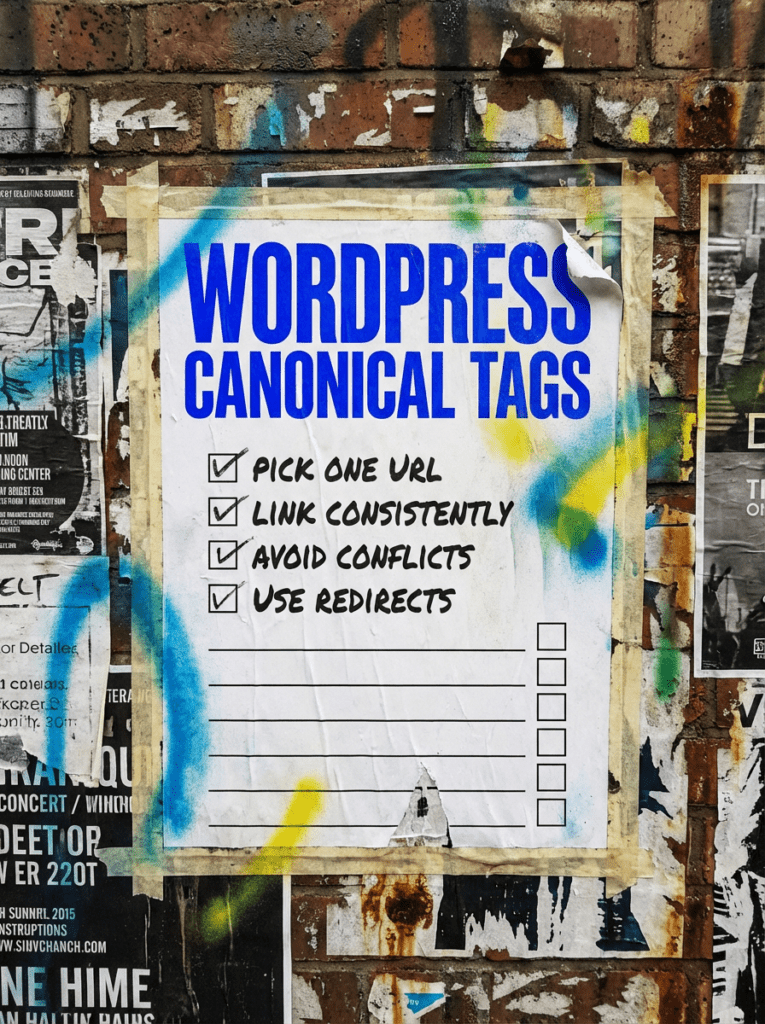
Fix WordPress canonical tags before duplicate URLs pile up
A straight-talking guide to choosing the right version of a page, avoiding mixed signals, and not breaking things that were fine to begin with.
WordPress canonical tags are there to tell search engines which URL should be treated as the main version of a page.
That matters because Google treats canonicalisation as the process of choosing the representative URL from a set of duplicate or very similar pages. It can choose that URL itself, but signals like redirects, sitemap inclusion, and rel=”canonical” help point it in the right direction. Google is also clear that your preferred canonical is a hint, not a command, so messy signals can still lead to a different URL being chosen.
THE QUICK VERSION
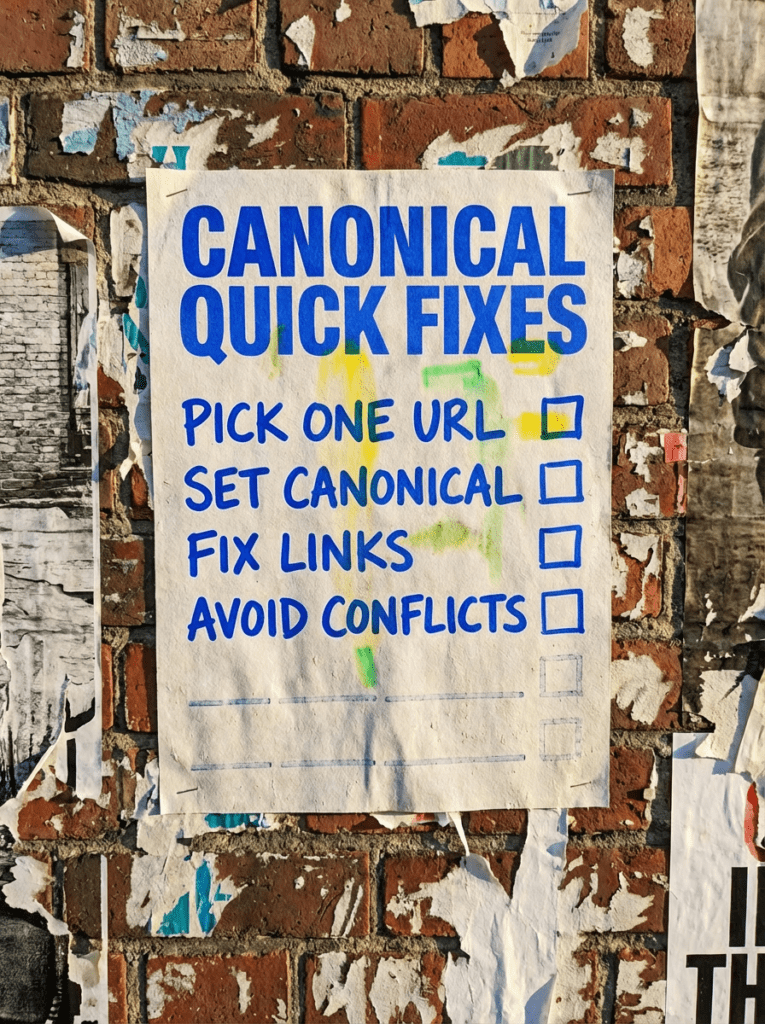
If you just want the short version, here it is:
- Pick One preferred URL for each page
- Use Self-referencing canonicals on standard pages
- Redirect duplicate URLs when they should not exist
- Keep internal links pointing to the preferred URL
- Avoid mixing canonicals, noindex, and random workarounds
- Only override the canonical manually when there is a real reason
Google says duplicate content is usually not a spam issue, but it can waste crawl budget, muddy tracking, and make it harder to understand which page should show in search. If you can redirect duplicate URLs to the preferred version, do that. If you cannot, use rel=”canonical” instead.
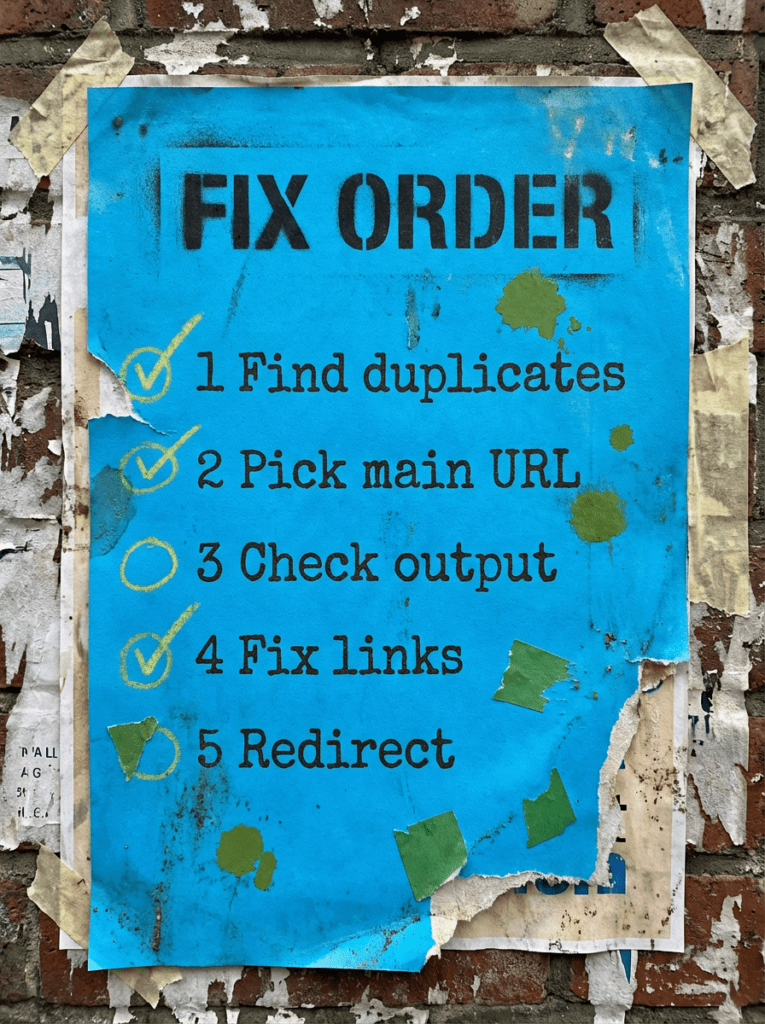
FIX ORDER
The easiest way to make a mess of WordPress canonical tags is to start editing them one by one without knowing what problem you are actually solving.
Fix them in this order:
- Identify the duplicate or competing URLs
- Choose the preferred URL
- Check what WordPress or Yoast is already outputting
- Fix internal links and sitemap signals
- Redirect duplicates where possible
- Manually override canonicals only if needed
Google recommends keeping your canonical signals consistent. Do not point the sitemap at one URL, the canonical tag at another, and your internal links at a third unless your goal is to confuse everyone involved. It also recommends linking internally to the canonical URL rather than duplicate versions.
OUR FULL GUIDE TO WORDPRESS CANONICAL TAGS
What WordPress canonical tags actually do
A canonical tag tells search engines which URL you want treated as the main version when several URLs show the same or very similar content.
That matters on real websites more often than people think. Duplicate versions can happen through sorting and filtering URLs, HTTP and HTTPS versions, tracking parameters, tag or category variations, or plain old website clutter. Google says some duplication is normal, but the goal is still to make it clear which URL should represent the content.
In plain English, a canonical tag is not there to “boost rankings”. It is there to stop ranking signals, crawling, and reporting from being spread across multiple versions of the same thing.
Leave standard self-canonicals alone unless you have a real reason
This is where people get a bit too eager.
If you are using Yoast on WordPress, it already adds canonical URLs by default and lets you change them manually in the Advanced section when needed. For most normal posts and pages, that default self-referencing canonical is exactly what you want.
So if the page is:
- Indexable
- Unique
- The version you actually want in search
…then leave it alone.
A lot of canonical “issues” are not issues at all. They are just people spotting a tag and deciding to poke it with a stick.
Change the canonical only when another URL should represent the content
You should only override WordPress canonical tags when there is a proper reason.
That usually means one of these situations:
- Multiple URLs show the same main content
- Parameter versions of a page exist and the clean URL should represent them
- Duplicate or near-duplicate pages exist for practical reasons, but one should carry the SEO value
- Cross-posted or alternative versions exist on your own site and one needs to be the clear primary version
If you are using Yoast, the manual override lives in the Advanced section, and Yoast says you should enter the full canonical URL, including the full protocol and domain.
This is the bit where you want a steady hand. If two pages really should rank separately, do not canonical them together just because they feel similar.
Use redirects when the duplicate URL should not exist
Here’s the blunt version.
If the duplicate URL serves no purpose, a redirect is usually the cleaner fix.
Google’s starter guidance says that if multiple pages contain the same information, try setting up a redirect from non-preferred URLs to the URL that best represents that information. If you cannot redirect, use rel=”canonical” instead
That means:
- Redirect old URLs that are no longer needed
- Redirect accidental duplicate versions
- Use canonical tags when duplicates need to remain accessible for users or systems
Canonical tags are a soft preference. Redirects are much firmer. If the extra URL is pointless, do not keep it alive for the drama.
Fix your internal links or your canonical signal stays muddy
A canonical tag in the head is helpful. A whole site linking to the wrong URL is not.
Google explicitly recommends linking internally to the canonical URL you want recognised. That means your navigation, body links, breadcrumbs, and related-post links should point to the preferred version, not to a parameter mess or an outdated version.
This is where technical cleanup and content structure overlap a bit.
Do not mix canonical tags with contradictory signals
This is one of the classic ways to waste a perfectly good afternoon.
Google specifically says not to:
- Use robots.txt for canonicalisation
- Use the URL removal tool for canonicalisation
- Specify different canonical URLs through different methods
- Use URL fragments as canonicals
- Rely on noindex as the preferred way to choose the canonical on a single site
So if your setup says:
- sitemap points to URL A
- canonical points to URL B
- internal links point to URL C
…then congratulations, you have built a small confusion machine. Keep the signals aligned.
Do not expect canonicals to fix weak pages
A canonical tag helps consolidate duplicates. It does not turn a thin page into a strong one.
If the real issue is that the page is vague, weak, or not useful enough, the fix is content quality and page clarity, not a canonical tweak. That is where this guide links naturally into broader visibility work.
COMMON MISTAKES THAT HURT WORDPRESS CANONICAL TAGS
Here are the mistakes that usually cause the trouble:
- Changing canonicals on every page just because you can
- Canonicalising pages together when they should rank separately
- Leaving duplicate URLs live when a redirect would be cleaner
- Pointing internal links at the wrong version of a page
- Mixing canonical tags with noindex, robots.txt blocks, or conflicting sitemap signals
- Assuming Google has to obey your canonical choice
Google is clear that canonical hints help, but it may still choose a different canonical if the wider signals point elsewhere.
DIY lane vs done for you lane
DIY lane:
If you are handling this yourself, keep it simple. Check which URL you actually want indexed, confirm what Yoast or WordPress is outputting, fix your internal links, and only override the canonical if there is a real duplicate-content reason.
Done for you lane:
If you do not want to spend your evening tracing parameter URLs and second-guessing index signals, this is the sort of cleanup a proper technical SEO job should handle for you. The value is not just changing the tag. It is knowing when not to change it, and fixing the surrounding signals properly.
RELATED GUIDES ON THE WALL
If you’re working on WordPress canonical tags, these guides will help you fix the wider technical issues that usually sit around them.
- Read the Technical SEO Checklist for WordPress if you want the bigger technical cleanup plan around crawling, indexing, and structure.
- Check Page not indexed in Google Search Console if the wrong version is being picked because the right page is not showing up properly.
- Use AI Search Visibility for Small Business if the technical setup is only half the problem and the page itself still needs tightening up.
WordPress canonical tags FAQs

WordPress canonical tags are rel=”canonical” signals that tell search engines which URL should be treated as the main version of a page when duplicates or near-duplicates exist. Google uses canonicalisation to select the representative URL from duplicate sets.
If you use Yoast SEO, yes. Yoast says it adds canonical URLs to your WordPress site by default and lets you manually change them in the Advanced section when needed.
Yes. Google says canonical signals are a hint, not a rule, and it may choose a different canonical if other signals point somewhere else.
If the duplicate URL should not exist anymore, a redirect is usually the cleaner option. Google recommends redirecting duplicate URLs when possible, and using rel=”canonical” when you cannot redirect.
Usually no. Google says it does not recommend using noindex to prevent canonical selection within a single site, and prefers rel=”canonical” annotations for that purpose.