
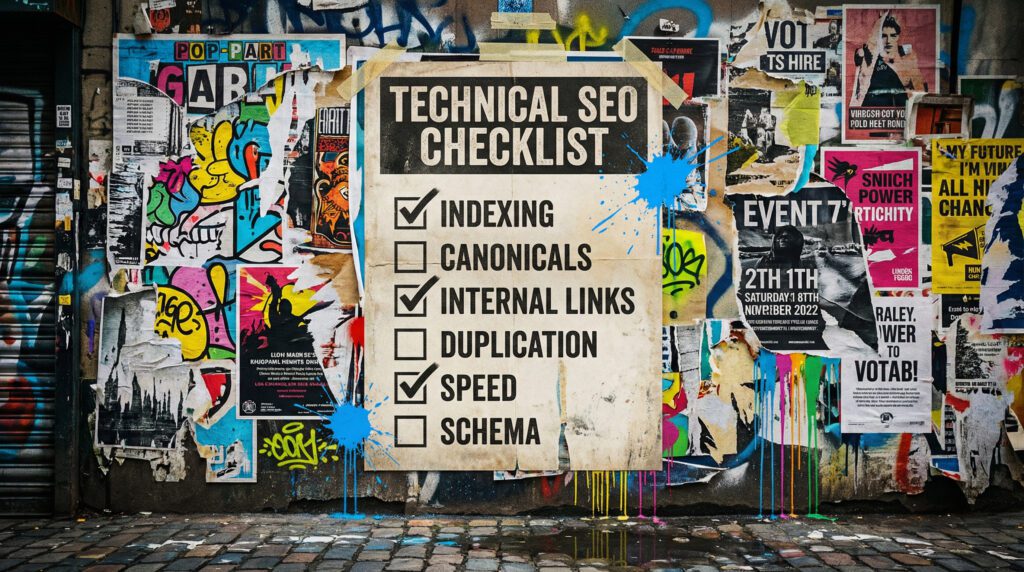
Use our technical SEO checklist for WordPress to fix the foundations
If your pages are not indexing, rankings feel stuck, or your site feels slow for no obvious reason, it is usually technical. This is our fix order so you do not waste time guessing.
Our technical SEO checklist for WordPress is for small businesses who want more leads and sales, but do not want to spend months writing content on top of a site that Google cannot properly crawl, understand, or trust. If you are doing SEO & AI work, technical is the part that makes everything else work better.
You can chip away at this in chunks. If you want it handled properly without the homework, we can do it for you.
The quick version
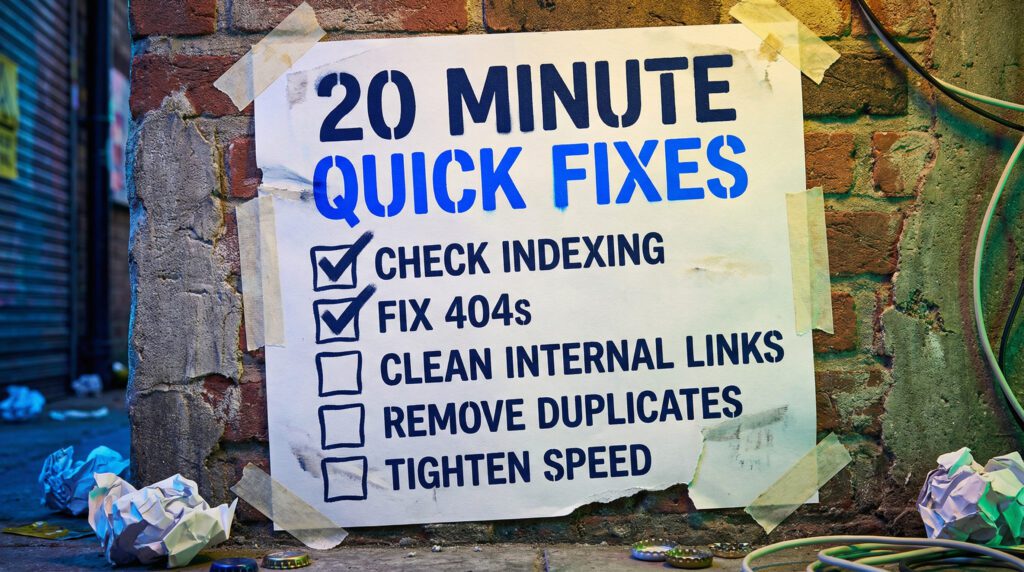
If you only have 20 minutes, do these first. They are the fastest wins in our technical SEO checklist for WordPress.
- Check Google Search Console for indexing issues
- Confirm your key pages are indexable and not blocked
- Fix obvious 404s and redirect chains
- Make sure your internal links point to the right pages
- Improve the basics of speed on mobile
If that already sounds like a lot, do not worry. Below is our full checklist in the right order.
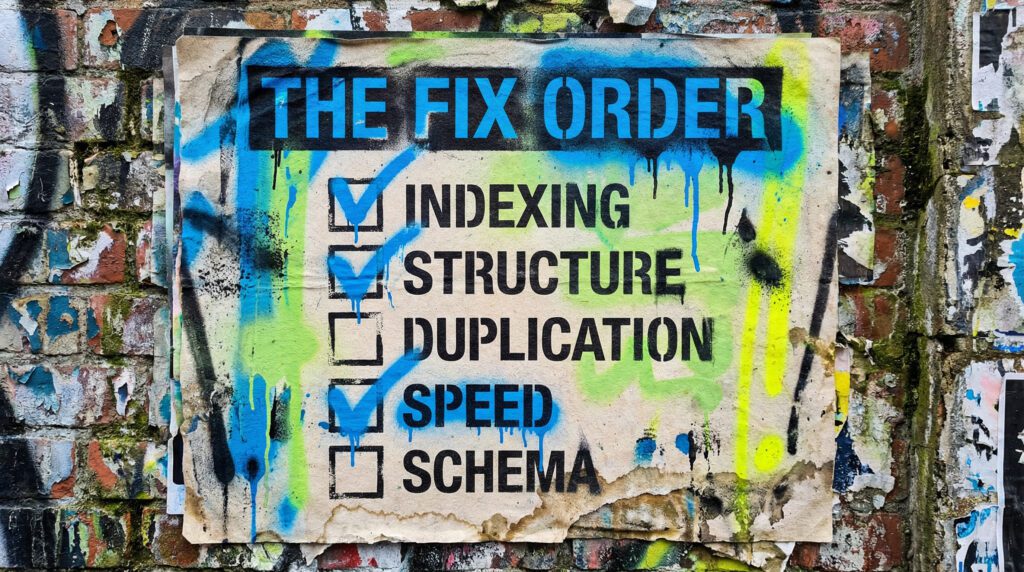
Our full technical seo checklist for wordpress
Work through this in order. Skipping ahead is how technical SEO becomes a never-ending “to do” list.
Step 1: Make sure Google can index the site
Checklist:
- Your important pages are not set to noindex
- Your robots.txt is not blocking key sections
- Your sitemap exists and includes the pages you actually care about
- You are not accidentally telling Google the wrong page is the main version
Plain English: if Google cannot access it, it cannot rank it.
Step 2: Fix the “wrong page is ranking” problem
This is usually a canonical or duplication issue, especially on WordPress.
Checklist:
- One clear page for each intent
- Canonicals point to the correct version
- You are not creating multiple URLs for the same page via parameters, tags, or archives
- You are not publishing thin variations that compete with each other
If you have multiple versions of the same content, Google will pick the one it likes. Sometimes it picks wrong.
Step 3: Tighten site structure and internal linking
A surprising amount of technical SEO is simply helping Google understand your site.
Checklist:
- Your main navigation links to the pages that matter
- Your homepage links to your key service pages
- Your posts link back to relevant services and other guides
- You are not hiding important pages behind 4 clicks
- You have clear anchor text, not “click here” everywhere
Step 4: Clean up errors and redirects
These rarely kill a site, but they absolutely waste crawl budget and create messy user journeys.
Checklist:
- Fix 404s that have internal links pointing to them
- Replace redirect chains with a single clean redirect
- Remove internal links that point to redirected URLs
- Keep a simple redirect approach, avoid cleverness
Step 5: Make your WordPress indexing settings behave
WordPress can generate a lot of low-value pages. Early on, these can dilute the site.
Checklist:
- Category and tag strategy is deliberate, not automatic
- You are not creating hundreds of thin tag pages
- Author archives are handled sensibly
- Pagination does not create nonsense URLs
You already made a smart move keeping The Wall clean. Keep that energy.
Step 6: Speed, but only what matters
Speed is important, but most small business sites do not need a science project. Focus on quick wins.
Checklist:
- Compress and resize images
- Use a caching plugin, configured properly
- Avoid heavy page builders on every template
- Reduce unnecessary third-party scripts
- Make sure mobile performance is not awful
If the site feels slow to a real human, it is slow.
Step 7: Schema for clarity, not magic
Schema helps search engines understand what you are, what you offer, and how your pages are structured.
Checklist:
- Organisation schema is correct
- LocalBusiness schema is correct if relevant
- Breadcrumb schema where appropriate
- FAQ schema on pages that actually have FAQs
Step 8: Images and media that do not drag the site down
Checklist:
- Descriptive file names where appropriate
- Alt text that describes the image naturally
- No massive uncompressed uploads
- Lazy loading is enabled, but not breaking layout
Step 9: Security and trust basics
Checklist:
- HTTPS is enforced
- No mixed content warnings
- Plugins are updated
- You are not running a theme or plugin graveyard
Step 10: Re-check the basics after changes
Technical SEO is not “set and forget” because WordPress changes when you install plugins, add content, and change templates.
Checklist:
- Re-crawl key templates after major changes
- Re-check indexing after launches and rebuilds
- Keep an eye on Search Console warnings
DIY lane vs done for you lane
DIY lane:
If you want to DIY our local SEO checklist for small business, start with Steps 1 to 5. That is where you will feel the biggest impact quickest.
Done for you lane:
If you want the time-saving version, we will audit your current setup, fix the high-impact issues first, then build out the pages and signals that move local rankings.
Related guides on The Wall
If you’re working through your technical SEO checklist, these next guides will help you sort indexing issues and tighten up local visibility.
- Read Page not indexed in Google Search Console if key pages are published but still not appearing in search.
- Use the Local SEO Checklist Guide if you want to connect technical fixes with local rankings and service-area visibility.
- Check the Google Business Profile optimisation checklist to clean up the off-page local signals that support your website.
technical SEO checklist for WordPress FAQs

Not usually. Use our technical SEO checklist for WordPress after big site changes, new plugins, new templates, or when Search Console starts waving red flags.
Indexing. If Google cannot index your key pages properly, nothing else matters.
No. But it removes the blockers so your content, links, and service pages can actually do their job.
Some help, many add bloat. Plugins are tools, not a strategy. Use our technical SEO checklist for WordPress to decide what is actually needed.
Open Search Console, check indexing, and confirm your key service pages are indexable. That is the fastest start for anyone using our technical SEO checklist for WordPress.