
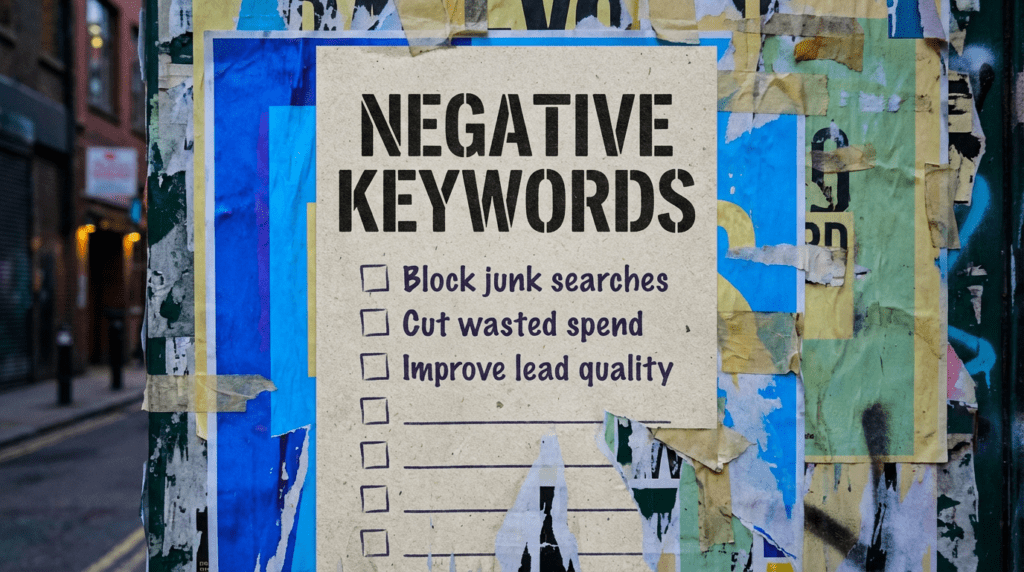
Use our negative keywords guide and stop wasting Google Ads spend
Negative keywords are one of the easiest ways to clean up a messy Google Ads account. This is the simple fix order that helps small businesses cut junk clicks, tighten intent, and protect budget.
Our negative keywords guide is for small businesses running Google Ads and wondering why the clicks look fine but the leads feel useless. If your ads are showing for the wrong searches, this is one of the fastest ways to stop the bleed and make your budget work harder.
You can DIY the basics in this guide. If you want the time-saving version, we can clean it up properly and keep it tight.
The quick version
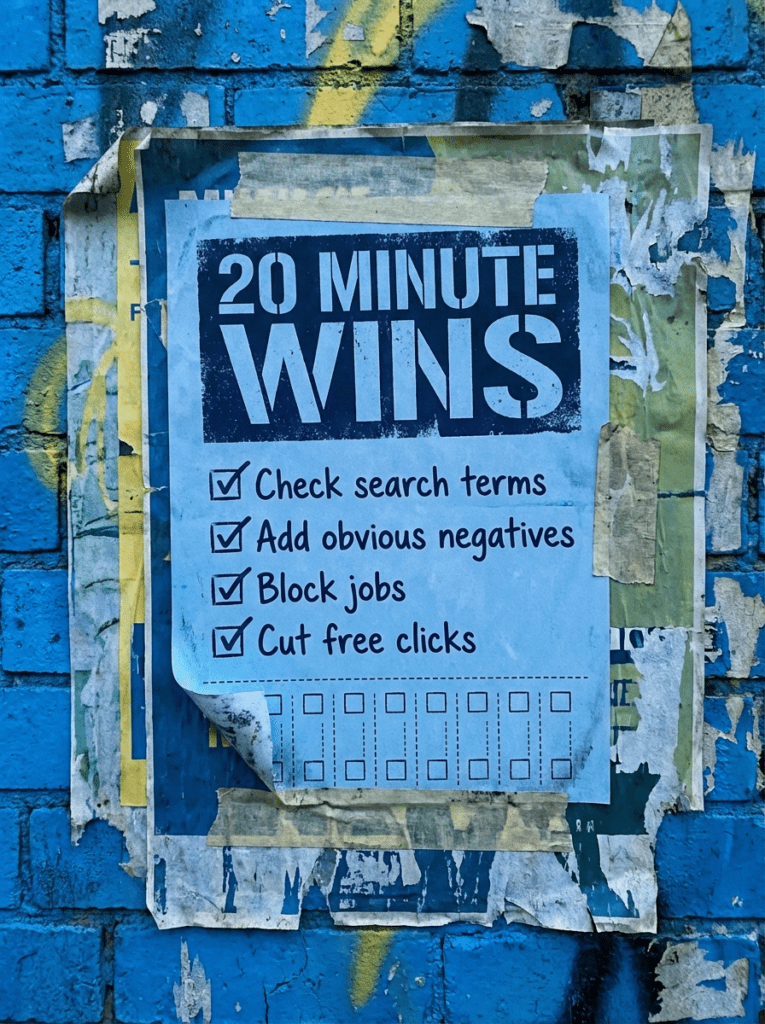
If you only have 20 minutes, do these first. These are the fastest wins in our negative keywords guide.
- Check what searches are actually triggering your ads
- Add negatives for anything clearly irrelevant
- Block job seekers, freebie hunters, and DIY traffic where needed
- Group repeat offenders into one negative keyword list
- Review lead quality, not just clicks
If that already feels like a lot, do not worry. Below is the full fix order in the right sequence.
Not sure why your ads keep attracting the wrong clicks?
Most Google Ads accounts do not waste money because the platform is broken. They waste money because the filtering is weak. People focus on bids, budgets, and ad copy while ignoring the searches that should never have triggered the ad in the first place.
Use this negative keywords guide if you want cleaner traffic, fewer junk leads, and a setup that makes more sense.
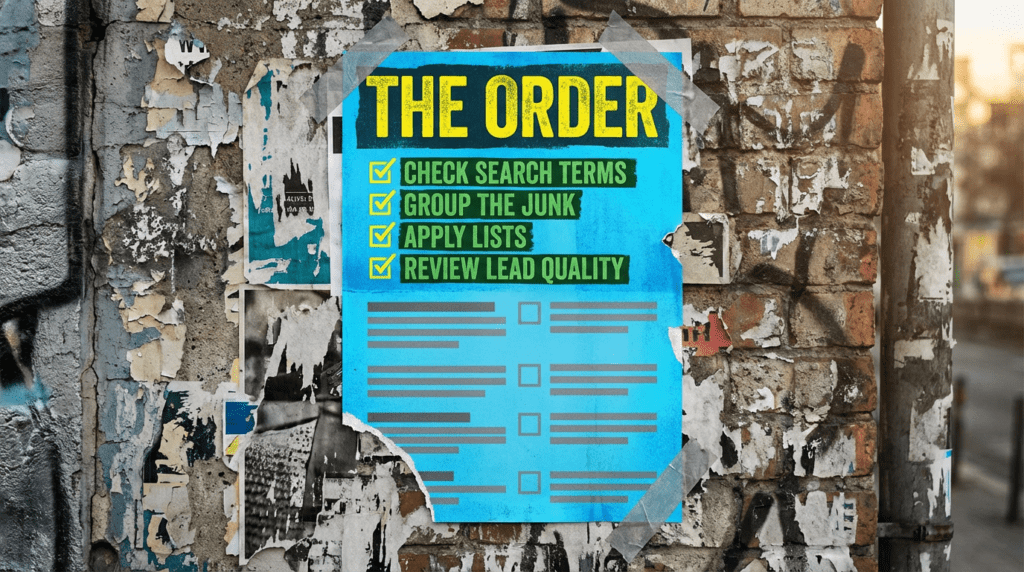
Our full negative keywords guide
Work through this in order. Guessing is how you block useful traffic and keep the rubbish.
Step 1: Check the search terms first
Do not start by guessing what people might be searching. Start with what they actually typed.
Go into your search terms report and look for searches that are:
- Clearly unrelated to what you sell
- Too broad to lead to a decent enquiry
- Looking for free tools, free advice, or freebies
- Job and career related
- DIY or research-heavy when you want buyer intent
- About services or products you do not offer
Step 2: Group the bad traffic by theme
Do not just add random negatives one by one with no system. Group them so the account stays manageable.
Common themes include:
- Freebie terms
- Job seeker terms
- Learning and research terms
- DIY terms
- Unrelated services
- Wrong product types
- Wrong customer intent
Once you group the junk properly, patterns start to show up fast.
Step 3: Add the obvious negatives first
You do not need to build the perfect list on day one. Start with the obvious terms that are most likely wasting money.
Common early examples:
- free
- jobs
- salary
- course
- template
- meaning
- definition
- youtube
- how to
Then add service-specific negatives based on what keeps showing up in your account.
Step 4: Decide where the negatives belong
Not every negative belongs everywhere.
Some terms should be blocked across the whole account. Others only need blocking in one campaign or one ad group.
Use this simple logic:
- Ad group level if the term is only wrong for one narrow offer
- Campaign level if it is wrong for that whole campaign
- Shared negative keyword list if it is useless across the account
This is where structure matters. A clean account stays easier to manage later.
Step 5: Review lead quality, not just click data
A search term can look fine in the report and still produce terrible leads.
That is why you need to review:
- Enquiry quality
- Conversion rate
- Call quality
- Form quality
- Sales relevance
Do not judge a keyword only because it gets clicks. Judge it by whether it brings the right people.
Step 6: Keep refining instead of treating it like a one-off task
Search behaviour changes. Campaigns change. Offers change.
That means your negatives should be reviewed regularly, especially if:
- You launch new services
- You expand locations
- Lead quality drops
- Spend suddenly rises with no return
- You are testing broader keyword themes
A good negative keyword list is not static. It should stay useful, not just long.
Common mistakes that waste budget
These are the classic reasons negative keywords get ignored or handled badly.
- Never checking search terms properly
- Adding negatives with no structure
- Blocking too aggressively and killing useful traffic
- Leaving junk searches running for weeks
- Treating clicks as success when the leads are rubbish
- Forgetting to review lead quality
- Letting one campaign trigger for everything
DIY lane vs done for you lane
DIY lane:
If you want to DIY our negative keywords guide, start with search terms, obvious blockers, and grouping repeat junk into themes. That is where the fastest cleanup usually happens.
Done for you lane:
If you want the time-saving version, we audit the account, find the waste, build cleaner exclusion lists, and keep refining the setup so your budget stays focused on searches that can actually turn into enquiries.
Related guides on The Wall
If you’re working on negative keywords, these guides will help you tighten up the rest of the account so the clicks you do pay for have a better chance of turning into real enquiries.
- Read the Google Ads for small business guide if you want the wider setup around campaign structure, locations, search terms, and landing page fit.
- Check the Landing Page Checklist if your ads are getting clicks but the page is not doing enough to convert them.
- Use Social media for small business if you want paid traffic and organic visibility pulling in the same direction instead of acting like two separate jobs.
Negative Keywords FAQs

Negative keywords tell Google Ads not to show your ads for certain searches. They help block irrelevant traffic so more of your budget goes towards the right intent
That depends on the business, but common early ones include free, jobs, salary, course, template, and other terms that signal low buying intent.
Check them regularly. Weekly is sensible if the account is active. Monthly is about the bare minimum if you want to keep waste under control.
Not always. Shared lists work well for repeat junk across multiple campaigns. More specific negatives are better handled at campaign or ad group level.
Open your search terms report, spot the obvious junk, and add the first round of blockers. That is the fastest start for anyone using our negative keywords guide.