
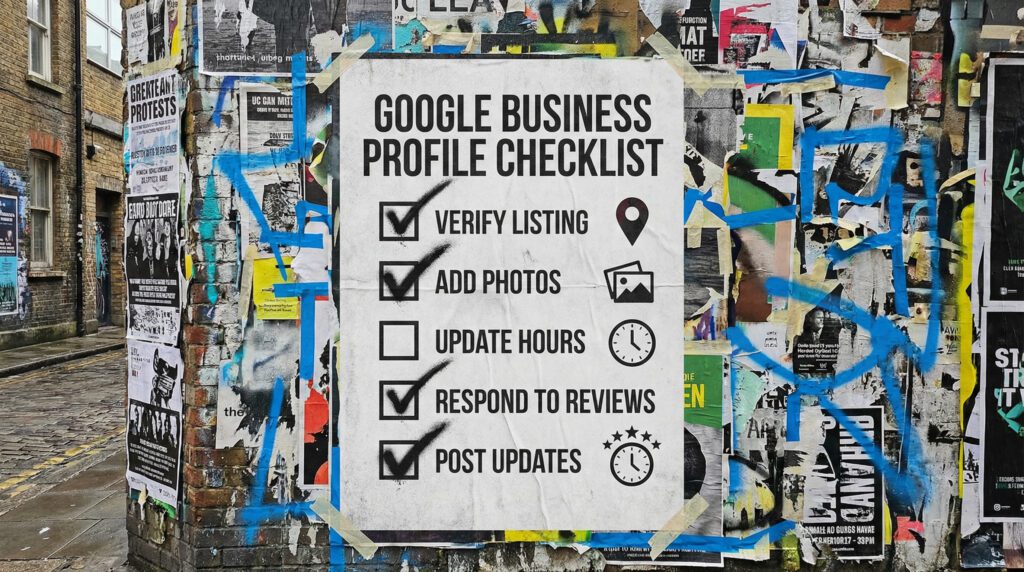
Use our Google Business Profile optimisation and get more local enquiries
For most small businesses, your Google Business Profile is the first impression. This is our checklist to improve visibility, earn trust fast, and turn map views into calls.
Our Google Business Profile optimisation is for small businesses who serve a local area and want more calls, more direction requests, and more enquiries without relying on luck. This is part of the wider SEO & AI picture, because if Google does not trust your profile, it is harder for anything else to stick.
You can DIY most of this in an hour. If you want it handled properly and kept tidy, we can do that.
The quick version
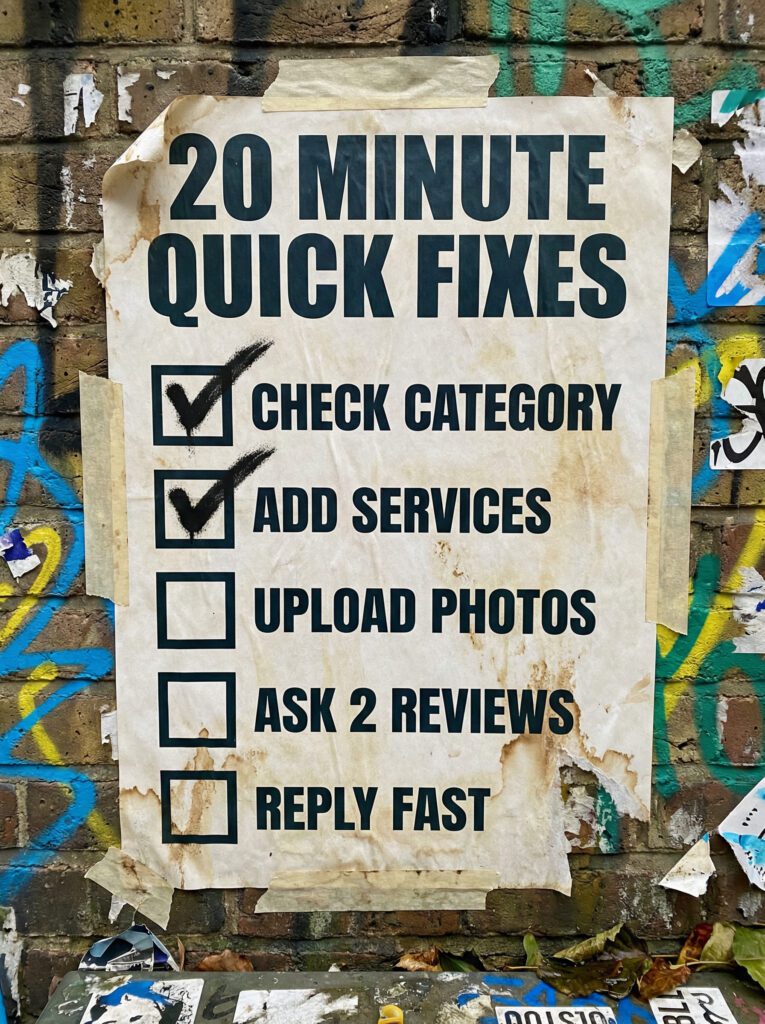
If you only have 20 minutes, do these first. These are the fastest wins in our Google Business Profile optimisation.
- Check your primary category is correct
- Add your top services properly
- Add fresh photos that prove you are real
- Ask for two reviews this week, then keep it steady
- Reply to every review
If that already feels like a lot, do not worry. Below is our full checklist in the right order.
Not sure where to start?
Most people treat their profile like a set-and-forget listing. Then they wonder why they are buried under competitors with fewer reviews and a worse website. The difference is usually basics done properly and kept consistent.
Use our Google Business Profile optimisation if you want a clear fix order, not random tips.
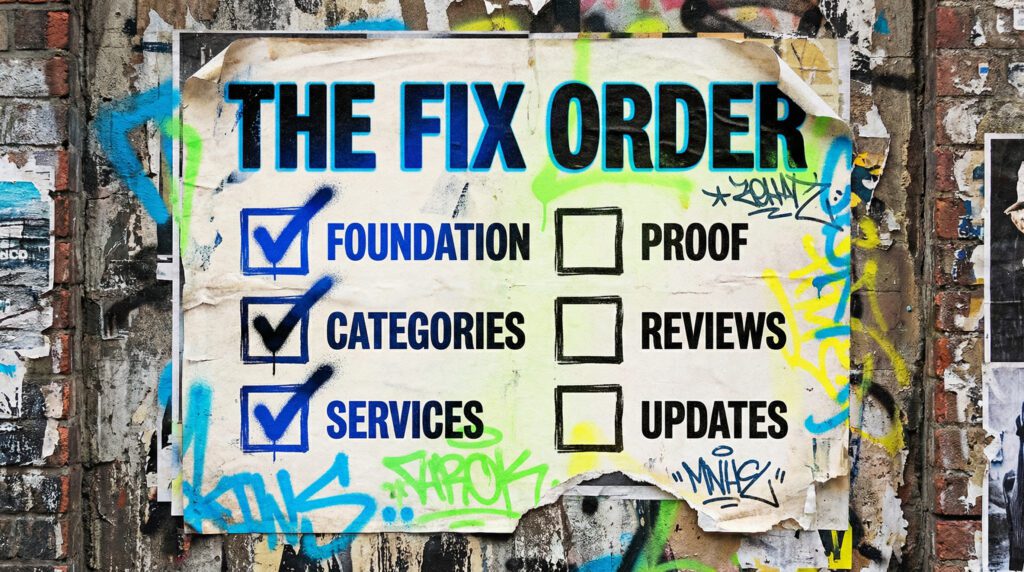
Our full Google Business Profile optimisation
Work through this in order. The order matters more than people think.
Step 1: Foundation details that must match everywhere
Checklist:
- Business name is consistent
- Phone number is correct
- Website link points to the right page
- Address is correct, or service-area settings are correct
- Opening hours are accurate, including bank holidays where relevant
- Appointment link is set if you use bookings
Step 2: Categories, the biggest lever
Your primary category is one of the strongest relevance signals.
Checklist:
- Primary category is the best match for what you actually sell
- Secondary categories support your main services, not random extras
- You avoid trying to be everything to everyone
Quick rule: if you only want one type of customer, do not choose categories that attract the wrong ones.
Step 3: Services and products set up properly
This is where people often leave money on the table.
Checklist:
- Add your core services as individual services
- Use short, clear service names
- Add descriptions that explain what the service is and who it is for
- Add pricing ranges only if it helps qualify
This part of our Google Business Profile optimisation helps Google understand what you do, and helps customers choose you.
Step 4: Your description, short and specific
Checklist:
- Say what you do in plain English
- Say where you do it
- Say what makes you different
- Avoid keyword stuffing and waffle
Step 5: Photos that prove you are real
A profile with real photos almost always performs better than one that looks empty or stock.
Checklist:
- Logo and cover are set
- Add exterior and interior if you have a location
- Add work photos, team photos, results, before and after if relevant
- Keep adding new photos regularly
Step 6: Reviews, the trust engine
Reviews influence both clicks and rankings. They also turn map views into calls.
Checklist:
- Ask every happy customer
- Use one simple link
- Reply to every review
- Keep it steady, not a one-off burst
Step 7: Posts and updates that keep it active
You do not need to post daily. You do need to look alive.
Checklist:
- Post once a week or once every two weeks
- Share proof, offers, updates, and answers to common questions
- Use strong images
- Keep it short, clear, and useful
Step 8: Q&A and messaging
Checklist:
- Seed a few Q&As with real questions customers ask
- Answer them clearly
- Turn messaging on if you can reply quickly
- If you cannot reply quickly, do not turn it on
Step 9: Track what matters
Checklist:
- Watch calls, direction requests, website clicks
- Note which searches trigger visibility
- Compare month to month, not day to day
Step 10: Keep it consistent
A profile that is updated and looked after usually beats a profile that is perfect once and forgotten.
Checklist:
- Monthly check-in
- Keep reviews coming
- Add photos
- Update services when things change
- Fix any “suggest an edit” changes quickly
Common mistakes that quietly tank performance
These are the issues we see constantly when people try to DIY our Google Business Profile optimisation.
- Wrong primary category
- Services missing or too vague
- No fresh photos
- Reviews come in bursts, then stop
- No replies to reviews
- Profile looks inactive
- Website link points to the homepage when it should point to a service page
DIY lane vs done for you lane
DIY lane:
If you want to DIY our Google Business Profile optimisation, start with categories, services, photos, and a steady review flow. Those four are the biggest levers.
Done for you lane:
If you want the time-saving version, we will audit your profile, fix the foundations, tighten categories, build a simple review system, and keep it updated so it compounds.
Related guides on The Wall
If you’re improving your Google Business Profile optimisation, these guides will help you back it up with better local pages, cleaner technical basics, and stronger visibility overall.
- Read the Local SEO Checklist Guide if you want to connect your profile work to the rest of your local visibility properly.
- Use the Technical SEO Checklist for WordPress if your site setup is getting in the way of rankings, crawling, or trust signals.
- Check Page not indexed in Google Search Console if your key pages are published but still not showing up in search.
Google Business Profile optimisation FAQs

Once a week is plenty for most businesses. Even once every two weeks is better than nothing. Consistency beats bursts.
If you are a service-area business, you can hide the address and set your service area. Just make sure everything else is consistent.
They are a trust signal and they influence clicks. Both help visibility. Keep them coming steadily.
Sometimes, but it is not a long-term strategy. A strong profile plus a solid site is where the real stability comes from.
Check your primary category and add your top services properly. That is the fastest start for anyone using our Google Business Profile optimisation.