
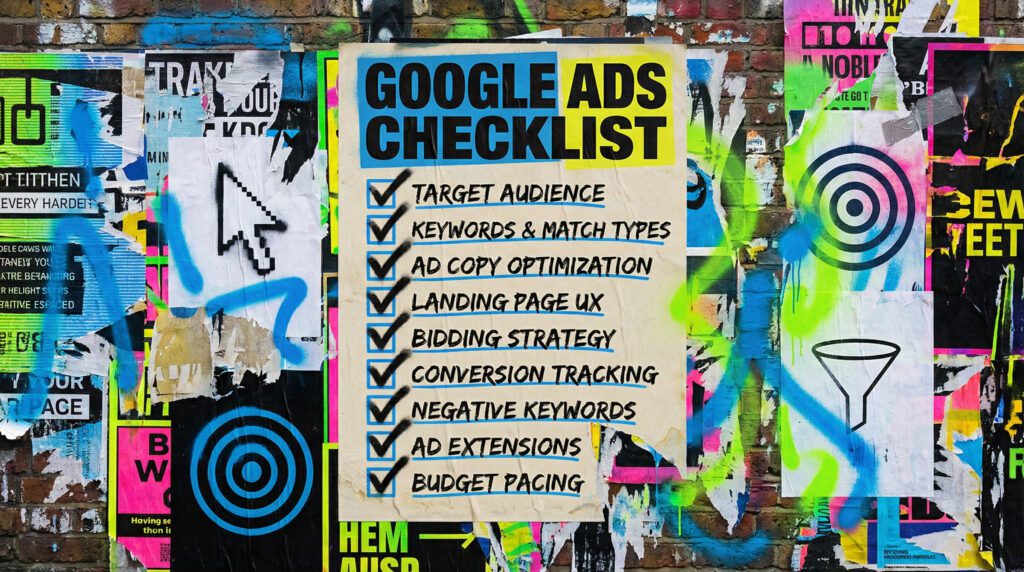
Use our Google Ads for small business setup and stop wasting budget
Google Ads can drive enquiries fast, but only if your account is built for intent. This is our simple setup that avoids tyre-kickers and turns clicks into calls.
Our Google Ads for small business guide is for owners who want leads now, but do not want to gamble money on messy campaigns. If you sell a service, you want calls and enquiries. If you sell products, you want purchases. Either way, the setup is the difference between “it works” and “it is just spending”.
You can DIY the basics in this guide. If you want the time-saving version, we can build it properly and keep it tight.
The quick version
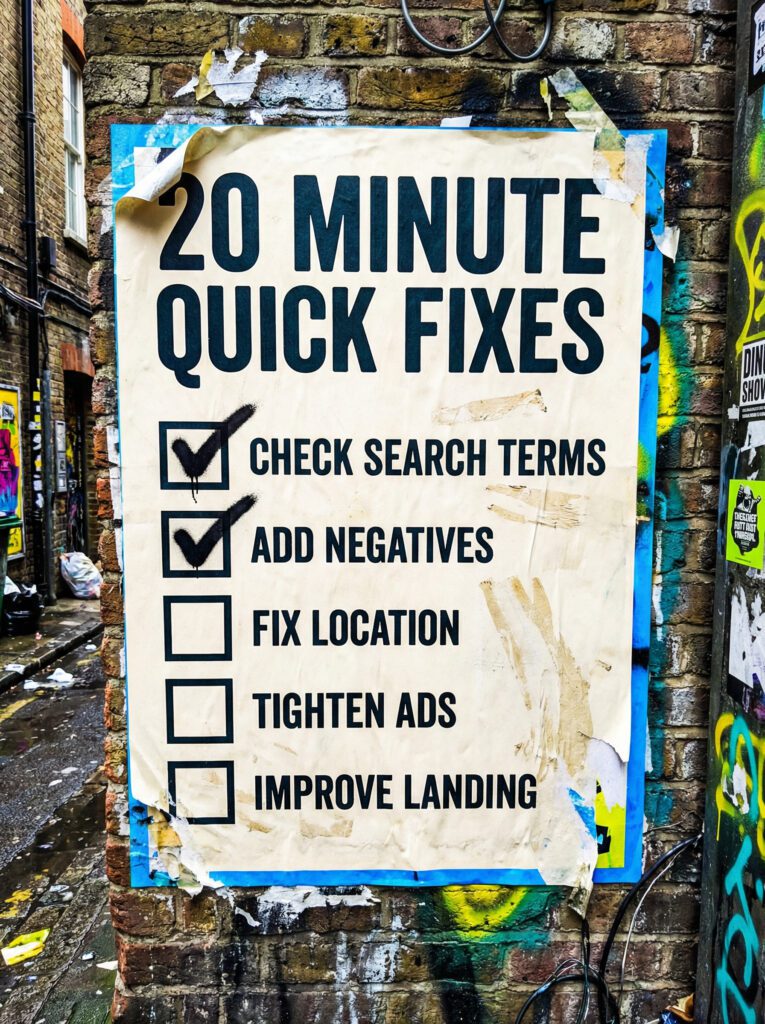
If you only have 20 minutes, do these first. These are the fastest wins in our Google Ads for small business setup.
- Check what searches are actually triggering your ads
- Add negatives for anything irrelevant
- Stop sending traffic to the homepage
- Tighten your locations and schedule
- Make sure you are tracking calls and forms properly
If that already feels like a lot, do not worry. Below is our full setup checklist in the right order.
Not sure where to start?
Most small businesses start Google Ads like this: they pick a few keywords, write one ad, point it at the homepage, and hope. Then they get a few clicks, a few strange calls, and decide ads “do not work”.
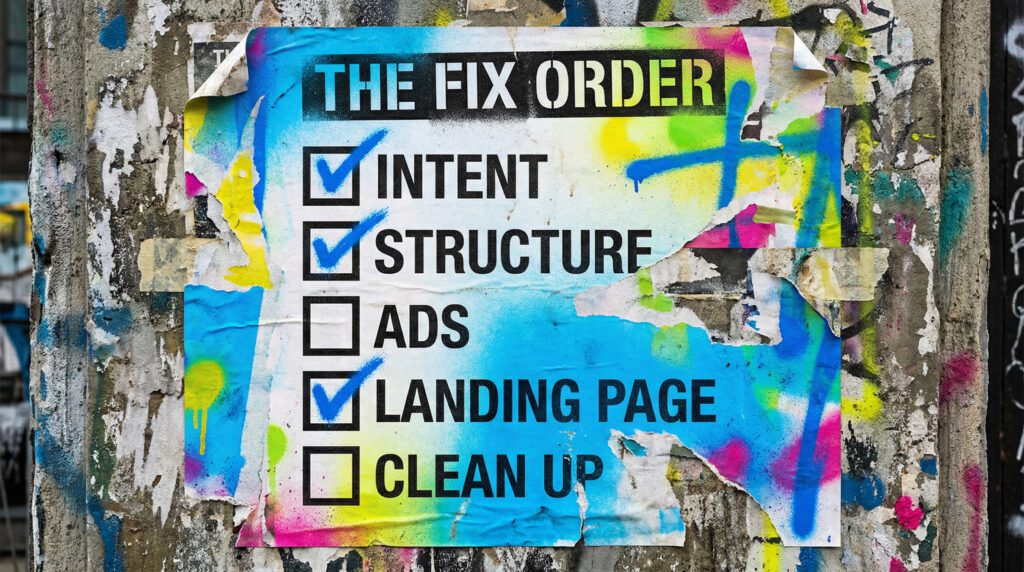
Our full Google Ads for small business setup
Work through this in order. Skipping ahead is how you end up paying for clicks you never wanted.
Step 1: Set the goal and the conversion
First decide what a win is. Calls, form fills, bookings, purchases. Pick one primary goal per campaign.
Checklist:
- One primary conversion per campaign
- Call tracking or form tracking is working
- You know what you can afford per lead or per sale
Step 2: Choose intent, not volume
The biggest mistake in Google Ads for small business is chasing big keywords that bring in research clicks.
Better intent examples:
- “service + near me”
- “service + price”
- “service + quote”
- “service + book”
- “buy [product]”
- “best [product] for [use]”
- “[product] delivery”
Step 3: Build tight structure
You want small, tidy ad groups. One theme per ad group.
Checklist:
- Separate campaigns for separate services
- Separate campaigns for brand vs non-brand
- Keep ad groups tight
- Use exact and phrase match intelligently
- Avoid broad match until you know what you are doing
Step 4: Write ads that qualify people
Your ads should repel the wrong people as much as they attract the right ones.
Checklist:
- Call out who it is for
- Include location if relevant
- Mention pricing ranges if it helps qualify
- Make the next step obvious
- Use extensions properly
Step 5: Landing page that matches the ad
If the ad says one thing and the page says another, you pay more and convert less.
Checklist:
- The headline matches the ad promise
- One clear next step above the fold
- Proof and trust signals
- Fast load on mobile
- Form is short, easy, and works
Step 6: Location and schedule settings
Small businesses often waste budget on the wrong geography and the wrong times.
Checklist:
- Tighten locations to your real service area
- Exclude areas you cannot serve
- Schedule ads when you can actually answer calls
- If you cannot answer calls, push to forms
Step 7: The weekly clean-up
Google Ads is not “set and forget”. The win is in the tidy maintenance.
Checklist:
- Review search terms
- Add negatives
- Pause wasted keywords
- Improve ads that get clicks but not enquiries
- Adjust bids based on performance
- Keep budgets on the best campaigns
Common mistakes that burn budget
These are the classic reasons Google Ads for small business feels like a scam.
- Sending ads to the homepage
- Running one campaign for everything
- Leaving locations too wide
- Ignoring search terms
- Never adding negatives
- Writing ads that attract everyone
- Not answering calls quickly
- Not having a landing page that matches intent
DIY lane vs done for you lane
DIY lane:
If you want to DIY our Google Ads for small business setup, start with search terms, negatives, and landing page alignment. Those are the biggest leak fixes.
Done for you lane:
If you want the time-saving version, we build a tight account structure, write qualifying ads, set up clean landing paths, and keep it maintained so spend stays under control.
Related guides on The Wall
If you’re using Google Ads for small business, these guides will help you turn clicks into better enquiries instead of just buying traffic and hoping.
- Read the Landing Page Checklist if your ads are getting clicks but your page is not doing enough to turn them into leads.
- Check Social Media for small business if you want your paid traffic and organic visibility pulling in the same direction.
- Use social media content ideas if you need simple content that supports your offers between ad clicks and follow-up.
Google Ads for small business FAQs

There is no perfect number, but start with what you can afford to test for 30 days. Use our Google Ads for small business setup so the test is clean, then scale what works.
Sometimes, but not as your first move. Start with Search where intent is clearer, then expand once you know what converts.
Usually it is keywords, locations, and ads that are too broad. Tighten intent and add negatives.
It helps massively. At minimum, have one strong page per main service that matches ad intent.
Check your search terms, add negatives, and stop sending paid traffic to the homepage. That is the fastest start for anyone using our Google Ads for small business setup.