
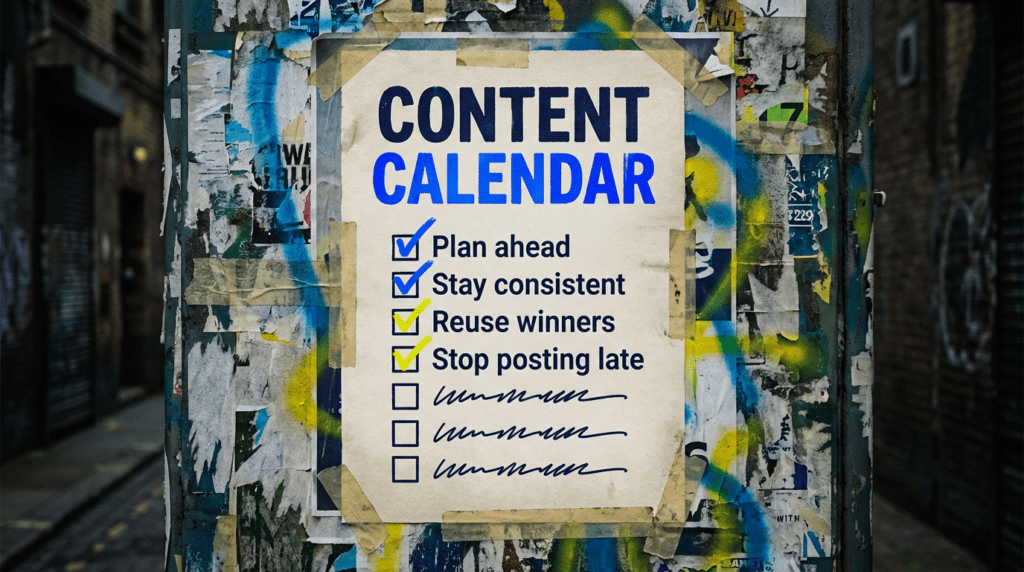
Use our content calendar guide and stop posting at the last minute
A good content calendar helps small businesses stay visible without turning social media into a daily panic. This is the simple fix order for planning posts properly, keeping things consistent, and making your content easier to manage.
Our content calendar guide is for small businesses that know they should be posting more consistently but keep ending up in the same cycle: long silence, one rushed post, then nothing again. If that sounds familiar, this is how you sort it without making social media a full-time job.
You can DIY the basics in this guide. If you want the time-saving version, we can plan it properly and keep the whole thing moving for you.
The quick version
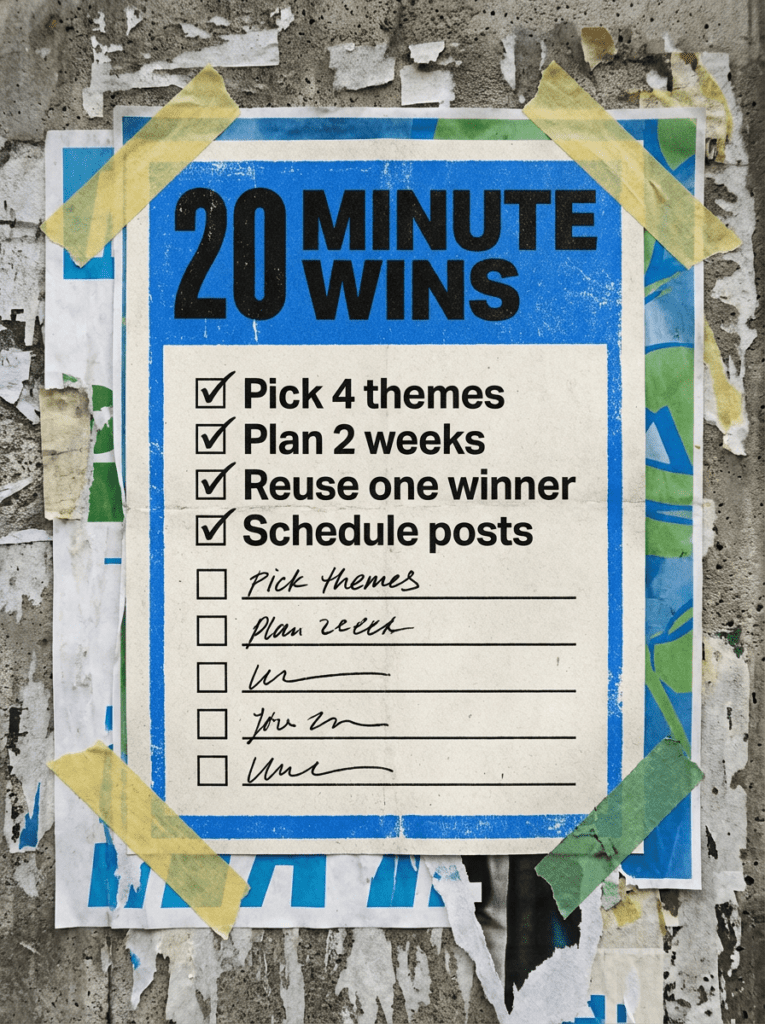
If you only have 20 minutes, do these first. These are the fastest wins in our content calendar guide.
- Pick 3 to 5 content themes you can actually stick to
- Plan the next 2 weeks instead of trying to map the whole year
- Reuse one of your better-performing post ideas instead of reinventing everything
- Match posts to real business goals, not just “we should post something”
- Schedule what you can so social stops relying on memory and last-minute panic
If that already feels like a lot, do not worry. Below is the full fix order in the right sequence.
Not sure why social feels so inconsistent?
Most small businesses do not struggle with social because they have nothing to say. They struggle because there is no plan, no repeatable structure, and no simple system for deciding what gets posted and when.
That is where a content calendar helps. It turns random posting into a process. It also makes it much easier to spot gaps, reuse what works, and stop wasting time staring at a blank caption box.
Meta still offers scheduling and calendar planning through Meta Business Suite, which is handy if Facebook and Instagram are part of the mix. Instagram also keeps pushing consistency, original content, and insights-led planning, which all line up nicely with having a proper social media calendar in place.
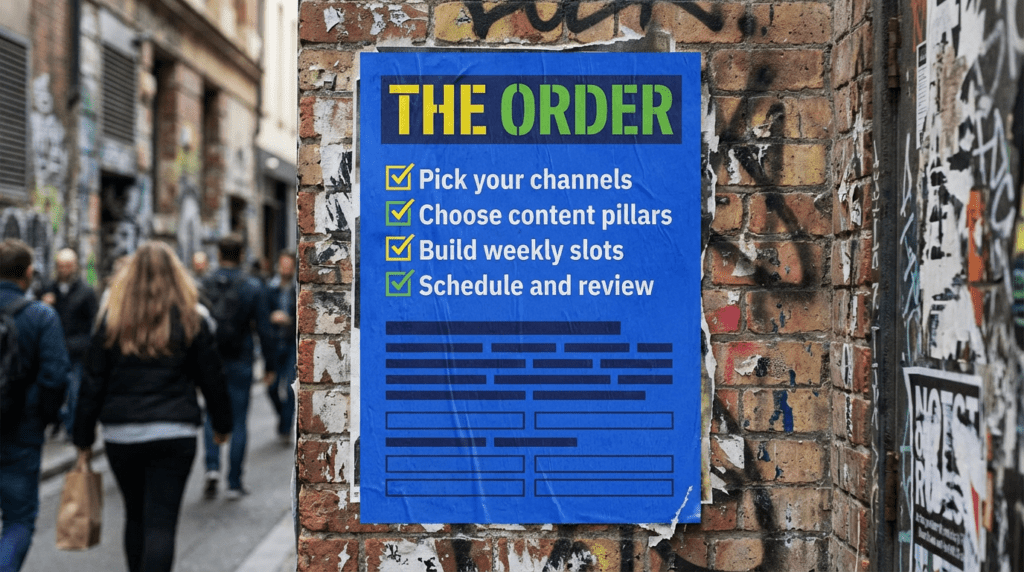
Our full content calendar guide
Work through this in order. Overcomplicating it is how people end up with a colour-coded spreadsheet they hate using after three days.
Step 1: Pick the channels that actually matter
You do not need to be everywhere.
Start by choosing the channels that make sense for your business, your audience, and the kind of content you can realistically create. A local service business might focus on Facebook and Instagram. A B2B business might lean more into LinkedIn. Some brands will want TikTok in the mix, especially if short-form video fits how they sell.
TikTok is still publishing SMB marketing calendars around seasonal moments, which is useful if you want planning prompts without guessing what is coming up.
Step 2: Choose 3 to 5 repeatable content themes
This is where the calendar stops being random.
Pick a handful of themes you can come back to every week without scraping the barrel. For most small businesses, that could be things like:
- Tips and advice
- Behind the scenes
- FAQs
- Offers or services
- Testimonials or proof
- Common mistakes
- Industry myths
- Quick wins
You are not trying to become a full-time creator here. You are giving yourself a repeatable framework.
Step 3: Build a simple weekly posting rhythm
Now turn those themes into a basic posting pattern.
For example:
- Monday: tip or myth-busting post
- Wednesday: behind the scenes or proof post
- Friday: service push, offer, or CTA post
That is your starter rhythm. Keep it simple enough that you can actually keep doing it. A content calendar only works if it survives contact with real life.
Step 4: Plan around real business moments
Do not just fill boxes for the sake of it.
Your social media calendar should support what the business is actually trying to do. That might include:
- Seasonal demand
- Product launches
- Service pushes
- Promotions
- Events
- Recruitment
- FAQs that sales keeps hearing
- Blog posts you want more people to see
This is where social starts pulling its weight instead of just ticking a visibility box.
Step 5: Reuse your winners
This is where people make social harder than it needs to be.
If a post worked, use it again in another format. Turn a tip into a reel, a carousel, a quote graphic, a short caption, or a story. Repackage the same idea instead of constantly chasing a brand-new one.
Instagram keeps pointing creators back to consistent original content and using Insights to guide what they make more of. That is exactly why reviewing past winners matters.
Step 6: Schedule what you can
You do not have to automate every post, but you should remove as much friction as possible.
If Facebook and Instagram are key channels for you, Meta Business Suite gives you a built-in way to plan and schedule content in calendar view. That alone can take a lot of the chaos out of posting.
Scheduling is not the strategy. It just helps the strategy actually happen.
Step 7: Review what is working every month
A content calendar should not be fixed forever.
At the end of each month, look at:
- Which themes got the best engagement
- Which posts drove clicks or enquiries
- Which formats were easiest to produce
- Which posts completely flopped
- What felt sustainable and what did not
Then adjust the next month instead of blindly repeating the same thing.
Internal link note: When the future conversion tracking checklist goes live, link “clicks or enquiries” or “review what is working” naturally in this section.
Common mistakes that kill consistency
These are the classic reasons a content calendar gets abandoned.
- Planning too far ahead and making it feel like homework
- Trying to post on every platform at once
- Picking themes that are too broad or too vague
- Creating a calendar with no room for offers, launches, or real business updates
- Posting for the sake of posting with no clear point
- Never reviewing what worked
- Making the system so fancy that no one actually uses it
DIY lane vs done for you lane
DIY lane:
If you want to DIY our content calendar guide, start by choosing your channels, locking in 3 to 5 content themes, and planning the next 2 weeks. That is enough to build momentum without making the whole thing feel painful.
Done for you lane:
If you want the time-saving version, we build the calendar around your business goals, content themes, campaigns, and offers so your social stops being an afterthought and starts supporting growth properly.
Related guides on The Wall
If you’re working on a content calendar, these guides will help you make the posts themselves stronger and give you more to actually say.
- Read the Social media for small business guide if you want the wider strategy around platform choice, consistency, and what social should actually be doing for the business.
- Check the Social media content ideas guide if your main problem is not the calendar itself, but coming up with enough decent post ideas to fill it.
- Use Google Ads for small business if you want paid campaigns and organic content pushing in the same direction instead of behaving like separate jobs.
content calendar FAQs

A content calendar is a simple plan for what you are posting, where you are posting it, and when it is going live. It helps you stay consistent and stop making social up on the fly.
For most small businesses, 2 to 4 weeks is a sensible starting point. That gives you structure without locking you into a plan you will probably want to change.
Not always. One main calendar can work across multiple platforms as long as you adapt the format and message where needed.
At a minimum: platform, date, post theme, format, rough caption idea, CTA, and whether it is scheduled or still needs creating.
Pick 3 to 5 content themes, plan the next 2 weeks, and schedule what you can. That is the fastest way to get your content calendar working without overthinking it.